# Build a Claude brand kit, landing page and launch video
> Start with real brand facts, review a logo concept and reusable rules, then check an exported Claude landing page on a phone and play the finished Motion MP4.
By BIG CHANGE Editorial
Published: 2026-10-21T16:04:38.748Z
Updated: 2026-10-21T16:04:38.748Z
Canonical: https://bigchange.ai/blog/claude-brand-kit-landing-page-launch-video-guide
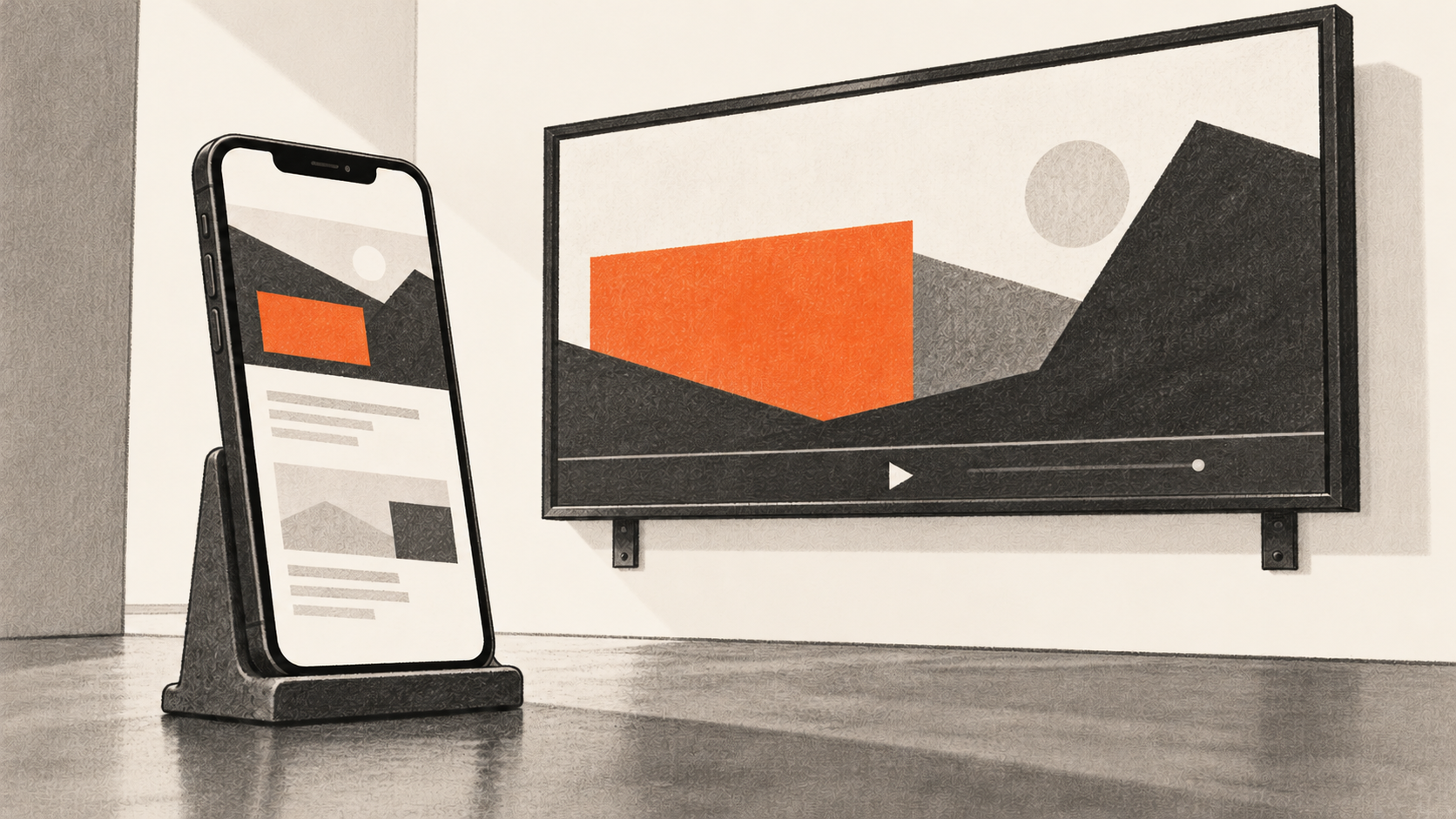
AI-generated conceptual illustration by BIG CHANGE.
Claude can help a brand owner carry one approved identity into a landing page and a short animated launch video. The hard part is keeping the name, mark, product claims and call to action consistent across files that are made and revised separately. This guide starts with your real brand decisions and ends when you have inspected an exported page on desktop and a mobile device, played the exported MP4, and recorded the owner's approval. It describes Anthropic's current documentation and checks for you to perform. BIG CHANGE has not made or tested a brand package in Claude.
## The big change
- **What changed:** Claude Design is available in conversations and Artifacts for visual work, including landing pages. A reusable Design system can carry approved visual rules into new designs. Claude Motion can export a short code-animated artifact as an MP4 on eligible Team and Enterprise accounts.
- **Why it matters:** An owner can develop a concept mark, reusable rules, page and animation from the same approved brief, then review the actual outputs as one package.
- **What to watch:** A generated mark has no automatic rights clearance. Page behavior, mobile layout and MP4 playback need direct checks. Motion's brand consistency must be supplied and inspected; the Design system does not guarantee that the animation inherits it.
## Begin with real facts and permitted assets
This workflow is for a founder or brand owner who can approve a venture's identity and claims. Write a dated brief before opening Claude. State what the product does **today**, who it serves, the problem it addresses, its approved value proposition, and which proof can be shown. Include the exact name under consideration, desired voice, forbidden claims, permitted images and fonts, landing-page call to action and its real destination. Specify the video audience, channel, approximate length and format. Assign a human owner and a rights reviewer. Leave unsupported metrics, testimonials, product capabilities and screenshots out of both the prompt and the outputs.
Give each approved factual claim an ID. In a private asset register, record each proposed mark, font, image, page export and video export with its source, rights status, revision, claim IDs, owner decision and permitted audience. This register is your review method, not a Claude feature. Resolve upload permissions before supplying confidential material or third-party references. If a name, image or font cannot be used, keep it out of the approved system and final exports.
Check the account before spending time on the sequence. Claude Design is available in the integrated **Output > Design** route or as a **Design** template in Artifacts. Artifacts requires **Cloud code execution and file creation** enabled. The reusable Design systems feature is separately in beta on Pro, Max, Team and Enterprise plans; Enterprise owners must enable it, and organization controls can limit publishing. **Motion** is separately in beta on Team and Enterprise, enabled by default on Team and requiring owner enablement on Enterprise. Confirm the actual controls in the intended account. Design and Motion draw on plan usage; a longer or more complex animation uses more of it. If Motion is unavailable, the full video deliverable remains unfinished in that account.
## Make a concept mark and approve the rules
1. **Request concepts from the brief.** Start a Design artifact and supply only the permitted brief and references. A useful instruction is:
```text
Using this approved brief, propose two distinct, simple wordmark or geometric-mark directions as concepts. Use the permitted name and visual references. Do not invent customers, results, endorsements, capabilities or rights. List unresolved decisions and the source of every incorporated asset.
```
Claude can construct visual work with shapes and HTML or SVG, but Anthropic does not describe it as a dedicated commercial logo generator. Inspect what the actual artifact produces instead of assuming it will deliver a usable mark.
2. **Inspect the mark as an owner decision.** View the concept at small and large sizes and in one color. Check spelling, legibility, resemblance to submitted references and the source of each element. Have the owner and appropriate rights reviewer decide whether any concept may be used. A generated appearance does not prove uniqueness, trademark availability, exclusivity or a license to use outside assets. Record the selected revision and decision. If none passes, keep a placeholder and stop that mark from propagating into the system.
3. **Build the reusable Design system.** Supply only the approved mark and other cleared references. Ask Claude to document exact colors, type families and font licenses, type scale, spacing, button and layout rules, logo clear space and forbidden variants. Anthropic says the current Design system can extract colors, typography, components and layout patterns from uploaded materials. [Our separate guide to a checked Claude Design system](https://bigchange.ai/blog/claude-design-reviewed-brand-system-guide) covers that setup in depth. Here, make a new test design with the system, compare it with the owner's rules, correct drift and record signoff before using it for the page. Do not describe an unreviewed system as approved merely because Claude created it.
## Export and walk the landing page
4. **Create the page from approved material.** In a Design artifact, select the approved system and ask for a one-page landing page for the named audience. Give Claude the exact allowed claim IDs and copy, a hero that explains the real product, any supported proof section, and the approved call to action with its real destination. Ask for desktop and mobile layouts. Tell it to flag missing evidence and to leave out invented testimonials, prices and backend behavior. Inspect each section on the canvas and have the owner check the words and visuals. If there is no authorized call-to-action destination, label the page a prototype and do not collect visitor information.
5. **Export a working copy.** Claude Design documents **standalone HTML** and **.zip** exports. Save a dated copy and inspect the extracted files, page content, images, fonts, scripts and external dependencies. A PDF or screenshot is useful for visual review but cannot establish that navigation, links or a form work. Open the exported HTML in a desktop browser and follow every actual link and control. Repair missing assets or behavior and export again. This step does not publish the page or verify it on a public host.
6. **Use an actual mobile device.** Transfer or preview the exported page through an owner-approved private method, then open it in a permitted phone browser. Walk the whole page: hero, menu, copy wrapping, images and fonts, scrolling, touch targets, orientation, call to action, links and any real form. Record device model, browser, file revision and observed pass or failure for each item. A narrow desktop viewport is an additional layout check; it cannot replace the device walkthrough. Correct failures, reopen the new export on desktop and phone, and get the owner's decision on the exact corrected copy.
## Render and play the launch animation
7. **Write the video brief before generating.** Use the same approved claim and asset register to specify audience, channel, required length and aspect, scene order, exact on-screen copy, approved image or mark for each scene, timing and final call to action. A scene map with claim ID, asset rights status and intended duration makes later review possible. Keep planned features and unsupported proof out of the script. [Our earlier Motion report](https://bigchange.ai/blog/claude-dashboards-motion-sql-editable-animations) explains the feature's release; the following checks concern your particular exported video.
8. **Produce the video artifact.** On an eligible account, choose **Output > Motion** or a **Motion** template in Artifacts. Supply the approved brief, scene map, assets and visual rules explicitly. Ask for a short code-animated explainer with the specified words, mark and call to action. Anthropic describes Motion as animating text, charts, shapes and images through code. It does not create realistic footage or people. Inspect the generated scenes for spelling, legibility, timing, clipping, mark placement and claim accuracy. Request corrections or edit the artifact, then **Export > MP4**. A script or storyboard alone has not completed this step.
9. **Play the exported MP4.** Open the actual file in a local player and on the intended display or device. Watch from first frame to last. Check scene order, pacing, visible text, image rights, frame fit, the final call to action and whether any required sound or captions are actually present. Record file identity and observations. If the campaign requires filmed footage, voice or editing beyond Motion's documented animation, mark the deliverable incomplete and arrange a separately approved production route. Do not infer those elements from a preview or prompt.
## Compare the exact four outputs
Put the selected mark, Design system revision, final page export and MP4 side by side. Check the same name, colors, typography, visual treatment, factual claims and call to action in each. Record each exception and the owner's decision. A correction to the system may require a new page export and video render; changing the source rules alone does not repair previously exported files. [A mobile app prototype has its own screen and interaction review](https://bigchange.ai/blog/claude-design-mobile-app-spec-interactive-prototype-guide), which is related to this device check but serves a different task.
Save the final files with dates and hashes, the claim and rights register, page device observations, MP4 playback notes, unresolved items, reviewer decisions and permitted recipients. Anthropic says Claude Design does not yet have built-in version history, so the dated copies identify the exact versions reviewed here. Artifacts begin private; if sharing is approved, read back **Who has access** and the recipient's access level on web or desktop. Team and Enterprise external sharing may be restricted by the organization. Ask an intended reviewer to open the exact shared artifact or privately delivered export before declaring the handoff complete.
The finished package is a reviewed set of assets, not evidence of a public launch or audience response. Website deployment and campaign distribution require their own owner decisions. If a mark remains unapproved, the page fails on a phone, or the MP4 does not play as specified, leave that output open in the register and fix and review its next exact revision.
## Sources & further reading
- [Get started with Claude Design](https://support.claude.com/en/articles/14604416-get-started-with-claude-design) documents the current integrated entry points, canvas iteration, exports, usage and lack of built-in version history. It does not verify your exported page.
- [Set up your design system in Claude Design](https://support.claude.com/en/articles/14604397-set-up-your-design-system-in-claude-design) describes the separate beta access and use of approved source assets; the resulting rules still need owner review.
- [Get started with Claude Motion](https://support.claude.com/en/articles/17454997-get-started-with-claude-motion) describes its plan controls, code animation, MP4 export and usage. Playback and brand accuracy are reader checks.
- [What are artifacts and how do I use them?](https://support.claude.com/en/articles/17153992-what-are-artifacts-and-how-do-i-use-them) explains templates, account capability requirements and export formats.
- [Share artifacts](https://support.claude.com/en/articles/9547008-share-artifacts) explains private defaults and plan-dependent audiences; check the actual access setting before sharing.
- [Can Claude produce images?](https://support.claude.com/en/articles/9002504-can-claude-produce-images) describes HTML/SVG visual construction and the absence of conventional photo or illustration generation. It offers no logo rights guarantee.
## Sources
- [Get started with Claude Design](https://support.claude.com/en/articles/14604416-get-started-with-claude-design) — Integrated Design path, landing-page scope, iterations, HTML/ZIP export, shared usage and no built-in version history; actual reader output needs inspection.
- [Set up your design system in Claude Design](https://support.claude.com/en/articles/14604397-set-up-your-design-system-in-claude-design) — Reusable styles/components from supplied assets and separate beta plan/admin controls; no owner/rights approval is implied.
- [Get started with Claude Motion](https://support.claude.com/en/articles/17454997-get-started-with-claude-motion) — Team/Enterprise beta, code animation, MP4 export and usage; no realistic footage or particular playback result.
- [What are artifacts and how do I use them?](https://support.claude.com/en/articles/17153992-what-are-artifacts-and-how-do-i-use-them) — Templates, cloud capability prerequisite and output formats; actual account access must be checked.
- [Share artifacts](https://support.claude.com/en/articles/9547008-share-artifacts) — Private default and audience/access choices subject to plan and organization settings.
- [Can Claude produce images?](https://support.claude.com/en/articles/9002504-can-claude-produce-images) — HTML/SVG visuals and absence of conventional image generation; no dedicated logo or rights promise.
- [Build and check a reusable Claude Design system](https://bigchange.ai/blog/claude-design-reviewed-brand-system-guide) — Contextual related guide #461, not a dated continuation.
- [Claude adds SQL-visible dashboards and editable animations to Artifacts](https://bigchange.ai/blog/claude-dashboards-motion-sql-editable-animations) — Contextual Motion report #240, not the full workflow.
- [Turn a mobile app spec into a checked Claude Design prototype](https://bigchange.ai/blog/claude-design-mobile-app-spec-interactive-prototype-guide) — Contextual distinct mobile prototype guide #479.
The BIG CHANGE newsletter
The big picture. At your pace.
Recent stories on AI and robotics, the shifts worth watching and practical ideas to use. Choose a daily briefing, weekly digest or monthly perspective.
Next scheduled send (UTC): . Your first edition arrives at the next scheduled send after you confirm.
Your privacy, your choice.
Necessary storage supports site security and remembers your choices. Optional Google Analytics stays off until you allow it. You can read every story with necessary storage only. Privacy details