# Run distributed MLX inference across Mac Studios
> Apple's MLX and Thunderbolt RDMA setup can split model inference across Macs. This documentation-based walkthrough shows the prerequisites, benchmark path and limits of Apple's reported speeds.
By BIGCHANGE.AI Editorial
Published: 2026-10-17T21:06:34.842Z
Updated: 2026-10-17T21:06:34.842Z
Canonical: https://bigchange.ai/blog/distributed-mlx-inference-mac-studio
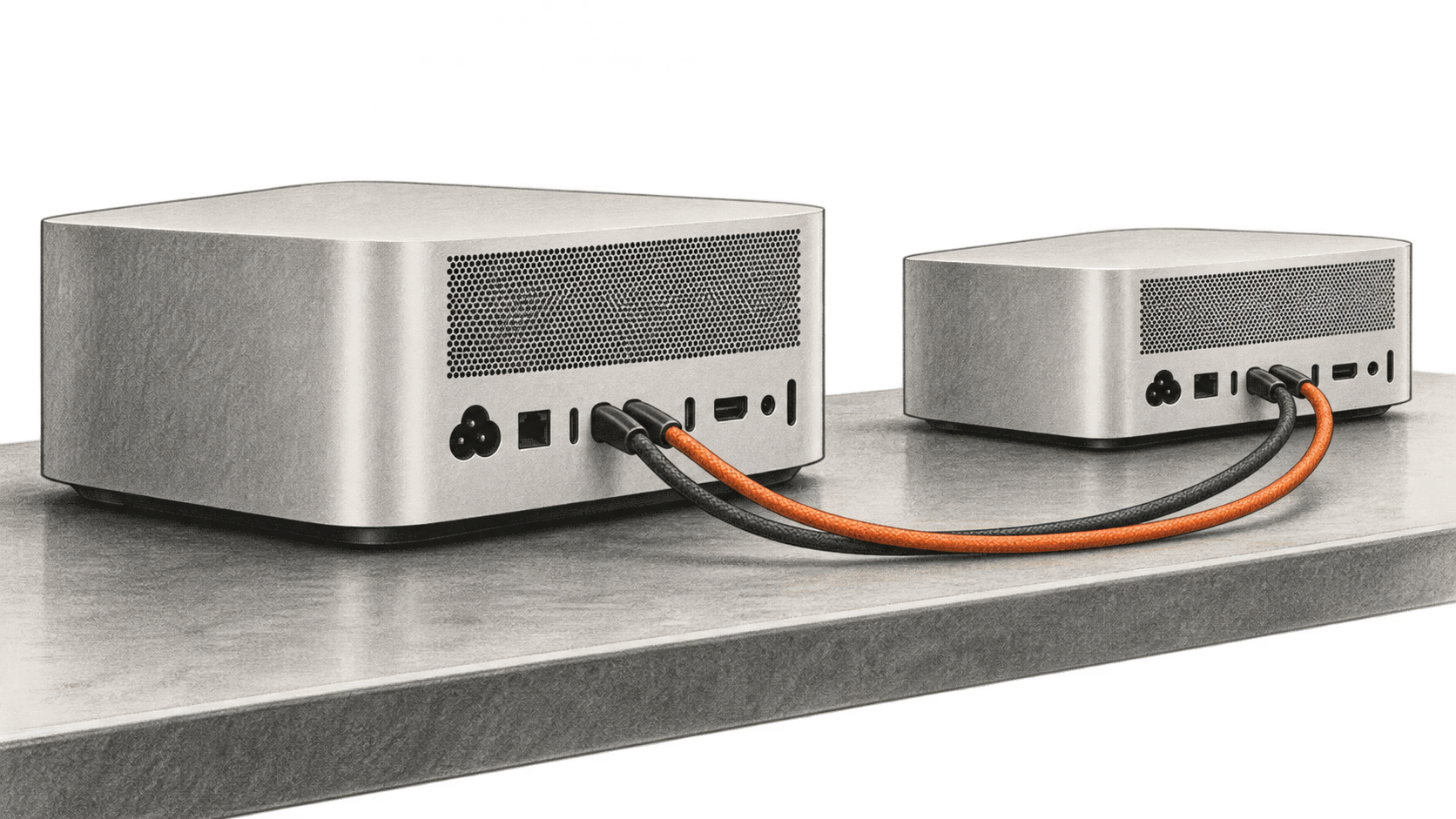
AI-generated conceptual illustration by BIG CHANGE; no MLX run or measured result is depicted.
Apple's October 15 MLX research post describes a way to split large language model inference across Mac Studios connected by Thunderbolt 5. The useful question for a researcher who already has the machines is how to establish a distributed run and tell whether the second Mac is doing work. Apple's reported speed figures come from its own benchmarks; BIG CHANGE did not reproduce them.
## The big change
- **What changed:** MLX 0.30.1 and macOS 26.2 let compatible Macs use a Thunderbolt 5 RDMA connection through MLX's JACCL backend. A model can be split by layers across two machines or by computation within layers across more machines.
- **Why it matters:** A researcher with several high-memory Mac Studios can run a model whose working memory exceeds one machine's capacity while keeping inference on local hardware. Apple's 816-billion-parameter example needs multiple machines even after quantization.
- **What to watch:** The choice of pipeline or tensor parallelism changes the result. Apple's tests found little decode-speed gain from two-machine pipelining, while its four-machine tensor setup generated faster. Current MLX documentation also warns against a synchronization option used in the published benchmarks.
## Who this procedure is for
This documentation-based walkthrough is for an AI researcher or infrastructure engineer with two Mac Studios and permission to configure their network interfaces. The task is to run one MLX LM benchmark across both Macs. Success means the distributed launcher starts on both hosts and produces time-to-first-token and generated-token throughput for the chosen model. It is not a promise that two machines will outrun one on every model or prompt.
Apple's [research post](https://machinelearning.apple.com/research/mlx-distributed-inference), dated October 15, 2026, uses M5 Ultra Mac Studios with up to 512GB unified memory each. It says the Thunderbolt RDMA driver arrived in macOS 26.2 and JACCL support in MLX 0.30.1. The [current MLX distributed documentation](https://ml-explore.github.io/mlx/build/html/usage/distributed.html), showing version 0.32.4 when checked October 17, describes the host setup. Your result will depend on your installed versions, model weights, memory, context length and cable layout.
## Before you begin
Have two compatible Macs with Thunderbolt 5 and macOS 26.2 or later, MLX 0.30.1 or later with MLX LM, an SSH path between the hosts over Ethernet or Wi-Fi, and Thunderbolt cabling between them. Apple's benchmark connects each pair with two cables to increase link bandwidth. The JACCL backend requires a direct Thunderbolt link between every pair of Macs; with two hosts, connect them to each other. RDMA must first be enabled locally in macOS Recovery on **each Mac**. That step requires access to the machines and a reboot; the MLX network setup helper cannot perform it remotely, even with `sudo`. The helper's later automatic configuration path requires passwordless `sudo` on the nodes. A model download also needs the relevant repository access, license clearance and enough local storage and memory. No API subscription is stated for local MLX inference. Apple's post does not give a hardware purchase price or an all-in cost for the setup.
MLX LM's [repository](https://github.com/ml-explore/mlx-lm) documents `pip install mlx-lm`; check the installed MLX and MLX LM versions on each machine before following a command copied from a later release. Prepare an authorized model and prompt. Apple's two-machine example uses `mistralai/Mistral-Medium-3.5-128B` with an 8,192-token prompt and 128 generated tokens. That model also fits on one 512GB Mac Studio in Apple's test, so the example checks distributed execution and its overhead rather than solving an unavoidable memory shortfall.
## 1. Enable and verify RDMA on each Mac
The [MLX distributed guide's RDMA procedure](https://ml-explore.github.io/mlx/build/html/usage/distributed.html#enabling-rdma) requires an administrator at each machine. Start each Mac in macOS Recovery, open **Utilities → Terminal**, run `rdma_ctl enable`, then reboot. Do this separately on both hosts before the network configuration step. Arrange a maintenance window and save any work first, since each machine must restart. This documented action changes a local system capability; follow your organization's device administration policy.
After reboot, run `ibv_devices` on **each Mac** in the normal terminal. The expected output is a device table with `rdma_en…` entries; MLX's documentation shows an M3 Ultra example, so your names and GUIDs can differ. Record the device names for the later hostfile. If the command produces no RDMA devices, stop here and check the OS version, Thunderbolt 5 hardware and whether the Recovery command completed on that specific host. `mlx.distributed_config --auto-setup` cannot replace the Recovery prerequisite.
## 2. Configure the connection and hostfile
Connect the Macs with Thunderbolt cables and confirm each is reachable through SSH. The [MLX distributed guide](https://ml-explore.github.io/mlx/build/html/usage/distributed.html) recommends `mlx.distributed_config` to discover the cabling, check the mesh, set up the network interfaces and generate a hostfile for `mlx.launch`. Its JACCL example uses `--over thunderbolt --backend jaccl --auto-setup --output HOSTFILE.json` after the administrator inspects the topology. Replace the example hostnames and output path with your machines. The helper's automatic setup uses privileged network changes when passwordless `sudo` is available; review those changes with the machine owner before running it. The manual path in the documentation explains the Thunderbolt bridge and isolated interface settings when automatic setup is unsuitable.
Keep the resulting `hostfile.json` available to the launcher. A hostfile copied from someone else's Macs is not a substitute for discovering your own interface names and cable mapping. If setup cannot find a valid mesh, check physical links, SSH reachability and the specific configuration output before retrying a benchmark.
## 3. Start a documented distributed benchmark
Once the hostfile and model access are in place, Apple's example uses `mlx.launch` with the JACCL backend and `mlx_lm.benchmark` with `--pipeline`. For two machines and the Mistral model, the core of that documented invocation is:
```sh
mlx.launch --hostfile hostfile.json --backend jaccl -- \
mlx_lm.benchmark --model mistralai/Mistral-Medium-3.5-128B \
-p 8192 -g 128 -b 1 --prefill-step-size 8192 --pipeline
```
This is a documentation-derived command, not a BIG CHANGE test result. The input is the selected model plus an 8,192-token benchmark prompt; the output includes time to first token and decode speed for 128 generated tokens. Keep the model, precision, prompt length, generation length and batch size the same when comparing another configuration. Use a smaller model or shorter prompt to diagnose an out-of-memory or download failure before attempting Apple's largest example.
Apple's published command also sets `MLX_METAL_FAST_SYNCH=1`, calling it experimental. The current [MLX documentation](https://ml-explore.github.io/mlx/build/html/usage/distributed.html) says that option can deadlock and leave the GPU wedged, and advises leaving it unset. The command above omits it. As a result, its performance cannot be assumed to match Apple's benchmark conditions.
## 4. Interpret the output against the right baseline
The two ways of splitting a model solve different problems. Pipeline parallelism places different layers on different Macs. It can make a model fit when the whole model does not fit on one machine, but the layers still execute in sequence for each decoded token. Apple found similar decode speed on one and two machines for the smaller models, though the pipelined prefill of a 65,536-token prompt was up to about 1.8 times faster in its tests.
Tensor parallelism shares computations within layers. It requires communication at many layers for each token. Apple reported 36.73 tokens a second for the 816B Muse Spark Open model on four M5 Ultra Mac Studios at 8,192 context tokens, compared with 15.74 tokens a second for its two-machine pipeline run. Its four-machine mesh used two Thunderbolt cables per connected pair. The model was evaluated in 4-bit NVFP4 form, with a reported model footprint of about 493GB before intermediate inference memory, and would not fit on one 512GB machine in that test.
Those are Apple's measurements, taken with `mlx_lm.benchmark`, its selected models and its configurations. They are not independently reproduced numbers or evidence of performance for every model. The [tables in Apple's post](https://machinelearning.apple.com/research/mlx-distributed-inference) separate time to first token, decode speed, context size and parallelization method. Compare the same metric and conditions when judging whether adding machines helps your workload.
## Limits and recovery
This setup needs multiple high-memory Macs, a correct Thunderbolt topology and administrative control. Apple does not provide a full equipment cost in the research post. Model weights and licenses also vary. A local model server can keep inference on machines you control, but local placement alone does not establish data-handling compliance or model accuracy. Check the model's terms and your organization's data policy before using confidential material.
If `mlx.launch` fails before a benchmark, first confirm `ibv_devices` lists RDMA devices on **both** hosts, then check the exact MLX versions, SSH access, direct cable topology and generated hostfile. If a device is absent, revisit the local Recovery enablement with the machine administrator; repeating remote auto-setup will not turn RDMA on. If the run starts but exhausts memory, use a smaller model or context to isolate configuration from capacity. If two machines are slower than one, compare pipeline and tensor modes and inspect prompt length and communication overhead. Do not turn on the experimental fast synchronization flag merely to match the published speed figures; the current MLX documentation warns of deadlock.
BIG CHANGE reviewed Apple's October 15 post, the current MLX distributed documentation and the MLX LM repository on October 17. We did not have this Mac Studio cluster, execute the commands, download the models or measure the output. The contribution here is a bounded way to check distributed execution, the distinction between fitting a model and making it faster, and the documentation conflict around the benchmark's synchronization setting.
## Sources & further reading
- [Apple Machine Learning Research: Local and Distributed Large LLM Inference with MLX and RDMA on Mac Studio](https://machinelearning.apple.com/research/mlx-distributed-inference): October 15, 2026 release description, benchmark configurations, model footprints and reported results.
- [MLX 0.32.4 distributed communication documentation](https://ml-explore.github.io/mlx/build/html/usage/distributed.html): JACCL requirements, connection setup, hostfile generation and warning about fast synchronization; checked October 17, 2026.
- [MLX LM repository](https://github.com/ml-explore/mlx-lm): installation path, model selection and command reference; checked October 17, 2026.
## Sources
- [Apple Machine Learning Research — Local and Distributed Large LLM Inference with MLX and RDMA on Mac Studio](https://machinelearning.apple.com/research/mlx-distributed-inference) — October 15, 2026 source for release stage, Apple experiments and benchmark tables.
- [MLX 0.32.4 Distributed Communication](https://ml-explore.github.io/mlx/build/html/usage/distributed.html) — Current JACCL setup and fast-synchronization warning, checked October 17.
- [MLX LM source repository](https://github.com/ml-explore/mlx-lm) — Installation and interface reference, checked October 17.
The BIG CHANGE newsletter
The big picture. At your pace.
Recent stories on AI and robotics, the shifts worth watching and practical ideas to use. Choose a daily briefing, weekly digest or monthly perspective.
Next scheduled send (UTC): . Your first edition arrives at the next scheduled send after you confirm.
Your privacy, your choice.
Necessary storage supports site security and remembers your choices. Optional Google Analytics stays off until you allow it. You can read every story with necessary storage only. Privacy details