# How to move a Gemini Gem into a Skill before Google's transition
> Google documents how to recreate a Gemini Gem as a Skill before its staged account transitions. Follow the manual file steps and check the current feature limits.
By BIG CHANGE Editorial
Published: 2026-09-30T22:37:47.033Z
Updated: 2026-09-30T22:37:47.033Z
Canonical: https://bigchange.ai/blog/gemini-gems-to-skills-migration-guide
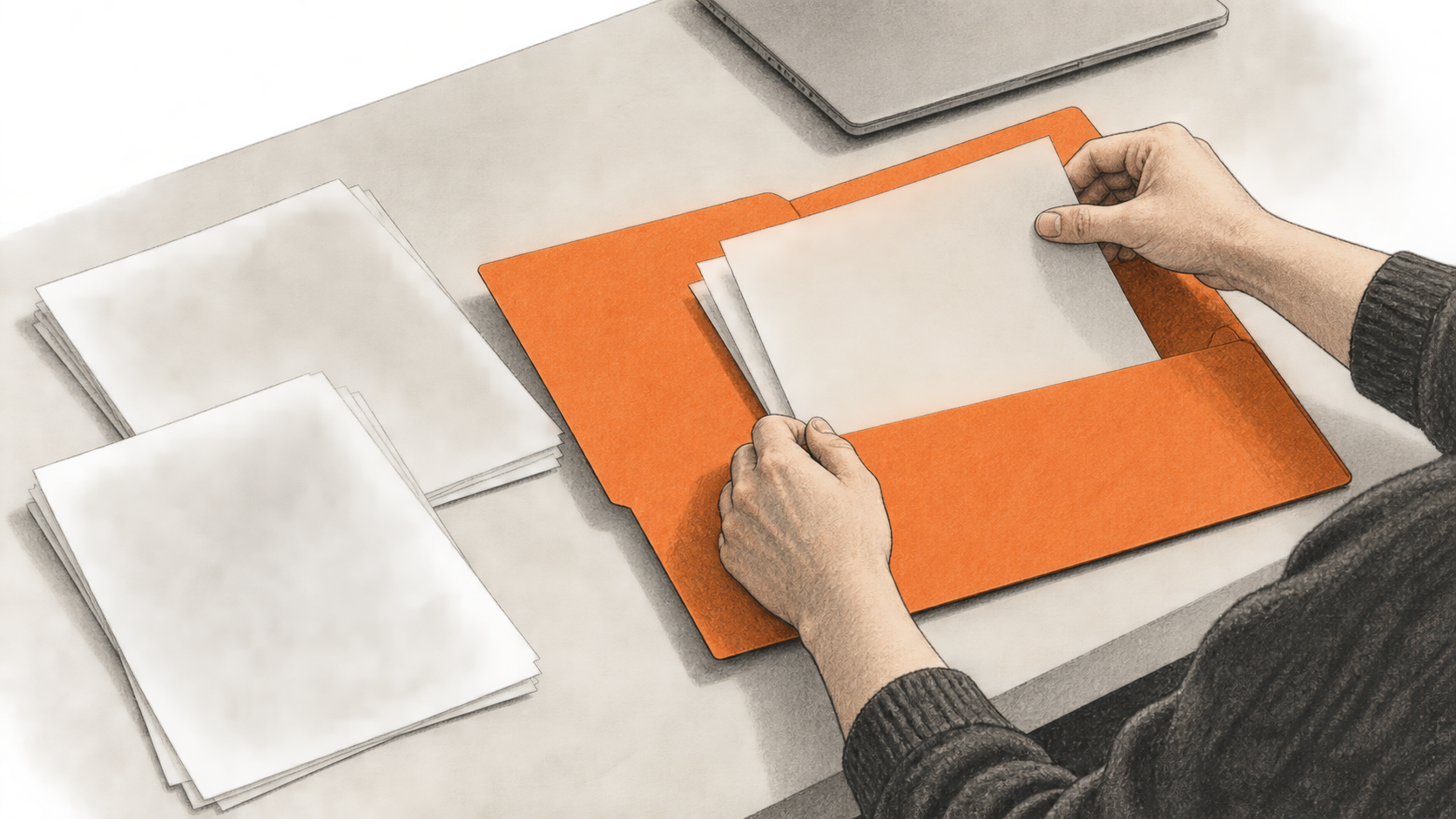
AI-generated conceptual editorial illustration by BIG CHANGE.
Google says it will replace Gems with Skills in Gemini Apps, beginning with personal Google Accounts in November 2026. If you want to use a Gem as a Skill sooner, Google's [transition guide](https://support.google.com/gemini/answer/18560919?hl=en-GB) documents a manual route: copy the Gem's name, description and instructions, then bring over its knowledge files if it has any. This guide follows Google's documentation, checked 30 September 2026. BIG CHANGE has not tested the procedure in a Gemini account.
## The big change
A Gem can be recreated as reusable instructions that Gemini can use in an existing chat, either when you select the Skill or when Gemini finds it relevant. Google also says it will automatically recreate Gems as Skills when Gem support ends. The manual steps are for people with access to Skills who want to make the move earlier. Some Gem tools and file connections are unavailable in Skills today, so copying instructions alone does not establish feature parity. [Google's transition guide](https://support.google.com/gemini/answer/18560919?hl=en-GB) and [Skills guide](https://support.google.com/gemini/answer/17094296)
## Check your account and files first
Google currently requires a personal Google Account, age 18 or over, and **Keep Activity** turned on to create and use Skills. Availability is rolling out, so an eligible user may not see Skills yet. Work and school accounts cannot create or use them at present. For the procedure below, use the Gemini web app on a computer. Google says file upload for Skills is currently available on the web and in the Gemini app on Mac. [Create and manage Skills](https://support.google.com/gemini/answer/17094296)
Google gives different Gem removal dates by account type:
| Account used to sign in | Google's stated removal period |
| --- | --- |
| Personal Google Account | November 2026 |
| Workspace business, enterprise and nonprofit | March 2027 |
| Workspace education | June 2027 |
These are scheduled transitions, not a sign that a manual recreation has already happened. Google says it will move Gems and supported files automatically when Gems go away. For an earlier manual move, each Gem knowledge file must be downloaded individually; the files can then be uploaded together. [About the transition from Gems to Skills](https://support.google.com/gemini/answer/18560919?hl=en-GB)
## Recreate the Gem's instructions
The expected result of this documented procedure is a new Skill with the Gem's name, description and instructions. If the Gem has knowledge files, the extra file steps below add them to that Skill.
1. On a computer, open [Gemini](https://gemini.google.com), expand the sidebar, choose **Gems**, and click **Edit** next to the Gem you want to recreate. Keep this tab open.
2. If the Gem has files under **Knowledge**, open each file and click **Download** at the top. Make a folder on your device named for the Skill in lowercase words separated by hyphens, such as `sample-skill-name`. Put the downloaded files in it.
3. Open a second browser tab at [Gemini](https://gemini.google.com). In the sidebar, select **Settings → Skills**, then **Create manually** near the top of the Skills page.
4. Copy the Gem's name, description and instructions into the new Skill. Google says the Skill name will update to the required format. Click **Create** at the top.
If there were no knowledge files to bring over, Google's manual procedure ends here. These steps are from the [Gem transition guide](https://support.google.com/gemini/answer/18560919?hl=en-GB); they have not been independently tested by BIG CHANGE.
## Add downloaded knowledge files
Google's route for adding those files uses the Skill it just created:
1. On the **Skills** page, hover over that Skill, choose **Skill actions → Download**, and open the downloaded `.zip`. It contains `SKILL.md`.
2. Move `SKILL.md` into the folder holding the downloaded Gem files.
3. Back on the **Skills** page, hover over the same Skill and choose **Skill actions → Replace skill**. In the upload area, select **folder** and choose the folder containing `SKILL.md` and the Gem files. The folder name must match the Skill name.
4. Click **Upload**, then **Upload** again to confirm. Google says the Skill now includes the files. [Gem transition guide](https://support.google.com/gemini/answer/18560919?hl=en-GB)
The [Skills upload guide](https://support.google.com/gemini/answer/17094296) adds two limits worth checking before that final upload: `SKILL.md` must be in the folder's root, and the total upload must be no more than 100 MB. It lists plain text, code, data, PDF and image files among supported formats, while `.docx` and `.xlsx` are among the unsupported binary formats. GitHub files from Gems are not currently supported in Skills, according to the [transition FAQ](https://support.google.com/gemini/answer/18560919?hl=en-GB).
## What the manual move leaves behind
Google permits any number of created Skills, but only **100 can be active at once**. You can deactivate one to make room for another. Skills can work with Connected Apps such as Workspace apps, but Google says they do not yet work with Canvas or Deep Research. It also lists Create video, Create music and Guided learning among default Gem tools that currently do not work with Skills. Skills do not have a Gem-style page listing recent chats for each Skill; those chats appear in the main side panel. [Gem transition FAQ](https://support.google.com/gemini/answer/18560919?hl=en-GB)
Google says sharing Skills and adding files from Google Drive and Gemini Notebook are planned for the coming weeks. Treat those as forthcoming features until they appear in your account. The [Skills guide](https://support.google.com/gemini/answer/17094296) says a Google AI subscription is not required to use Skills in chats, but the cited Help pages do not publish a Skill-specific price. This guide does not claim the move is free or that a manually recreated Skill behaves exactly like its Gem.
## Sources & further reading
- [Google Gemini Apps Help, “About the transition from Gems to skills”](https://support.google.com/gemini/answer/18560919?hl=en-GB). Checked 30 September 2026; no publication or update date is visible. This is the primary record for account timelines, automatic and manual transition, the exact recreation steps, the 100 active Skill limit and current feature gaps. It documents Google's intended behavior, not a migration BIG CHANGE observed.
- [Google Gemini Apps Help, “Create & manage skills for Gemini Apps”](https://support.google.com/gemini/answer/17094296). Checked 30 September 2026; no publication or update date is visible. This gives access prerequisites, upload structure, file formats and size limits. It says a Google AI subscription is not required for chat use, but gives no Skill-specific price.
## Sources
- [Google Gemini Apps Help: About the transition from Gems to skills](https://support.google.com/gemini/answer/18560919?hl=en-GB) — Google's primary account of its planned Gem removal and automatic conversion stages, plus the exact manual recreation and file-transfer path, active-Skill limit and current feature gaps. It documents a plan and instructions, not a BIG CHANGE-observed migration.
- [Google Gemini Apps Help: Create & manage skills for Gemini Apps](https://support.google.com/gemini/answer/17094296) — Google's current account of age, account and Keep Activity prerequisites, rolling access, upload structure, file types and 100 MB size ceiling. It says no Google AI subscription is required for chat use but gives no Skill-specific price; these instructions were not tested by BIG CHANGE.
The BIG CHANGE newsletter
The big picture. At your pace.
Recent stories on AI and robotics, the shifts worth watching and practical ideas to use. Choose a daily briefing, weekly digest or monthly perspective.
Sent at 09:00 Belgrade time: daily, Mondays or the first of the month. Your first edition arrives at the next scheduled send after you confirm.
Your privacy, your choice.
Necessary storage supports site security and remembers your choices. Optional Google Analytics stays off until you allow it. You can read every story with necessary storage only. Privacy details