# How to run and review a GPT-5.5 multi-file change in Codex
> GPT-5.5 remains available to eligible API-key Codex projects. Set a real two-file coding task, verify the active model, then inspect tests and the complete patch before acceptance.
By BIGCHANGE.AI Editorial
Published: 2026-10-21T16:55:38.351Z
Updated: 2026-10-21T16:55:38.351Z
Canonical: https://bigchange.ai/blog/gpt-5-5-codex-api-key-multi-file-change-guide
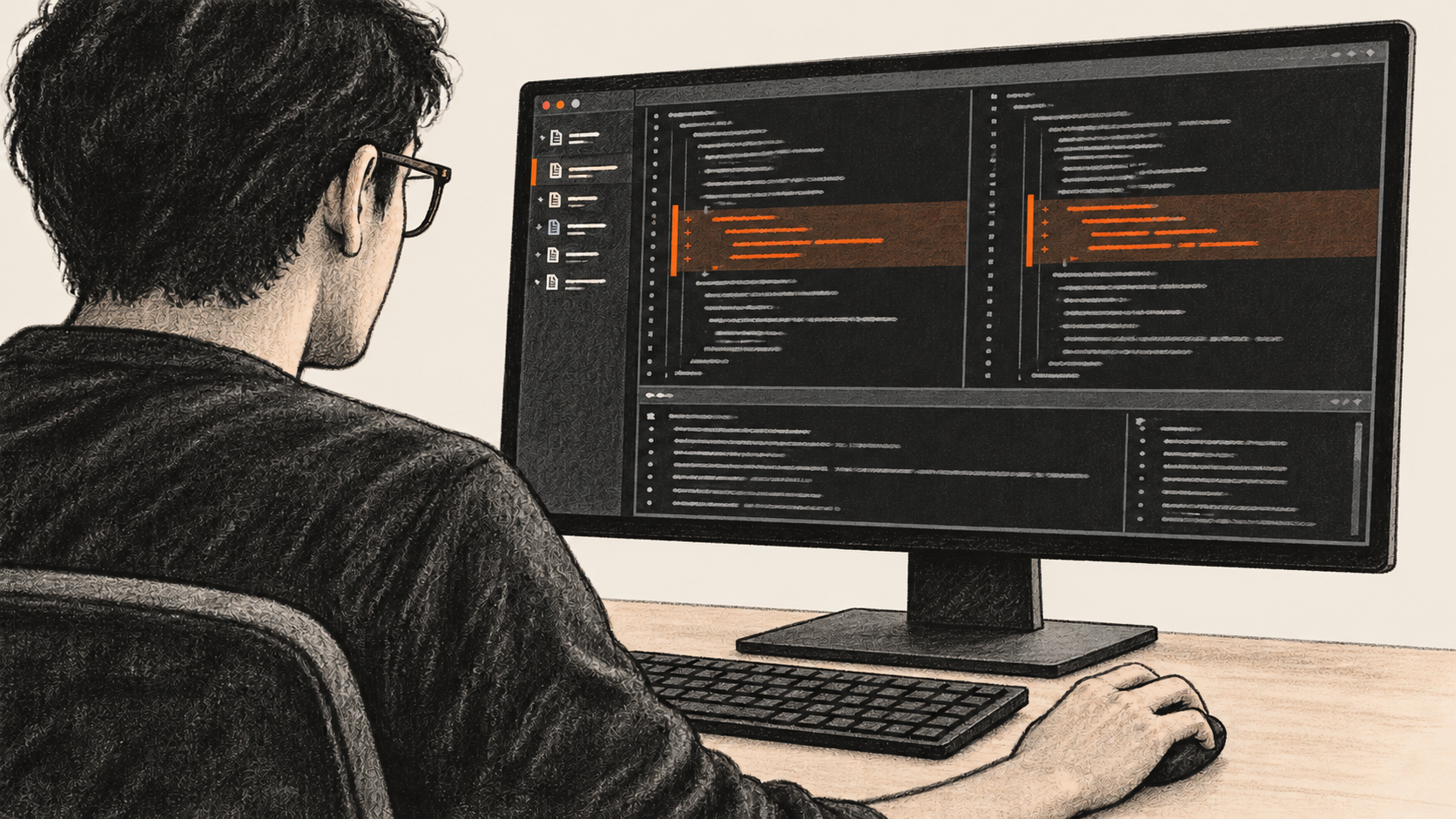
AI-generated conceptual illustration by BIG CHANGE.
GPT-5.5 is still an option for a Codex coding task if your API project can use it, but the sign-in route matters. OpenAI retired GPT-5.5 from Codex sessions signed in with ChatGPT on 14 October 2026 at 19:00 UTC. API-key-authenticated Codex sessions were unaffected. This guide shows how to check that route, give the model a real change spanning two necessary production files and a test, and decide whether the resulting patch is good enough to keep.
## The big change
- **What changed:** ChatGPT sign-in no longer grants GPT-5.5 in Codex; the documented API-key route remains.
- **Why it matters:** Selecting `gpt-5.5` in an authorized API project lets you assess that specific model on your own bounded coding task.
- **What to watch:** Project access and API charges vary. Verify the active model, actual diff and test output before accepting any result.
This is a documentation-based recipe, checked against OpenAI's current docs on 21 October 2026. BIG CHANGE did not use a reader's key, run GPT-5.5, edit a sample repository or measure its speed. You'll need a real Git repository, a small approved issue whose behavior crosses **at least two existing production files and one relevant test**, the exact test command, and someone empowered to accept or reject the patch. Use a safe local test environment and an approved working tree or isolated worktree. The repository owner must allow its contents to be sent to the API project. [OpenAI's model availability notice](https://learn.chatgpt.com/docs/models) establishes the sign-in distinction; your own account must establish entitlement.
## 1. Write down the change before opening Codex
Choose an issue with a behavior you can observe before and after. Name the two production paths and explain why each must change. Identify the test file and a command that exercises the behavior. A second file touched only to satisfy a file count is a failed task. Keep this contract outside the repository if it contains private details:
```text
Repository revision: [actual commit or branch and commit]
Approved issue and current behavior: [real issue; observed failure or missing case]
Required behavior: [observable acceptance condition]
Production file A / role: [actual path; why it must change]
Production file B / role: [actual path; why it must change]
Relevant test file: [actual path]
Interfaces and behavior to preserve: [names and constraints]
Out of scope: [specific files, features, dependencies or external actions]
Relevant test command: [actual local command]
Human reviewer: [person or role]
```
Before an agent edits anything, capture the revision and working-tree status and run the relevant test in your own safe environment. Record its actual exit status and failing assertion, if any. A test you could not run is an unknown baseline, not a pass. For a Git repository, these read-only commands establish the starting point:
```bash
git rev-parse HEAD
git status --short
```
If the tree has existing work, identify it in the contract so the review does not credit or discard somebody else's edits. OpenAI also recommends local tests and diff review in its [Codex best practices](https://learn.chatgpt.com/docs/learn/best-practices).
## 2. Check API access and the exact model
Use the [current Codex CLI instructions](https://learn.chatgpt.com/docs/codex/cli) to install or open the CLI in that repository. Have the project owner approve API usage and a budget first. The [GPT-5.5 API catalog](https://developers.openai.com/api/docs/models/gpt-5.5) lists the model and its token prices; it cannot tell you whether your particular project has access or what this task will cost. API use may transmit repository content under your organization's data policy.
Have the project owner securely provision `OPENAI_API_KEY` in your Bash environment before this step; do not type the key into a command or commit it to a file. The [CLI's documented example](https://learn.chatgpt.com/docs/developer-commands) pipes that existing variable into stdin without printing its value to the terminal. Run it only in your own authorized environment, then use `codex login status` to confirm the active authentication mode reports API key:
```bash
printenv OPENAI_API_KEY | codex login --with-api-key
codex login status
codex --model gpt-5.5
```
In the new interactive session, use `/status` to read the active session configuration and `/model` if you need to inspect or select the model. Continue only when the readback shows API-key authentication and **`gpt-5.5`**. A model label in a prompt, a default selection or a ChatGPT-signed session does not establish that. If selection is denied, check the auth mode, API project entitlement and budget with the owner; hold this GPT-5.5 task until access is resolved. Do not silently switch to another model and call its patch a GPT-5.5 result. Keep the normal `/permissions` and approval controls for this repository.
## 3. Give it an outcome and boundaries
Replace every bracket with your real contract. OpenAI's [GPT-5.5 guidance](https://developers.openai.com/api/docs/guides/latest-model?model=gpt-5.5) favors clear outcomes, success checks and constraints over a rigid script. This prompt names the files because the task itself requires all three:
```text
In this repository at [actual revision], fix [approved issue] so that
[observable behavior] holds. Inspect [production path A] and [production
path B] because [specific reason each is necessary], plus the relevant
test at [test path]. Preserve [named interfaces and constraints].
Keep edits within [scope]. Do not change [forbidden files or behavior],
add dependencies without review, push, deploy, or take external actions.
If a necessary fact is missing, ask before inventing behavior.
Implement the smallest change that genuinely updates both production
paths and the relevant test. Run [actual test command]. Report the exact
changed files, the command's observed result, any failures and unresolved
risks. Stop after the local patch and checks for human review.
```
Let Codex inspect the code and propose its approach. Resolve an ambiguous requirement before it edits. Review any request for broader file access or commands against the contract. A useful result changes both production paths for their stated reasons and adds or updates a test that would detect the wrong behavior.
## 4. Read the patch and the test output yourself
Inspect the tool transcript for the actual test command, exit status and assertions. The model's sentence “tests passed” is not test evidence. In Codex, `/diff` shows staged, unstaged and untracked changes; `/review` can flag potential issues. Inspect the complete patch yourself too, including any new files. These Git checks help expose whitespace errors, touched paths and the final patch:
```bash
git status --short
git diff --check
git diff
git diff --cached --check
git diff --cached
```
Plain `git diff` shows unstaged changes to tracked files; `git diff --cached` shows staged changes. Neither includes untracked files, so inspect those directly. You do not need to stage a file just to review it. Compare every changed file with the contract, line by line where behavior changes. A quick acceptance record can be as small as this:
| Expected path | What changed and why | Test evidence | Human decision |
| --- | --- | --- | --- |
| Production A: [path] | [necessary behavior] | [observed output] | [accept/reject] |
| Production B: [path] | [necessary behavior] | [observed output] | [accept/reject] |
| Test: [path] | [assertion for acceptance] | [command and exit] | [accept/reject] |
Run the named relevant test once more from the final working tree and record its actual output and exit. If it fails, or if Codex skipped it, acceptance waits. If another path changed, find out why; do not waive an unexplained dependency edit. A passing relevant test supports the checked behavior under that environment, not the absence of every regression.
For a failed assertion or review finding, give Codex the exact observed error and affected path, ask for a bounded correction, then inspect the new diff and rerun the affected test. If a new session starts, verify `gpt-5.5` again. After an interrupted run, first read Git status and the session state so you do not duplicate work. The human reviewer records acceptance or rejection and unresolved limits before any later commit or release decision.
OpenAI's [GPT-5.5 launch post](https://openai.com/index/introducing-gpt-5-5/) reports its own coding and serving results. Those are not a speed measurement for your issue. If your account exposes usage, record the actual model, revision, elapsed time, tokens or charges, and test outcome. Compare another model only on a comparably specified task and report what you actually observed. If timing or billing data is missing, leave it unknown. This guide makes no 2–3× speed claim.
## Related coverage
For a narrower repair workflow, see [fixing one failing repository check with an AI Goal](https://bigchange.ai/blog/ai-goal-failing-repository-check-guide). [Codex Cloud environment setup](https://bigchange.ai/blog/codex-cloud-environment-setup-guide) covers a different execution route. Our [report on models omitting failed results](https://bigchange.ai/blog/ai-models-omit-failed-results-reporting-study) is another reason to inspect test output rather than accept a summary alone.
## Sources
- [OpenAI, Model availability and GPT-5.5 retirement](https://learn.chatgpt.com/docs/models) — Current Codex access notice: ChatGPT-signed GPT-5.5 ended October 14 at 19:00 UTC; API-key sessions are unaffected. Individual API project access still needs direct verification.
- [OpenAI, Developer commands](https://learn.chatgpt.com/docs/developer-commands) — Documents stdin API-key login, authentication status, explicit CLI model selection, /diff and /review. Secret delivery is left to each owner's approved mechanism.
- [OpenAI, Codex CLI](https://learn.chatgpt.com/docs/codex/cli) — Documents interactive repository use and /status, /model, /permissions and /review controls. Actual session readback and permissions must be checked by the reader.
- [OpenAI, GPT-5.5 API model](https://developers.openai.com/api/docs/models/gpt-5.5) — Lists the gpt-5.5 slug, snapshot and API pricing. A catalog listing does not prove entitlement, budget or final task charges for any reader.
- [OpenAI, GPT-5.5 model guidance](https://developers.openai.com/api/docs/guides/latest-model?model=gpt-5.5) — Supports outcome-first prompts with goals, success criteria, boundaries and measured evaluation; it is model guidance rather than a report of this guide being run.
- [OpenAI, Codex best practices](https://learn.chatgpt.com/docs/learn/best-practices) — Recommends relevant tests and direct diff review. Reader-specific repository and test outcomes remain unobserved here.
- [OpenAI, Introducing GPT-5.5](https://openai.com/index/introducing-gpt-5-5/) — April 2026 launch account reports vendor coding and serving results. It does not establish a speedup or quality result for a reader's repository task.
The BIG CHANGE newsletter
The big picture. At your pace.
Recent stories on AI and robotics, the shifts worth watching and practical ideas to use. Choose a daily briefing, weekly digest or monthly perspective.
Next scheduled send (UTC): . Your first edition arrives at the next scheduled send after you confirm.
Your privacy, your choice.
Necessary storage supports site security and remembers your choices. Optional Google Analytics stays off until you allow it. You can read every story with necessary storage only. Privacy details