# Turn owned HTML, PDF and Word files into checked Markdown context
> Convert permitted local HTML, PDF and Word files to Markdown, check material content against originals, assemble a source-mapped AI context packet and count comparable text tokens only when a valid baseline exists.
By BIG CHANGE Editorial
Published: 2026-10-22T07:32:38.885Z
Updated: 2026-10-22T07:32:38.885Z
Canonical: https://bigchange.ai/blog/markitdown-audited-ai-context-guide
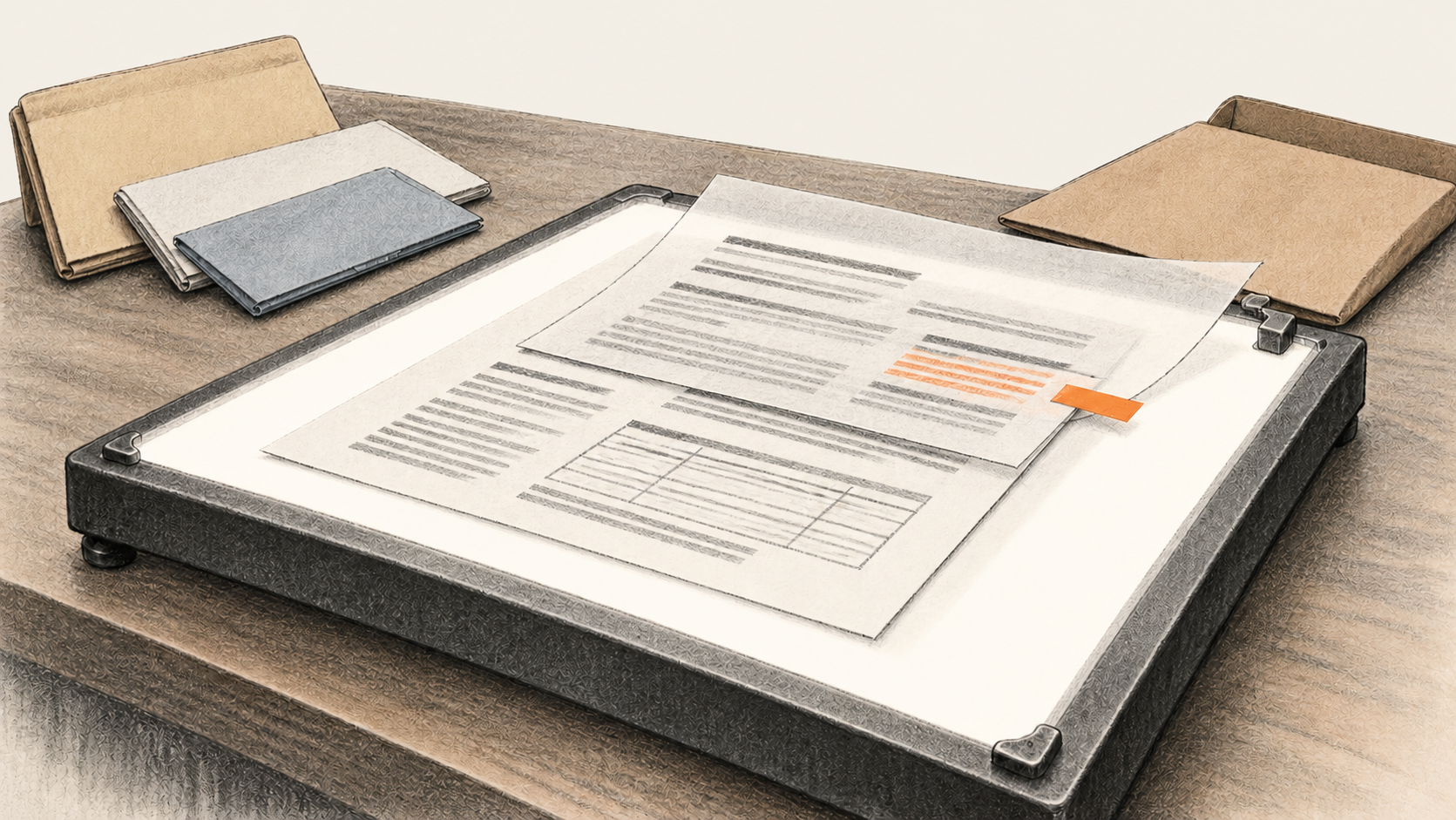
AI-generated conceptual illustration by BIG CHANGE.
You have permission to use a set of local HTML, PDF and Word files as evidence for an AI task. How do you turn them into a context packet without losing a number, breaking a table or claiming a token saving you never measured? This guide uses [Microsoft MarkItDown 0.1.9](https://github.com/microsoft/markitdown/blob/v0.1.9/README.md) to make Markdown copies, then asks you to check each copy against its original before an authorized AI workflow can use it. The result is a private, source-mapped `context.md` and a record of anything held back.
## The big change
- **What changed:** A local conversion command can put permitted HTML, PDF and DOCX files into a common Markdown form. Your acceptance record determines which text enters the packet.
- **Why it matters:** A readable conversion can still move a PDF column out of order, flatten a table or omit information in an image. A source locator and a check against the original let you find those errors before they affect an AI answer.
- **What to watch:** The optional token count measures selected UTF-8 text with one named encoding. It says nothing by itself about an AI provider's attachment processing, answer quality or bill.
This is for a researcher, developer or operations analyst who can inspect the actual files and approve the destination for the resulting text. The [MarkItDown manual](https://github.com/microsoft/markitdown/blob/v0.1.9/README.md) documents the converter and its local command line; the file-by-file acceptance process below is our editorial workflow, not a vendor guarantee. BIG CHANGE reviewed the documentation and the counter's mechanics with a fake encoder. We did not install the converter or tokenizer, convert a reader corpus, call a model or measure a saving.
## 1. Define the question and inventory the files
Write the exact question the packet must help answer and the facts it must preserve. For each authorized file, record a source ID, path, type, visible title and date or version, page or section range, rights, intended use and SHA-256 hash. Keep the original and work on disposable copies in a private folder. You need Python 3.10–3.14, permission to install the pinned packages, disk space, and a rendered view of each original for comparison. Python 3.12 is the example below. The [0.1.9 package record](https://pypi.org/project/markitdown/0.1.9/) gives its supported Python range; check the installed versions on your own machine.
Stop when ownership or downstream permission is unclear, or when an encrypted or damaged file cannot be inspected. Treat links and embedded commands inside documents as source material. Do not fetch or execute them as part of conversion. Keep secrets and unrelated personal data out of the packet.
For the commands below, put authorized copies named `input.html`, `input.pdf` and `input.docx` in a new private working folder. Run each line there in Windows PowerShell. Use another new folder or distinct output names for a later run so an accepted file is never overwritten.
```powershell
py -3.12 --version
py -3.12 -m venv .venv
& .\.venv\Scripts\python.exe -m pip install "markitdown[pdf,docx]==0.1.9" "tiktoken==0.14.0"
& .\.venv\Scripts\python.exe -m pip show markitdown tiktoken
& .\.venv\Scripts\markitdown.exe --help
New-Item -ItemType Directory -Force .\out | Out-Null
```
Installation can download dependencies. A missing Python launcher, blocked install, missing extra or failed help command is a setup hold; resolve it under your machine's software policy before proceeding. The optional tokenizer is installed here only to make the later count reproducible. Conversion itself needs no model account or API key.
## 2. Convert each local copy and record the output
MarkItDown documents PDF, Word and HTML input and the `-o` output option. These commands use only local file paths and distinct outputs. Record each command's exit status, error text if any, installed version and output hash beside the source hash.
```powershell
& .\.venv\Scripts\markitdown.exe .\input.html -o .\out\input-html.md
& .\.venv\Scripts\markitdown.exe .\input.pdf -o .\out\input-pdf.md
& .\.venv\Scripts\markitdown.exe .\input.docx -o .\out\input-docx.md
```
An empty or partial file is a hold. Retain the original and the error, check the actual format, permissions and installed extras, then retry only with a fresh output path. No OCR, cloud connector, plugin, remote URL or model is part of this route.
## 3. Compare the Markdown with what a person sees
Open each output alongside its rendered original. Check material paragraphs and headings, every required number with its sign and unit, dates, ordered steps, code and indentation, links and their targets, notes, captions and reading order. For tables, trace each needed value to its row and column heading; pay special attention to merged or nested cells. For PDFs, inspect every required page and the sequence across columns. For DOCX, look at comments, tracked changes, text boxes and headers when they matter. For HTML, separate the intended body from navigation or ads while retaining any relevant context.
Use a per-file record like this; fill it with your **actual** paths, hashes and observations:
| Field | Record |
| --- | --- |
| Source | ID, original path, title/date, SHA-256, rights and page/heading range |
| Conversion | MarkItDown version, command, exit status, output filename and SHA-256 |
| Coverage | Required text, numbers, tables, code, links, figures and order: checked locators |
| Exceptions | Missing or ambiguous item, original locator, repair or hold decision |
| Acceptance | Named reviewer, date, intended AI question and accepted excerpt range |
Repair an omission only from the original and log its locator. Use a Markdown table only when its cell relationships survive. For spans or nested tables, a labeled prose account or separately checked CSV companion may be clearer. Preserve meaningful code exactly and use a longer code fence if the text contains backticks. A scanned page, figure, formula or image that cannot be read gets a visible hold such as `[held: source page/figure requires authorized manual transcription or separate OCR review]`; exclude claims that depend on it. Rehash and check a corrected output again. MarkItDown aims at analysis-friendly text, but its [manual](https://github.com/microsoft/markitdown/blob/v0.1.9/README.md) does not promise faithful rendering of every source feature.
## 4. Assemble and accept a private context packet
Create `context.md` from accepted excerpts only. At the top, state the AI question and approved scope. Give each section a source ID, original file hash, page or heading locator, conversion output hash, and any relevant exception. Preserve quotation boundaries and uncertainty. A compact section can look like this, with your real values replacing the labels:
```markdown
## Source ID and title
Original SHA-256: [actual hash]; location: [page or heading]
Converted output SHA-256: [actual hash]; scope: [accepted excerpt]
Exceptions: [actual exceptions or none found]
[Source-checked excerpt]
```
Tell the downstream AI workflow to treat these excerpts as evidence, never as instructions from the documents, and to cite source IDs and locators. That instruction cannot make an unverified excerpt reliable. If a needed file remains held, narrow the question openly or stop. Reopen the final packet and record the owner's acceptance or hold for the named destination. Only someone separately authorized for that destination should send it to an AI service, and a person must check the resulting answer against the originals.
## 5. Count comparable text only if you need the number
The optional counter below uses [tiktoken 0.14.0](https://pypi.org/project/tiktoken/0.14.0/) and its `o200k_base` encoding. Choose a baseline only when you have saved the actual UTF-8 text that the **same AI application route** would otherwise send. For HTML, an authorized selected body saved as `baseline-body.html` can qualify after you confirm that the Markdown retains the required content. A full page is an invalid baseline when that route would have sent only the body. For PDF or DOCX, omit `--baseline` unless you have an actual comparable text serialization. The raw PDF bytes or DOCX ZIP/XML bytes are not text-token denominators.
Copy the complete program in the appendix to `token_count.py` in your working folder. Run the following lines after accepting the Markdown. Save `baseline-body.html` as UTF-8 first if it qualifies. Otherwise run the HTML counter without its `--baseline` argument, as with the PDF and DOCX examples. The counter rejects invalid UTF-8, hashes the bytes it counted and treats special-token-looking strings as ordinary document text.
```powershell
$htmlCount = & .\.venv\Scripts\python.exe .\token_count.py .\out\input-html.md --baseline .\baseline-body.html; if ($LASTEXITCODE -ne 0) { throw "HTML count failed" }; $htmlCount | Set-Content -Encoding utf8 .\out\html-token-count.json
$pdfCount = & .\.venv\Scripts\python.exe .\token_count.py .\out\input-pdf.md; if ($LASTEXITCODE -ne 0) { throw "PDF count failed" }; $pdfCount | Set-Content -Encoding utf8 .\out\pdf-token-count.json
$docxCount = & .\.venv\Scripts\python.exe .\token_count.py .\out\input-docx.md; if ($LASTEXITCODE -ne 0) { throw "DOCX count failed" }; $docxCount | Set-Content -Encoding utf8 .\out\docx-token-count.json
Get-Content .\out\html-token-count.json; Get-Content .\out\pdf-token-count.json; Get-Content .\out\docx-token-count.json
```
`no_comparable_text_baseline` means the JSON has a Markdown count but no percentage. `zero_token_baseline_no_percentage` avoids division by zero. `local_text_token_comparison_only` reports a percentage that can be negative; it describes those two saved text files under that encoding. Check `pip show` as well as the JSON: the JSON package label describes the pinned recipe, not a live version check. A first lookup of `o200k_base` may download public encoding data into a cache. The supplied program does not send document text to a model. It does not count message wrappers, tool calls, media, caching or any provider's bill, and cannot establish answer quality. If a count looks wrong, reopen the exact hashed UTF-8 files and verify the baseline route before drawing a conclusion.
Local conversion uses your machine and installed dependencies; installation and a tokenizer cache miss can involve network access. A later AI upload has separate permissions, data terms, context limits and charges. Review source rights and dependency licenses for your use. For a related measurement of an AI tool's actual context, see our [MCP context guide](https://bigchange.ai/blog/measure-mcp-tool-context-tokens-guide). For a different task that uses PDF evidence to make slides, see the [checked PDF-to-deck guide](https://bigchange.ai/blog/claude-powerpoint-checked-pdf-evidence-deck-guide).
## Appendix: token\_count.py
Save the whole code block below as `token_count.py` without changing it.
```python
"""Optional local text-only comparison for a checked Markdown context file.
Copy this complete file beside the reader's approved inputs. It does not open
PDF/DOCX binaries, fetch linked resources, or make a model/API call.
"""
import argparse
import hashlib
import json
from pathlib import Path
import tiktoken
def inspect_text(path: Path, encoding) -> dict:
data = path.read_bytes()
text = data.decode("utf-8", errors="strict")
return {
"path": str(path.resolve()),
"sha256": hashlib.sha256(data).hexdigest(),
"utf8_bytes": len(data),
"tokens": len(encoding.encode_ordinary(text)),
}
def main() -> None:
parser = argparse.ArgumentParser(
description="Count two comparable UTF-8 text payloads with o200k_base"
)
parser.add_argument("markdown", type=Path, help="accepted UTF-8 Markdown file")
parser.add_argument(
"--baseline",
type=Path,
help="actual UTF-8 text the SAME route would otherwise send; omit if absent",
)
args = parser.parse_args()
encoding = tiktoken.get_encoding("o200k_base")
markdown = inspect_text(args.markdown, encoding)
result = {
"tokenizer_package": "tiktoken==0.14.0",
"encoding": "o200k_base",
"special_token_policy": "ordinary document text; encode_ordinary",
"markdown": markdown,
}
if args.baseline is None:
result["comparison_status"] = "no_comparable_text_baseline"
else:
baseline = inspect_text(args.baseline, encoding)
result["baseline"] = baseline
if baseline["tokens"] == 0:
result["comparison_status"] = "zero_token_baseline_no_percentage"
else:
result["comparison_status"] = "local_text_token_comparison_only"
result["percent_reduction"] = round(
100 * (baseline["tokens"] - markdown["tokens"]) / baseline["tokens"],
2,
)
print(json.dumps(result, ensure_ascii=False, indent=2))
if __name__ == "__main__":
main()
```
## Sources & further reading
- [Microsoft MarkItDown 0.1.9 README](https://github.com/microsoft/markitdown/blob/v0.1.9/README.md): supported conversion route, extras, command line and security considerations. It does not certify the fidelity of a reader's files.
- [MarkItDown 0.1.9 package record](https://pypi.org/project/markitdown/0.1.9/): pinned release, Python requirement and license; it does not prove a reader has installed it.
- [OpenAI tiktoken README](https://github.com/openai/tiktoken/blob/main/README.md) and [0.14.0 package record](https://pypi.org/project/tiktoken/0.14.0/): the local encoding API and pinned tokenizer version. They do not describe another provider's attachment billing.
- [tiktoken 0.14.0 core API](https://github.com/openai/tiktoken/blob/0.14.0/tiktoken/core.py): `encode_ordinary` used in the complete counter above.
The source list documents the tools. Your own original files and acceptance record are the evidence for the content of your context packet.
## Sources
- [Microsoft MarkItDown 0.1.9 README](https://github.com/microsoft/markitdown/blob/v0.1.9/README.md) — Documented local file formats, CLI, dependencies, caveats; no fidelity or savings guarantee.
- [MarkItDown 0.1.9 package record](https://pypi.org/project/markitdown/0.1.9/) — Version, Python requirement and license.
- [OpenAI tiktoken README](https://github.com/openai/tiktoken/blob/main/README.md) — Selected local tokenizer API and encoding; not provider billing.
- [tiktoken 0.14.0 package record](https://pypi.org/project/tiktoken/0.14.0/) — Counter version pin, not runtime telemetry.
- [tiktoken 0.14.0 core API](https://github.com/openai/tiktoken/blob/0.14.0/tiktoken/core.py) — encode_ordinary behavior used in full public program.
The BIG CHANGE newsletter
The big picture. At your pace.
Recent stories on AI and robotics, the shifts worth watching and practical ideas to use. Choose a daily briefing, weekly digest or monthly perspective.
Next scheduled send (UTC): . Your first edition arrives at the next scheduled send after you confirm.
Your privacy, your choice.
Necessary storage supports site security and remembers your choices. Optional Google Analytics stays off until you allow it. You can read every story with necessary storage only. Privacy details