# Compare Midjourney V8.2 images from one approved brief
> Use one approved brief and fixed V8.2 settings to compare two stylize values, inspect real outputs, then reopen and record a chosen image with costs and permissions.
By BIGCHANGE.AI Editorial
Published: 2026-10-26T19:41:38.703Z
Updated: 2026-10-26T19:41:38.703Z
Canonical: https://bigchange.ai/blog/midjourney-v8-2-image-comparison-guide
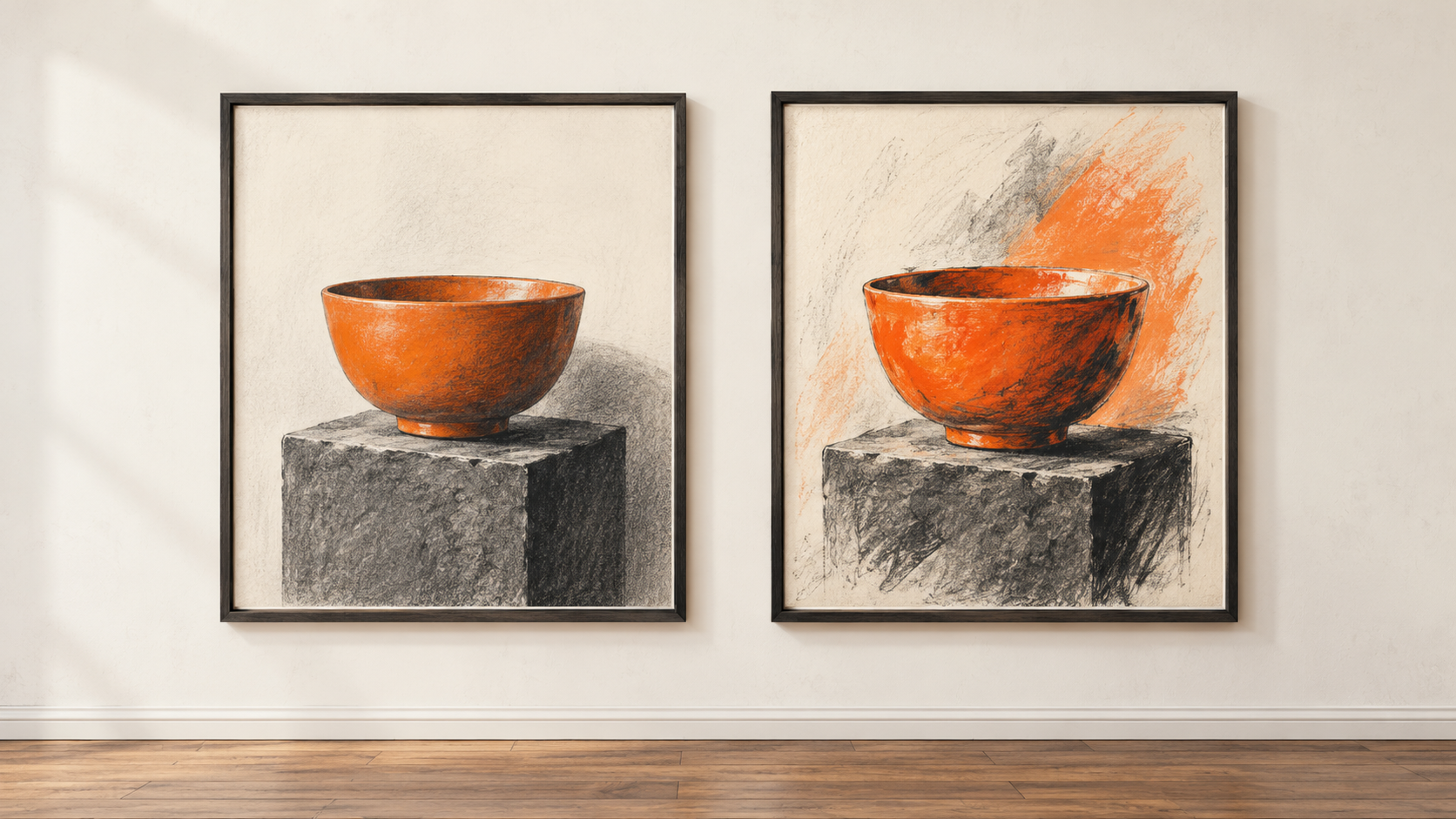
AI-generated conceptual illustration by BIG CHANGE.
Midjourney V8.2 gives creators several ways to steer an image, but a useful choice starts with a brief they are allowed to submit and a comparison they can inspect. This guide uses the [current Version manual](https://docs.midjourney.com/hc/en-us/articles/32199405667853-Version), updated 1 September 2026, and the website's Create workflow. BIG CHANGE checked the documentation on 26 October; we did not run an account or generate images. The aim is one downloaded image that a human has reopened and checked against a real brief, with the prompt, settings, cost and permissions recorded.
## The big change
- **What changed:** V8.2 is the current default, and a creator can hold the brief and most settings steady while changing one stylize value. The seed helps comparison without guaranteeing an identical rerun.
- **Why it matters:** A reviewer can base a choice on actual returned images and a reopened downloaded file, with costs and permissions recorded beside it.
- **What to watch:** The current Version table conflicts with older V8.2 Draft instructions. Keep Draft outside this comparison until compatibility is resolved; check current terms and checkout before using an image.
## 1. Prepare a brief and decide whether to submit it
Write down the intended use, actual subject and number, setting or plain background, medium, composition, lighting and color, required visible details, crop, and anything that must be absent. These must come from the image owner. Get permission for any likeness, product, logo or source image before sending it to Midjourney. Decide in advance how you will judge each result: correct subject and count, required detail, usable crop and absence of unwanted text or branding are checks to adapt to the real brief. An attractive image can still fail a factual or rights check.
Check your subscription, remaining Fast time and current checkout before starting two jobs. Midjourney's [plan comparison](https://docs.midjourney.com/hc/en-us/articles/27870484040333-Comparing-Midjourney-Plans) listed monthly Basic, Standard, Pro and Mega prices of $10, $30, $60 and $120 when checked. Basic uses Fast time; Standard, Pro and Mega also offer Relax image generation. The [GPU guide](https://docs.midjourney.com/hc/en-us/articles/32016412137741-GPU-Speed-Fast-Relax-Turbo) estimates about 0.8 GPU minute for an SD prompt, but actual usage varies. Budget for both jobs and record the usage or charge the account actually displays; write `unknown` if it does not show one.
Make the visibility decision **before** typing or uploading the brief. Midjourney says creations are public and remixable by default. [Stealth](https://docs.midjourney.com/hc/en-us/articles/32019750070669-Stealth-Mode) is a Pro/Mega option for future prompts after it is enabled; a creation in a shared Discord channel remains visible there. The [Terms](https://docs.midjourney.com/hc/en-us/articles/32083055291277-Terms-of-Service) describe a best-efforts commitment about publishing Stealth assets, retain a broad continuing license to use inputs and outputs, and put input permissions on the user. They also condition ownership of Assets by a company, **or its employee**, with more than $1 million in annual revenue on a Pro or Mega plan. Third-party rights still apply. If the intended use or exposure is unacceptable, stop before submission. Trashing a creation later does not make it private.
## 2. Fix the baseline settings
On the website's [Create page](https://docs.midjourney.com/hc/en-us/articles/33390732264589-Creating-on-Web), open the Imagine bar settings and select **V8.2 explicitly**. It became the default on 24 July 2026, but an account can retain another selection. Set one aspect ratio appropriate to the brief, Standard/SD, an available Fast or Relax mode, Raw off, Personalization off, no Style Reference and no Draft. Keep these settings fixed for the comparison. The current Version table marks Turbo unavailable for V8.2. Check the displayed settings and the returned job rather than assuming a default persisted as intended.
Fill **every** bracket below from the permitted brief. The setting may be an approved plain background. The count, medium, light, colors and necessary detail should describe the owner's real request. Keep the filled text identical in both jobs. The [Prompt Basics manual](https://docs.midjourney.com/hc/en-us/articles/32023408776205-Prompt-Basics) places parameters at the end.
```prompt
[approved subject and number] in [approved real setting or plain background], [approved medium], [approved composition], [approved lighting and colors], [approved essential visible detail] --v 8.2 --s 100 --seed 12345
```
Submit that baseline. Save its exact filled prompt, job ID or URL, displayed version and settings, actual number of returned images and usage shown. Inspect **each** result against your prewritten criteria. The documentation we checked does not establish a standard V8.2 result count, so use the count you actually see.
## 3. Change only stylize and compare the images
Submit the same approved description again with only `--s` changed from 100 to 300:
```prompt
[approved subject and number] in [approved real setting or plain background], [approved medium], [approved composition], [approved lighting and colors], [approved essential visible detail] --v 8.2 --s 300 --seed 12345
```
The [Stylize manual](https://docs.midjourney.com/hc/en-us/articles/32196176868109-Stylize) documents 100 as the default and 0–1000 as the range. This pair shows what that change does for **your** brief; 300 is not an assured improvement. The [Seeds manual](https://docs.midjourney.com/hc/en-us/articles/32604356340877-Seeds) recommends a seed for comparison but does not promise exact repeatability or persistent style. Record the second job's actual output count and usage. Compare subject accuracy, required details, composition and defects across all returned images. Mark anything you cannot judge instead of treating an uncertain detail as correct.
Choose a candidate only if it passes the brief and permissions check; rejecting both jobs is a valid result. Open the candidate on Create and use More Options or the download icon. Reopen the **downloaded file** at its intended display size. Check crop, count, text and logos, and inspect faces or hands if present. Save its filename and the reason for the choice or rejection. The provider's output alone is no proof of factual accuracy, permission or fitness for publication.
## 4. Add optional controls one at a time
A permitted reference image can help compare a requested look. The [web manual](https://docs.midjourney.com/hc/en-us/articles/33390732264589-Creating-on-Web) sets a 10 MB upload ceiling; the [Style Reference manual](https://docs.midjourney.com/hc/en-us/articles/32180011136653-Style-Reference) lists `.png`, `.gif`, `.webp`, `.jpg` and `.jpeg`, supports version 6 and later, and gives `--sw` a 0–1000 range with default 100. After checking the owner's upload rights and visibility decision, add the file in the Imagine bar and drag it to Style Reference. Compare it with the text-only run while keeping the text and other settings fixed. Start with default style weight. Record the actual reference and permission. It steers appearance; it does not promise the same subject or turn an upload into a style code.
For [Personalization](https://docs.midjourney.com/hc/en-us/articles/32433330574221-Personalization), go to the Personalize page, open the Global V7 profile and select preferred images from its grid until the progress bar shows it is unlocked. Record the exact profile ID or code used. Midjourney says the Global V7 profile works with V8.2, additional V8.X profiles can be created, there is no Global V8 profile, and V8 profiles do not work with V7. Compare `--p` on and off at the **same** stylize value before changing strength, since stylize also affects Personalization. Skip this branch if no eligible profile is available.
The website's [Style Creator](https://docs.midjourney.com/hc/en-us/articles/41308374558221-Style-Creator) is another separate experiment. Start with a simple prompt drawn from the real approved brief, then select sample styles to obtain an `--sref` code. Each refinement preview uses GPU time. The prompt shapes those previews, not the style selection itself. Those previews use V7. Test and judge the code separately on a V8.2 final job, record any stacked codes and actual extra usage, and do not assume a V7 preview will match the V8.2 result.
Leave **V8.2 Draft** outside this workflow. The newer [Version compatibility table](https://docs.midjourney.com/hc/en-us/articles/32199405667853-Version) marks Draft unavailable for V8.2, while the older [Draft manual](https://docs.midjourney.com/hc/en-us/articles/35577175650957-Draft-Conversational-Modes) contains conflicting V8.2 website instructions. Until current compatibility is resolved against the actual control and version, record `V8.2 Draft unavailable/unconfirmed`; do not assume a button, flag, image count or cost. A V7 Draft preview is not a V8.2 output.
## 5. Keep a record you can review
Copy this blank record beside the downloaded file. Fill it from observed account and job results, including `unknown` where the interface gives no cost or a criterion cannot be checked.
```plaintext
Owned/permitted brief:
Intended use:
Subscription tier:
Public/Stealth decision:
Input permission:
Version/defaults observed:
Aspect ratio; SD; speed:
Baseline exact filled prompt:
Baseline job ID/URL; count:
Checks for each baseline image:
Baseline usage/charge:
(or unknown)
Comparison exact filled prompt:
Sole setting changed:
Comparison job ID/URL; count:
Checks for each second image:
Comparison usage/charge
or unknown:
Optional reference/profile:
Style code:
Permission; settings:
Extra usage or unknown:
V8.2 Draft:
(unavailable/unconfirmed
unless freshly resolved)
Chosen image URL/job ID
or rejection reason:
Downloaded filename:
Reopened size and visual check:
Rights and visibility decision:
Publication decision:
Remaining manual work:
```
If a parameter is rejected, return to the filled V8.2 baseline and check the current Version table before trying an optional control again. If the results miss the brief, obtain an approved wording change or alter one control and make a new comparison. If the file cannot be reopened or permissions remain unclear, withhold it from use.
## Sources
- [Version](https://docs.midjourney.com/hc/en-us/articles/32199405667853-Version) — V8.2 default date and compatibility table, including conflicting Draft row; updated 1 September 2026.
- [Creating on Web](https://docs.midjourney.com/hc/en-us/articles/33390732264589-Creating-on-Web) — Create settings, upload limit and download route; no standard V8.2 result count established.
- [Prompt Basics](https://docs.midjourney.com/hc/en-us/articles/32023408776205-Prompt-Basics) — Prompt descriptions and end-positioned parameters; no particular subject or result tested.
- [Stylize](https://docs.midjourney.com/hc/en-us/articles/32196176868109-Stylize) — Default 100 and range 0–1000; 300 is a comparison value, not a quality promise.
- [Seeds](https://docs.midjourney.com/hc/en-us/articles/32604356340877-Seeds) — Seed use for comparison with repeatability and style-persistence limits.
- [Comparing Midjourney Plans](https://docs.midjourney.com/hc/en-us/articles/27870484040333-Comparing-Midjourney-Plans) — Captured plan prices and Relax access; verify current checkout.
- [GPU Speed](https://docs.midjourney.com/hc/en-us/articles/32016412137741-GPU-Speed-Fast-Relax-Turbo) — Approximate SD GPU usage and modes; actual jobs were not run.
- [Stealth Mode](https://docs.midjourney.com/hc/en-us/articles/32019750070669-Stealth-Mode) — Pro/Mega future-prompt setting and shared Discord visibility limitation.
- [Terms of Service](https://docs.midjourney.com/hc/en-us/articles/32083055291277-Terms-of-Service) — Input permissions, continuing license, best-efforts Stealth and company/employee ownership condition.
- [Style Reference](https://docs.midjourney.com/hc/en-us/articles/32180011136653-Style-Reference) — Supported image formats, model compatibility and style-weight range/default.
- [Personalization](https://docs.midjourney.com/hc/en-us/articles/32433330574221-Personalization) — Profile/version eligibility and stylize interaction; no profile tested.
- [Style Creator](https://docs.midjourney.com/hc/en-us/articles/41308374558221-Style-Creator) — V7 preview, code workflow and GPU usage; V8.2 output untested.
- [Draft & Conversational Modes](https://docs.midjourney.com/hc/en-us/articles/35577175650957-Draft-Conversational-Modes) — Older V8.2 Draft wording conflicts with the newer Version table; optional route held.
The BIG CHANGE newsletter
The big picture. At your pace.
Recent stories on AI and robotics, the shifts worth watching and practical ideas to use. Choose a daily briefing, weekly digest or monthly perspective.
Next scheduled send (UTC): . Your first edition arrives at the next scheduled send after you confirm.
Your privacy, your choice.
Necessary storage supports site security and remembers your choices. Optional Google Analytics stays off until you allow it. You can read every story with necessary storage only. Privacy details