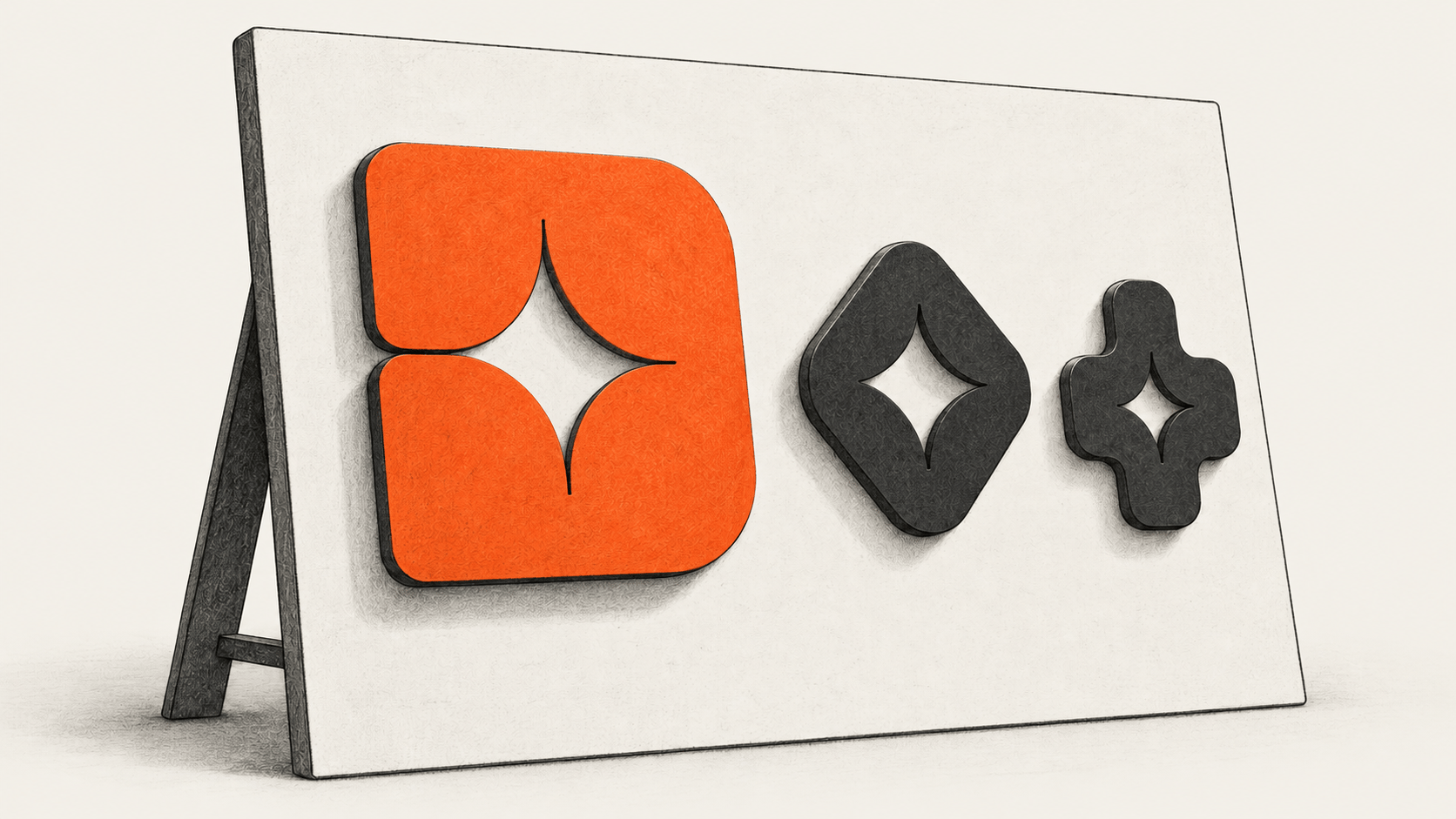
Recraft Studio can generate editable SVGs with its V4 Vector and V4 Pro Vector models. That gives a product team a starting point for a mark and matching interface icons. The owner still needs to inspect the actual SVG files at the sizes where they will appear and approve them for the intended use.
The big change
- What changed: Recraft's V4 Vector options produce native, editable SVG geometry from a text prompt. A team can take a proposed mark and icons into the vector editor before exporting them individually.
- Why it matters: The owner can judge the files as a family at real interface sizes instead of approving attractive previews that fail as small icons or require raster tracing. Each accepted file still needs design and rights review.
- What to watch: The deciding evidence is in the exports: editable shapes, readable 16-, 24- and 32-pixel icons, consistent one-color and light/dark versions, and a recorded plan-specific use decision. Recraft's model page does not establish those results for any particular generation.
Prepare one brief and check the account
Start with the real product name and purpose approved by its owner. List the mark's intended uses and at least two actual interface functions that need icons. Define the palette, shape or stroke rules, smallest display sizes, and any forbidden symbols or references. Use only reference material you have permission to provide. The blank brief and acceptance record below can be copied into a private project document; its bracketed fields are inputs for the owner, not example company facts.
Before generating a commercially used asset, read Recraft's current pricing and rights explanation, commercial rights guide, and terms against the account that will make it. Recraft describes Free-plan generations as public and Recraft-owned, with personal, noncommercial use. Its paid-plan ownership and commercial-use provisions apply to qualifying generations made during the subscription and remain subject to the terms. A later upgrade does not change the generation-time rights of an earlier Free asset. Record the account plan, permitted use, owner and rights reviewer. The terms also say inputs and outputs can be used for model training by default, with an account setting to opt out; settle that setting and any confidential-input approval before uploading references. A generated shape does not establish trademark availability or freedom from resemblance to existing marks.
In Studio, check the available credits and any displayed cost estimate for the chosen model and operation before starting. Generation and later edits can consume credits, with charges depending on the operation and settings. Recraft's terms say some iterative operations have variable costs that cannot be quoted in advance; an estimate is not a cap. If the plan, credits, rights route, or vector model is unavailable, record the exact hold. A raster image converted to SVG later would be a different production route.
OWNER BRIEF
Owner / project / date / reviewer: [ ]
Exact approved name and purpose: [ ]
Audience and mark uses, including smallest use: [ ]
Real icon functions and target surfaces: [ ]
Approved colors, shape or stroke rules, and permitted references: [ ]
Forbidden imagery, claims, colors, or resemblance risks: [ ]
Account plan, terms checked at generation, credits, intended use: [ ]
Generate a mark, then a coherent icon set
- Open an owned project in Recraft Studio's model workflow. In the model selector, choose V4 Vector or V4 Pro Vector. Recraft documents both as native SVG options. Record the selected model, account plan, date and project. The site's navigation may show other model generations; this workflow is specifically for the documented V4 vector options.
- Fill the mark prompt with the approved brief and generate a bounded set of candidates that the owner can review. Record a candidate identifier or a dated local revision name. Reject any that misstate the name, introduce an unapproved symbol or resemble a prohibited reference. Treat spelling in generated lettering as something to verify, not as an exact output guarantee.
- Prompt for the named icon functions using the chosen mark's palette and shape rules. Compare all candidates together for shape weight, negative space, recognizable function and differences between icons. Generate or edit again when one icon does not belong with the others. The family is ready for export only when the owner has selected a mark and at least two distinct, useful icons.
Create an original, simple native-vector mark for [approved name]. Its approved purpose is [real purpose]; its audience is [actual audience]. Use [approved palette] and [shape rules]. The smallest intended use is [real size and surface]. Avoid [forbidden symbols and references]. Do not imitate a named third-party mark, invent a product claim or add a slogan. Use a separate wordmark only if needed, with this exact approved spelling: [text or none]. Return editable vector geometry suitable for SVG export. Give distinct directions for human review; do not claim legal uniqueness.Create a coherent native-vector icon family for these actual product functions: [function A], [function B], [more if needed]. Use the approved palette and shape or stroke rules of selected mark revision [ ]. The target sizes and surfaces are [ ]. Each icon needs a distinct meaning, clear negative space, a one-color treatment and no text. Do not add a function the product lacks. Return editable vector geometry for separate SVG export.- Open each selected vector in Recraft's vector editor. Its documented controls include selecting the artwork, double-clicking a shape, moving anchor points, and changing colors or duplicating elements. Adjust the shapes and palette that need work. Keep a record of the original candidate and edited revision so that an export can be traced back to the selection. Inspect every letterform if the mark includes text.
Export the files and inspect what was delivered
Select each accepted image and use Studio's Export control to choose SVG. Export the mark and each icon separately to a dated private folder. Name the files by function and revision. The SVG files are the deliverables; a PNG preview cannot establish their editability.
Open each export in a vector editor and a browser. Inspect whether the artwork is editable paths or shapes, whether a raster image has been embedded, and whether the SVG uses unexpected text, scripts, external references or linked fonts. Check the viewBox, clipping, fills and strokes. If the file needs unavailable resources or cannot be edited as required, hold that export and correct or regenerate the affected asset. Inspecting the file is a reader action; BIG CHANGE has not exported or tested a Recraft asset for this guide.
Render the icons at the actual 16-, 24- and 32-pixel sizes required by the product. Compare meaning, alignment and visual weight on both light and dark surfaces, then test a one-color version. Test the mark at its smallest favicon or avatar size and at a larger intended use. If a size needs a simplified variant, record it as a separate revision and inspect that export too. Ask the owner to compare the whole set with the original brief, including spelling and distinct icon functions. The appropriate rights reviewer must decide the intended commercial use of the exact final files.
ACCEPTANCE RECORD (keep private until approved)
Mark file / revision / SHA-256: [ ]
Icon A function / file / revision / SHA-256: [ ]
Icon B function / file / revision / SHA-256: [ ]
Model, generation date, plan and rights terms checked: [ ]
For each file: editable shapes and dependencies inspected: [ ]
For each icon: 16 / 24 / 32 px, one color, light / dark: [ ]
For mark: smallest and larger intended uses, exact spelling: [ ]
Whole family: consistent weight, palette, meaning and distinctness: [ ]
Rejected candidates and reason: [ ]
Owner decision and exact accepted revisions: [ ]
Rights review, permitted distribution or HOLD: [ ]
Recover a failed asset without losing the decision trail
Keep a failed candidate and its reason. For a malformed path, wrong letter, weak small-size shape or icon that clashes with the family, edit or regenerate that asset, export a new revision and repeat its file and size checks. Compare the complete family again after the change. If the export is raster-only, the required vector result has not been delivered. If credits, account access or rights are unclear, preserve the partial work and mark the exact hold before distributing anything.
For nearby work with a different output, BIG CHANGE has a Claude brand kit, landing page and launch video guide and a reusable Claude Design system guide. This Recraft workflow focuses on native vector generation, point editing, separate SVG exports and acceptance of a matching icon family.
Sources & further reading
- Recraft model page: identifies V4 Vector and V4 Pro Vector as native, editable SVG models in Studio. It does not show the quality of an asset made for this brief.
- Recraft V4 announcement: dates the V4 release to 17 February 2026 and describes vector output. Its quality language is the company's claim.
- Recraft vector editor and export instructions: document shape editing and SVG export. Account behavior and exported bytes were not tested for this article.
- Recraft pricing, commercial rights guide and terms: explain plan-dependent credits and use rights. They do not clear a particular mark for trademark use.