# How to run a local forecast with Mistral Timestral
> Mistral's Timestral package produces 21 quantiles per forecast step. This documentation-only guide covers local setup, output axes, covariates and a held-out comparison.
By BIGCHANGE.AI Editorial
Published: 2026-10-16T05:02:13.523Z
Updated: 2026-10-16T05:02:13.523Z
Canonical: https://bigchange.ai/blog/run-local-forecast-mistral-timestral-python
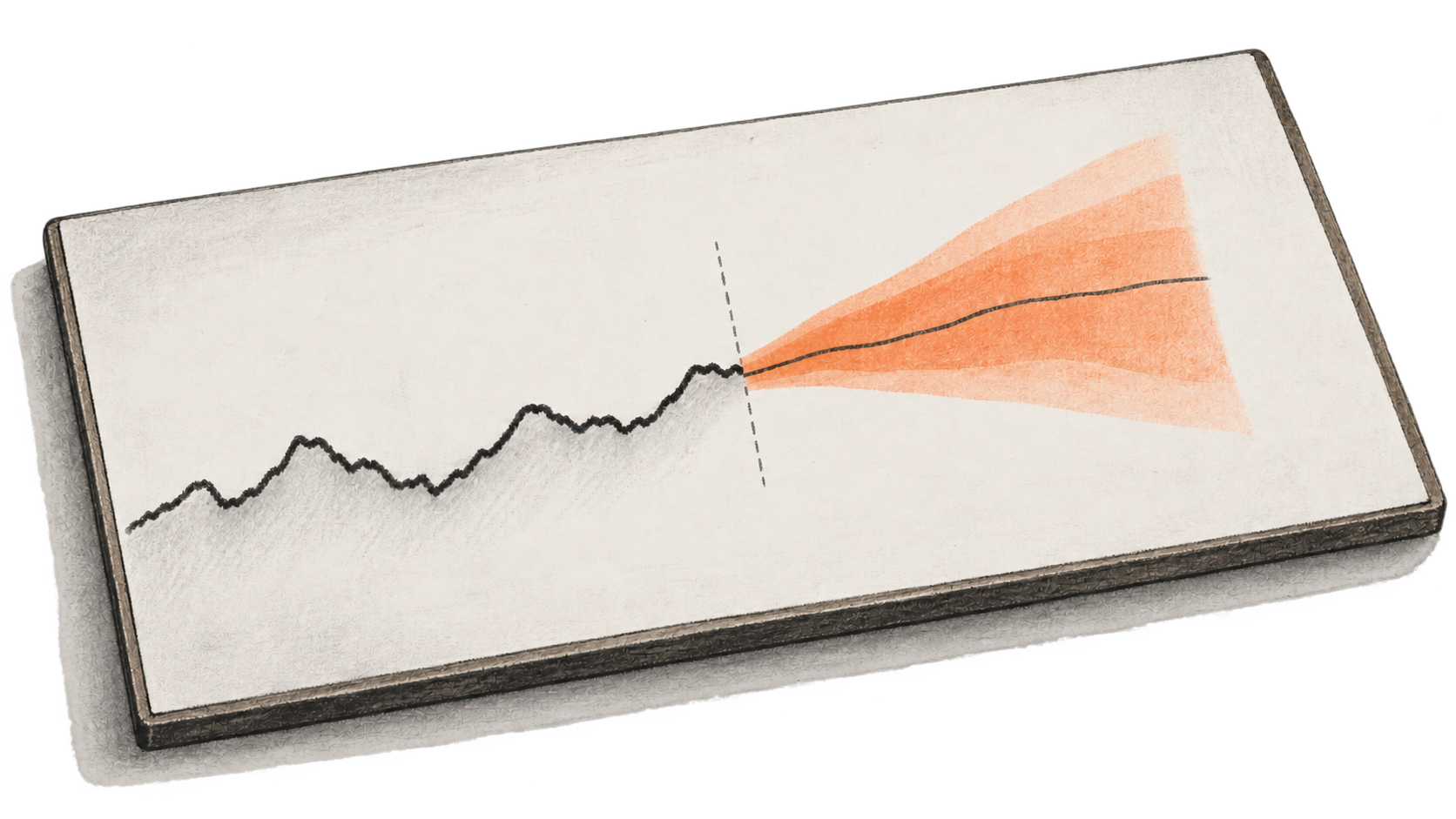
AI-generated conceptual illustration by BIG CHANGE; no Timestral run or measured forecast is depicted.
Mistral released Timestral on October 15, 2026, with a Python package for running probabilistic time-series forecasts on a local CPU or GPU. The [release repository](https://github.com/mistralai/timestral/tree/a534bdbd244d64f3d9d743f46c7bf6fc330ed4ff) documents an inference call that takes historical numeric values and returns 21 forecast quantiles for each future step. This guide follows that release commit. BIG CHANGE read the documentation and model card, but did not install the package, download weights or run a forecast.
For an analyst or engineer with a numeric history and basic Python, the first useful check is modest: load a checkpoint, inspect the returned axes, then compare a forecast made from an earlier cutoff with outcomes that were held back. The repository's synthetic example checks the interface and output shape. Its randomly generated input says nothing about forecast accuracy on your data.
## The big change
- **What changed:** Mistral's October 15 release makes Timestral checkpoints available through a standalone Python forecaster. A local call takes numeric history, optionally conditions on past-only or genuinely known-future data, and returns 21 quantiles per future step.
- **Why it matters:** An analyst can inspect forecast ranges for several related variables on local hardware. This provides a way to evaluate probabilistic forecasts without sending the history to a hosted inference API. The documented shape check shows how to read the output; it does not establish accuracy.
- **What to watch:** The decision to use Timestral for a particular series turns on repeated time-ordered holdouts. Compare median error and interval coverage with an appropriate baseline across several cutoffs, using only covariates that were known at each cutoff. Those results determine whether its quantiles help with the task.
## Install the package and choose a checkpoint
The [repository README](https://github.com/mistralai/timestral/blob/a534bdbd244d64f3d9d743f46c7bf6fc330ed4ff/README.md) specifies Python 3.10 or newer and PyTorch 2.4 or newer. Its package uses PyTorch, NumPy, `safetensors` and `huggingface_hub`. In a Python environment that meets those requirements, the documented install command is:
```bash
python -m pip install git+https://github.com/mistralai/timestral.git@a534bdbd244d64f3d9d743f46c7bf6fc330ed4ff
```
The commit suffix pins the source used for this guide; the repository shows an unpinned command for following its current branch. The four [Mistral Hub checkpoints](https://huggingface.co/collections/mistralai/timestral) range from 5 million to 209 million parameters. The README lists their 32-bit weight files at 21 MB, 111 MB, 490 MB and 837 MB. Start with `mistralai/Timestral-5M` if download size or local memory is the constraint. The example below uses the repository's `Timestral-209M` checkpoint so its stated output can be checked directly against the official example. `from_pretrained` downloads `config.json` and `model.safetensors` into the Hugging Face cache on first load; a GPU is optional. Local compute, memory, storage and download costs depend on your machine and checkpoint. This local package has no documented per-forecast service charge.
The repository code carries an [Apache 2.0 license](https://github.com/mistralai/timestral/blob/a534bdbd244d64f3d9d743f46c7bf6fc330ed4ff/LICENSE). The downloaded weights have a separate Modified MIT license in each Hub repository; read the [5M](https://huggingface.co/mistralai/Timestral-5M/blob/main/LICENSE), [28M](https://huggingface.co/mistralai/Timestral-28M/blob/main/LICENSE), [123M](https://huggingface.co/mistralai/Timestral-123M/blob/main/LICENSE) or [209M](https://huggingface.co/mistralai/Timestral-209M/blob/main/LICENSE) terms for the checkpoint you use. Do not assume the code license governs the weights.
## Run the documented shape check
This is the [README's synthetic inference example](https://github.com/mistralai/timestral/blob/a534bdbd244d64f3d9d743f46c7bf6fc330ed4ff/README.md#forecast), reproduced as a proposed check. Its NumPy input contains two series, one target variable in each, and 2,000 historical time steps.
```python
import numpy as np
from timestral import TimestralForecaster
forecaster = TimestralForecaster.from_pretrained("mistralai/Timestral-209M")
context = np.random.randn(2, 1, 2000).cumsum(-1)
forecast = forecaster.forecast(context, prediction_length=96)
print(forecast.quantiles.shape) # documented: (2, 1, 96, 21)
print(forecast.quantile_levels) # 0.01, 0.05, 0.10, ..., 0.95, 0.99
print(forecast.median.shape) # documented: (2, 1, 96)
```
The four `quantiles` axes mean **series, target variables, forecast steps, quantile levels**, in that order. Here 96 is the requested `prediction_length`; it has no inherent unit until you supply data at a particular sampling interval. `forecast.median` removes the last axis by selecting the 0.5 quantile, and `forecast.quantile(0.9)` returns the 0.9 level with the same first three axes. The 21 levels are 0.01, 0.05 through 0.95 in steps of 0.05, and 0.99. A 0.9 quantile is a threshold in the model's forecast distribution, not a claim that 90% of your future observations will fall below it.
For one target series, the README also accepts a flat `(T,)` history or `(B,T)` for a batch of single-variable series; `(B,V,T)` makes the batch and target-variable axes explicit. Use the last arrangement when you need several variables forecast jointly. Each value must line up at the same time step. A `NaN` marks a missing observation; the documented `observation_mask` can mark additional missing values with `False` entries of the same shape. The model keeps at most the most recent 32,768 context steps.
## Separate history from information known ahead
Make the first run with target history alone. If you add covariates, the [documented call](https://github.com/mistralai/timestral/blob/a534bdbd244d64f3d9d743f46c7bf6fc330ed4ff/README.md#covariates) distinguishes two time boundaries:
```python
forecast = forecaster.forecast(
context, # (B, V, T)
prediction_length=96,
past_covariates=past, # (B, C_past, T)
known_covariates=known, # (B, C_known, T + 96)
)
```
`past_covariates` end at the history cutoff. `known_covariates` span both history and the requested horizon, so their future values must genuinely be available when the forecast is made. A calendar or fixed schedule can qualify; a value observed only after the fact cannot be slipped into this array for a fair backtest. Covariates condition the target forecasts and are not themselves forecast. The repository also documents numeric category codes for categorical past and known covariates. Leave those out until the target-only axes and cutoff are correct.
## Check a forecast against held-out observations
Once the shape example works, replace the synthetic input with your own equally spaced numeric history. Reserve the final `H` observed steps as a holdout, give only the earlier observations to `forecast`, and request `prediction_length=H`. This is an evaluation procedure for the reader, not a result reported by BIG CHANGE. The following assumes one target variable in a one-dimensional NumPy array named `values` and an integer `H` smaller than its length:
```python
history = values[:-H]
actual = values[-H:]
result = forecaster.forecast(history, prediction_length=H)
median = result.median[0, 0, :]
lower = result.quantile(0.1)[0, 0, :]
upper = result.quantile(0.9)[0, 0, :]
print(result.quantiles.shape) # expected from the documented axes: (1, 1, H, 21)
print(np.mean(np.abs(median - actual)))
print(np.mean((actual >= lower) & (actual <= upper)))
```
The first calculation is mean absolute error for the median at this cutoff. The second is the observed share of held-out points inside the interval from the model's 0.1 to 0.9 quantiles. Its nominal probability span is 80%, but one holdout window cannot establish calibration or general accuracy. Repeat the same historical-cutoff exercise across several windows that preserve time order, and compare with a simple baseline appropriate to the series, such as carrying forward the last observed value. Keep any covariates restricted to what would have been known at each cutoff. Inspect misses, intervals and changing behavior before relying on a forecast for a decision.
If the shape differs, check whether the input is `(T,)`, `(B,T)` or `(B,V,T)`, confirm the requested horizon, and inspect `forecast.quantile_levels` before indexing the last axis. If a covariate call fails, check that the past array ends at `T` and the known array extends to `T + prediction_length`, with the same batch size as `context`. If model loading cannot reach the Hub, the README documents loading a local directory containing `config.json` and `model.safetensors`, or using `local_files_only=True` once those files are cached. These are documented recovery paths, not failures we reproduced.
Loading from the Hub contacts an external service to fetch files. After the package and checkpoint are available locally, the documented forecast call runs on local hardware; the README supports cache-only loading for later offline use. Keep sensitive histories on systems where you have authority to use them, and check your organization's rules before fetching software or moving data. The example sends no history to a hosted inference API. The repository does not provide evidence that a particular business series will forecast well, and this guide reports no measured speed, accuracy or resource use.
## Sources & further reading
- [Mistral's Timestral release repository at commit `a534bdbd244d64f3d9d743f46c7bf6fc330ed4ff`](https://github.com/mistralai/timestral/tree/a534bdbd244d64f3d9d743f46c7bf6fc330ed4ff). Checked October 16, 2026. Its README supplies installation, model sizes, input and output shapes, covariate boundaries, missing-value behavior, local loading and license distinctions. BIG CHANGE did not run its example.
- [Mistral's October 15 announcement](https://mistral.ai/news/timestral/). Establishes the release date and describes the family and its vendor-reported benchmark context. This guide makes no performance claim from those benchmark results.
- [Timestral model collection and cards](https://huggingface.co/collections/mistralai/timestral). Checked October 16, 2026. Lists the separately distributed checkpoints, model details and links to each weight license. Check the exact checkpoint's LICENSE before use.
## Sources
- [Mistral AI Timestral release repository, pinned commit](https://github.com/mistralai/timestral/tree/a534bdbd244d64f3d9d743f46c7bf6fc330ed4ff) — README provides installation, checkpoint sizes, input/output shapes, quantiles, covariate boundaries, missing values, local loading and license split. Source commit pinned; no BIG CHANGE execution.
- [Mistral AI: Introducing Timestral](https://mistral.ai/news/timestral/) — Establishes the release date and family context. Its benchmark results are vendor claims and do not establish performance on the reader's series.
- [Mistral AI Timestral model collection and cards](https://huggingface.co/collections/mistralai/timestral) — Lists checkpoint model cards and exact individual weight LICENSE links; weights have terms separate from the Apache-licensed code.
The BIG CHANGE newsletter
The big picture. At your pace.
Recent stories on AI and robotics, the shifts worth watching and practical ideas to use. Choose a daily briefing, weekly digest or monthly perspective.
Next scheduled send (UTC): . Your first edition arrives at the next scheduled send after you confirm.
Your privacy, your choice.
Necessary storage supports site security and remembers your choices. Optional Google Analytics stays off until you allow it. You can read every story with necessary storage only. Privacy details