# Square launches voice ordering kiosk built around restaurant menu data
> Square's new standalone kiosk lets diners order by voice or touch. Its answers depend on restaurant menu data, while setup requires a Plus or Premium plan and live connection.
By BIG CHANGE Editorial
Published: 2026-10-15T07:59:17.174Z
Updated: 2026-10-15T07:59:17.174Z
Canonical: https://bigchange.ai/blog/square-voice-ordering-kiosk-restaurant-menu-data
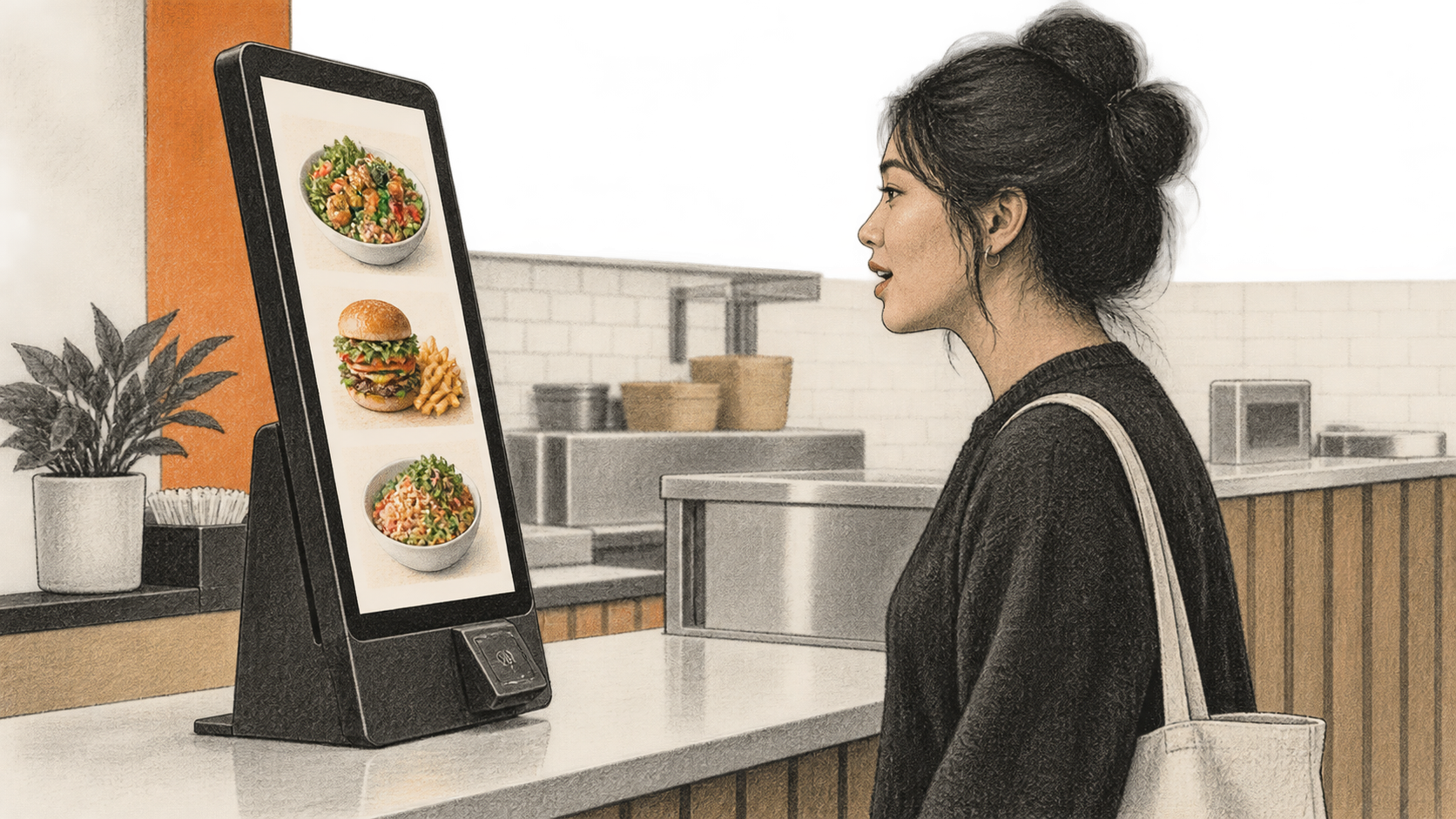
AI-generated conceptual illustration by BIG CHANGE; no actual Square hardware, interface, restaurant, diner or measured result is depicted.
Square launched a standalone self-ordering kiosk for US restaurants on October 14. The new [Square Kiosk](https://squareup.com/us/en/press/square-kiosk-self-service-reimagined) has a 21.5-inch touchscreen, built-in card payments and a voice assistant that lets diners ask about the menu or place an order aloud. Customers can use touch instead, or switch between the two during an order. Square says the device is available now; its [US product page](https://squareup.com/us/en/hardware/kiosk) says it currently supports English only.
The assistant gets its answers from the restaurant's records. Square's [menu setup instructions](https://squareup.com/help/us/en/article/8684-set-up-menus-for-square-kiosk) tie it to the items, descriptions, modifiers and dietary details the seller enters in Square Dashboard. The kiosk can also use sales information to suggest popular items or pairings, according to Square. Menu maintenance therefore affects what customers hear as well as what they see.
## The big change
- **What changed:** Square has added a standalone device alongside its iPad-based option, combining voice and touch ordering, payments and a seller-configured menu.
- **Why it matters:** Diners can ask about items and customize an order at the kiosk, while restaurants control the information and options available through their Square menus.
- **What to watch:** Square has not published a measured comparison of queue times, order values or voice-order accuracy for the new device. Menu quality and the noise in a restaurant will affect what operators can reasonably expect from it.
## What the kiosk can do
Square's [launch announcement](https://squareup.com/us/en/press/square-kiosk-self-service-reimagined) describes a screen that wakes when someone approaches, an integrated barcode scanner, and tap and chip card payments. Diners can sign in with Square Loyalty or a Neighborhoods profile for rewards. Packaged-goods scanning is described as coming later. The kiosk does not need an iPad, unlike the earlier product now called Square Stand with Square Kiosk Lite.
With voice enabled, a diner can browse, add items, request a configured modification and hear an order summary before confirming it. Square's [voice setup guide](https://squareup.com/help/us/en/article/8685-set-up-and-manage-voice-ordering-on-square-kiosk) says customers can tap to move to touch ordering at any point, and operators can disable voice entirely. Suggestions may draw on the menu and sales patterns such as what sells at a location or time of day, Square says. The public materials do not disclose the model or establish how often it gets an order right in a busy restaurant.
The menu sets a firm boundary for dietary answers. Square tells sellers to add allergen and dietary labels to item records. If those details are missing, the kiosk directs the customer to staff; it also cannot answer questions about cross-contamination or kitchen practices from its menu data. A spoken answer is therefore only as useful as the current information a restaurant has entered. It is no substitute for staff confirmation of an allergy request.
This in-store order and payment device is a different route from [DoorDash's September AI ordering launch](https://bigchange.ai/blog/doordash-ai-launches-consumer-dasher-merchant-office-tools), which included SMS delivery ordering and restaurant tools.
## Setup is more than mounting the screen
Square's [setup guide](https://squareup.com/help/us/en/article/8687-set-up-square-kiosk) lists counter, floor, wall and VESA mounting options. An operator needs power, a stable Wi-Fi or Ethernet connection, access to Square Dashboard and at least one active point-of-sale device running Square Point of Sale. Square Plus or Premium subscribers also need advanced restaurants capabilities enabled in Dashboard. The device is for indoor use. It does not support cash or offline payments, and its voice ordering needs a live internet connection.
In Dashboard, the operator creates a kiosk mode for a location, selects the menus and sets such options as fulfillment methods. The [menu guide](https://squareup.com/help/us/en/article/8684-set-up-menus-for-square-kiosk) says each offered menu and item must be enabled for the Kiosk channel and assigned to the right location. Items need a name and price to appear; descriptions, images and nutritional details are optional. Clear item names and configured modifiers help voice requests match the choices the restaurant actually sells. Square recommends a test order and card payment for each new menu, location or device mode, followed by a check that the order reaches the printer or kitchen display.
Placement matters too. Square advises leaving at least 24 inches between kiosks and keeping them away from loud areas where possible. Its [voice guide](https://squareup.com/help/us/en/article/8685-set-up-and-manage-voice-ordering-on-square-kiosk) says a nearby kiosk can sometimes pick up speech intended for another. These are vendor setup recommendations, not published measurements of accuracy under restaurant noise.
## Price and evidence of results
The US [Square product page](https://squareup.com/us/en/hardware/kiosk) lists $1,999 for the device with a counter stand and $99 per month for software **per device**. It also lists a 2.5% plus 15-cent fee for tap or chip transactions with Square Plus. Purchase and use require Square Plus or Premium; the [announcement's pricing note](https://squareup.com/us/en/press/square-kiosk-self-service-reimagined) puts those plans at $49 or $149 per location per month, respectively. Hardware cost varies with the stand selected. The same figures appear in [Digital Transactions' October 14 report](https://www.digitaltransactions.net/square-injects-ai-and-a-larger-display-into-its-kiosk-pos-device/).
Square says the kiosk can move lines faster, lift order values and give staff more time for hospitality. The announcement includes a favorable account from Boba Nation Grand, whose chief executive describes use at test locations and plans to expand. It supplies no comparative figures for that account, and no independently measured results for the new kiosk. For an operator, the documented menu and setup requirements are concrete; the effect on a particular restaurant's service remains to be shown.
## Sources & further reading
- [Square's October 14 launch announcement](https://squareup.com/us/en/press/square-kiosk-self-service-reimagined) establishes the launch date, device features, stated availability, prices and Square's claimed benefits. Its restaurant account is an anecdote supplied in Square's announcement, not a controlled result.
- [Square Kiosk product and pricing page](https://squareup.com/us/en/hardware/kiosk) gives the US hardware, software, processing and plan terms, plus the current English-only limit. Prices and eligibility can change; operators should check the checkout terms for their location and mount.
- [Square's kiosk setup guide](https://squareup.com/help/us/en/article/8687-set-up-square-kiosk) lists installation, account, network and payment prerequisites, and the recommended test order. It documents intended operation rather than measured field reliability.
- [Square's menu setup guide](https://squareup.com/help/us/en/article/8684-set-up-menus-for-square-kiosk) explains the Kiosk channel, location assignment, item data and dietary-answer limits. These instructions put responsibility for accurate menu information with the seller.
- [Square's voice and presence guide](https://squareup.com/help/us/en/article/8685-set-up-and-manage-voice-ordering-on-square-kiosk) describes the controls, voice flow and placement advice. Its noise guidance is a vendor recommendation.
- [Digital Transactions' October 14 report](https://www.digitaltransactions.net/square-injects-ai-and-a-larger-display-into-its-kiosk-pos-device/) independently reports the launch and stated prices and includes additional comments from a Square spokesperson. It does not independently measure service outcomes.
## Sources
- [Square Kiosk launch announcement](https://squareup.com/us/en/press/square-kiosk-self-service-reimagined) — Dated launch, stated US availability, hardware and software prices, plan footnote, functions and attributed service claims. Customer comment is an anecdote without comparative measures.
- [Square Kiosk product and pricing page](https://squareup.com/us/en/hardware/kiosk) — Current US and English limits, device features, $1,999 counter-stand price, $99 monthly per-device software, payment rate and plan conditions. Dynamic terms should be rechecked near release.
- [Set up Square Kiosk](https://squareup.com/help/us/en/article/8687-set-up-square-kiosk) — Square's documented mounting, network, plan, POS, payment and test-order prerequisites; not a field reliability study.
- [Set up menus for Square Kiosk](https://squareup.com/help/us/en/article/8684-set-up-menus-for-square-kiosk) — Square's menu-channel, location, item and dietary-data instructions and explicit limits on allergen and kitchen-practice answers. Canonical web-reader access failed; full Square-hosted indexed copy was retrieved.
- [Set up voice ordering and presence detection on Square Kiosk](https://squareup.com/help/us/en/article/8685-set-up-and-manage-voice-ordering-on-square-kiosk) — Square's voice controls, order flow, internet and placement guidance; not measured accuracy evidence.
- [Digital Transactions, Square Injects AI and a Larger Display into its Kiosk POS Device](https://www.digitaltransactions.net/square-injects-ai-and-a-larger-display-into-its-kiosk-pos-device/) — Independent trade report corroborating launch and stated hardware/software price; does not independently establish operational results.
The BIG CHANGE newsletter
The big picture. At your pace.
Recent stories on AI and robotics, the shifts worth watching and practical ideas to use. Choose a daily briefing, weekly digest or monthly perspective.
Next scheduled send (UTC): . Your first edition arrives at the next scheduled send after you confirm.
Your privacy, your choice.
Necessary storage supports site security and remembers your choices. Optional Google Analytics stays off until you allow it. You can read every story with necessary storage only. Privacy details