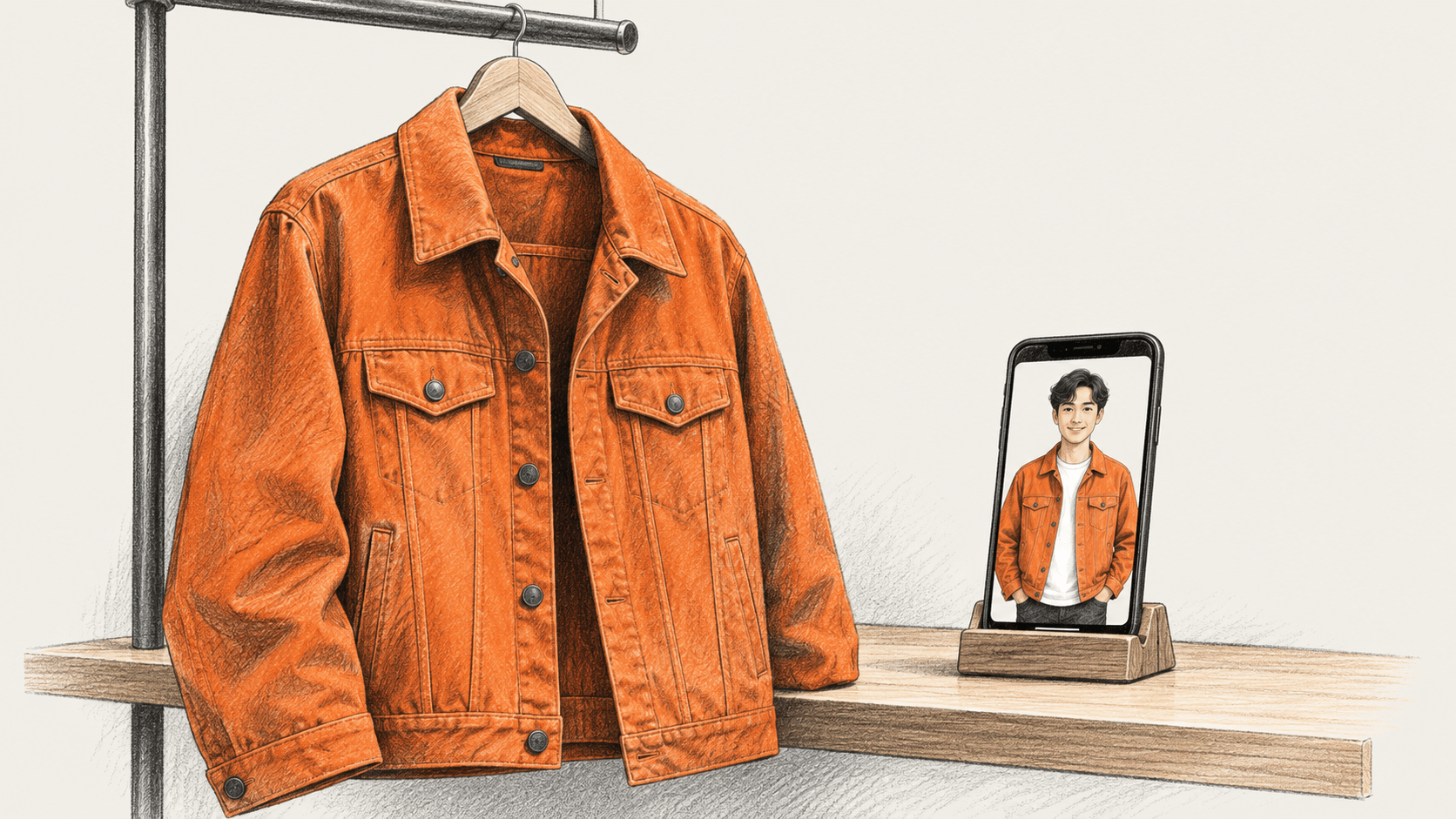
ChatGPT’s virtual try-on generates an image showing how a clothing or accessory listing might look on you. OpenAI announced the feature in its October 1 release notes. The documented flow uses a selfie. OpenAI cautions that the result may not match the product or your appearance exactly and does not guarantee fit or size.
Use the image to visualize the item, then check measurements and buying terms on the seller’s page.
Start from a product listing
- Open ChatGPT on the web or in the mobile app and find a product listing for clothing or an accessory. OpenAI says a Try on button appears on these listings.
- Select Try on. Take a selfie or upload one when prompted.
- View the generated try-on image. It is a preview generated with ChatGPT Images, not a measurement or fit result.
OpenAI also documents another route: upload a picture of a clothing or accessory item in a conversation and ask ChatGPT to show how it might look on you. This can be used when you already have an image of the item. The Help Center page does not say that every product listing or image will produce a result.
OpenAI lists the feature as available on mobile and web. Its release notes and shopping guide do not specify plan or country eligibility, a separate fee, usage limits, or developer API details. The cited instructions do not explain why a particular listing may lack the button.
Change or remove the saved photo
OpenAI says reference photos are saved for future try-ons so you can reuse them without uploading again. To manage one, go to Settings → Personalization → Reference photos, select the photo, then choose Change photo or the delete icon. The cited try-on instructions do not describe broader photo-retention or training settings, so consult the current privacy controls for those questions.
Check the actual item before you order
Use the generated image as one view of the item. Before buying, return to the merchant’s listing and check:
- the product name, color and style match the item you meant to preview;
- the seller’s measurements and size chart, using your own measurements where relevant;
- the item description for fabric, construction and other details that an image cannot establish;
- the merchant’s return policy and any conditions or costs that apply.
OpenAI says the image may differ from both the product and your appearance. It cannot confirm how a garment will fit or whether a listed size is right; use the retailer’s product information and terms for those facts.
The big change
What changed: Since October 1, ChatGPT product listings for clothes and accessories can offer a generated try-on image based on a selfie. The reference photo is saved for later try-ons, with controls to change or delete it.
Why it matters: Shoppers can preview an item while discovering products in ChatGPT. The image can help visualize appearance, but OpenAI says it may not match the item or person and does not establish fit or size.
What to watch: OpenAI’s release notes and help page give mobile and web availability but do not specify plan or country eligibility, a price, usage limits or accuracy measurements. Check whether the feature appears in your account, then use the seller’s measurements, product details and return policy for purchase decisions.
We did not test the feature. This guide follows the documented workflow and does not assess how faithfully a result represents a particular product.
Sources & further reading
- OpenAI, ChatGPT Release Notes, October 1, 2026. Announces virtual try-on for clothes and accessories, the saved reference-photo behavior, and mobile/web availability.
- OpenAI Help Center, Shopping with ChatGPT Search. Gives the current steps, photo controls and explicit warning that generated images do not guarantee product accuracy, fit or size.
- Sarah Perez, TechCrunch, “ChatGPT can now virtually try on clothes for you,” October 1, 2026. Independent coverage of the launch and its place in ChatGPT shopping; it does not independently test the feature’s accuracy.