# Check TextEdit with Claude Code computer use on Mac
> Set up one Claude Code TextEdit check on Mac: enter a fixed line through the visible interface and compare the document with the session’s actions.
By BIGCHANGE.AI Editorial
Published: 2026-10-25T08:59:38.354Z
Updated: 2026-10-25T08:59:38.354Z
Canonical: https://bigchange.ai/blog/claude-code-mac-computer-use-textedit-first-check-guide
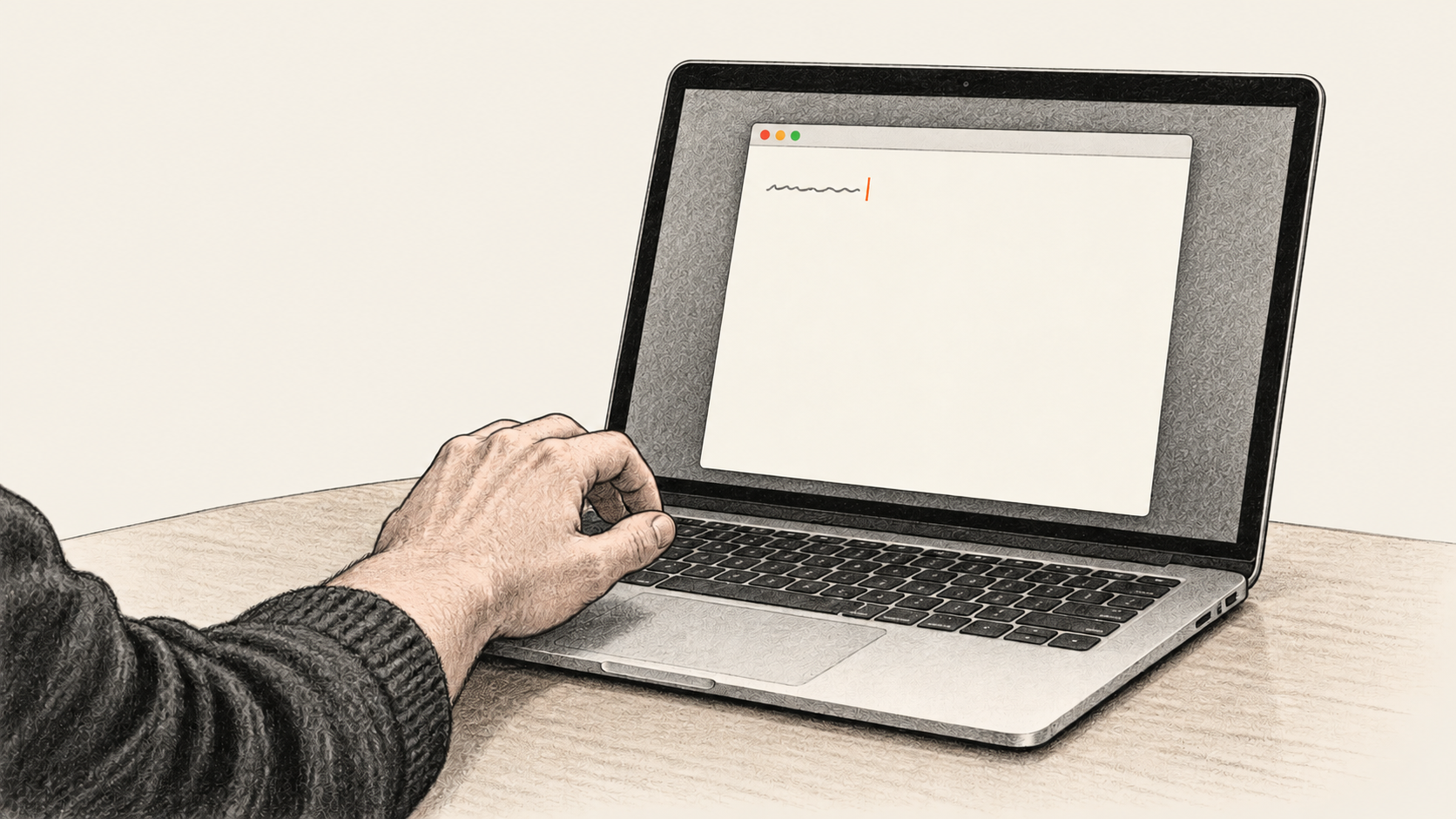
AI-generated conceptual illustration by BIG CHANGE; no actual Claude Code or TextEdit interface, permission grant, entered text or BIG CHANGE test is depicted.
This first Claude Code computer-use check is small: put a fixed line into a new, blank TextEdit document on a Mac and inspect it yourself. The procedure follows [Anthropic’s current CLI manual](https://code.claude.com/docs/en/computer-use); BIG CHANGE has not run it on a Mac or tested an account.
## The big change
- **What changed:** Claude Code now offers native Mac screen control.
- **Why it matters:** The reader can compare a visible app action with the real document and the session’s account of it.
- **What to watch:** Check the requested app, the action and the result before widening the task.
## Prepare an eligible session and an empty document
Use macOS, interactive Claude Code and claude.ai Pro or Max. Team/Enterprise, Windows/Linux, `-p` and third-party providers are ineligible; no minimum CLI version is listed. Record yours in Terminal:
```bash
claude --version
```
If you still need the CLI or a first project check, follow [our Claude Code installation guide](https://bigchange.ai/blog/claude-code-native-install-mac-windows-first-read-guide). Choose a project you own for this session. Review its effective permissions, connected tools and startup instructions; the TextEdit prompt below does not remove the session’s other access. Check `/status`; if the server is absent, recheck eligibility.
Before asking Claude to act, close or protect unrelated sensitive TextEdit documents. Open **one new blank document** yourself through File > New; Apple says the opening dialog may instead show New Document. Check that it is empty. Use only the harmless line `Claude computer-use check`. TextEdit can autosave and may use iCloud under your settings, so keep private data out of this scratch document. [Apple’s TextEdit guide](https://support.apple.com/guide/textedit/create-open-and-convert-documents-txtee6663a0e/mac) has the menu paths; inspect the labels on your macOS version.
## 1. Enable screen control for this project
Open `/mcp` and enable `computer-use` for this project. Grant the requesting app Accessibility and Screen Recording; select Try again. Fully quit and restart that process if recording still fails.
## 2. Ask for one visible TextEdit action
Send this as a **prompt**, after you have confirmed the blank document:
```prompt
Use computer-use only in the new blank TextEdit document I opened. Through its visible UI, choose Format > Make Plain Text if this document is rich text, then type exactly: Claude computer-use check. Capture the resulting document view and report whether the visible text matches. Stop there. Do not open another document, overwrite an existing file, use a shell or AppleScript to create the result, change app preferences, or send anything. If the blank document or expected control is missing, stop and report it.
```
Approve only TextEdit and needed clipboard access. Other app approvals differ: Finder (file access); terminals/IDEs (shell access, clicks only); System Settings (system controls); browsers/trading (view-only); other apps (full control). This check establishes no larger automation result.
Watch the action. **Esc** or Terminal **Ctrl+C** stops it; exit frees the lock.
## 3. Check the actual document and finish
Read the TextEdit document yourself. Confirm the single line matches **exactly**, the document is plain text, and the captured view agrees with the real screen. Inspect the session’s actual computer-use activity: a prompt and a confident answer alone do not prove UI control. A file written by Bash or AppleScript does not pass this check. Keep any screenshot and session details private. Record the CLI and macOS versions, account eligibility, project, initial blank state, granted permissions, observed action, matching result or exact failure, and what you did with the scratch document.
If the document or Format menu differs, restore the blank starting state manually before one bounded retry. For another session’s lock, have its owner exit after preserving work; crashes clear automatically. Never delete the lock. Inspect any autosaved TextEdit file and choose its save or close action yourself. Exit; disable in `/mcp` if unwanted.
Pro and Max usage remains subject to plan limits. `/usage` shows plan usage; its locally estimated session dollar figure is not a subscription bill. There is no established fixed price for this TextEdit check. Claude Code **Desktop** uses separate setup and supports macOS and Windows; this Mac-only `/mcp` procedure is for the CLI.
## Sources
- [Anthropic Claude Code computer use from the CLI](https://code.claude.com/docs/en/computer-use) — CLI access and permissions; checked 25 October 2026.
- [Apple TextEdit: create, open and convert documents](https://support.apple.com/guide/textedit/create-open-and-convert-documents-txtee6663a0e/mac) — Apple’s current TextEdit guide documents File > New or New Document, Format > Make Plain Text, autosave and optional iCloud storage. Its page has macOS-version selection; readers should check their installed interface. Checked 25 October 2026.
- [Anthropic Claude Code Desktop documentation](https://code.claude.com/docs/en/desktop) — Context for the separate Desktop computer-use surface and its settings route. It does not extend Desktop platform or version requirements to the CLI procedure in this article. Checked 25 October 2026.
- [Anthropic Claude Code costs documentation](https://code.claude.com/docs/en/costs) — Explains /usage, Pro and Max plan usage, and why a local session dollar estimate is not a subscription bill. No fixed price or actual usage for this TextEdit check is established. Checked 25 October 2026.
- [BIG CHANGE Claude Code installation and first-read guide](https://bigchange.ai/blog/claude-code-native-install-mac-windows-first-read-guide) — Contextual prerequisite for readers who still need a working CLI and first project read. It does not cover the built-in Mac native-app computer-use server or this TextEdit result check.
The BIG CHANGE newsletter
The big picture. At your pace.
Recent stories on AI and robotics, the shifts worth watching and practical ideas to use. Choose a daily briefing, weekly digest or monthly perspective.
Next scheduled send (UTC): . Your first edition arrives at the next scheduled send after you confirm.
Your privacy, your choice.
Necessary storage supports site security and remembers your choices. Optional Google Analytics stays off until you allow it. You can read every story with necessary storage only. Privacy details