Christian Schaller got an unsupported film scanner to produce a recognizable Linux scan after recording what its Windows driver sent over USB. In his October 15 account, he describes using Claude to help analyze those captures and develop a SANE backend. His first scan still had quality problems; he later reported a much better driver. These are results from one developer and one scanner, not an independently reproduced measure of how often AI can write drivers.
Schaller subsequently published hw-harness, an MIT-licensed collection of scripts and documentation that generalizes his method. He explicitly says the scanner and camera projects used bespoke code, not the published harness in its current form. For a Linux driver developer with physical access to an unsupported USB device, the useful task is narrower than “let AI reverse engineer it”: capture one operation with the working vendor driver, capture the same operation with the Linux driver, and investigate the first meaningful difference.
The big change
- What changed: Schaller has packaged a repeatable way to put a working Windows device session and a Linux driver attempt under the same host-side USB recorder. His scanner result shows why that comparison can help, but it remains a single reported case.
- Why it matters: A driver developer can point an AI coding assistant at labeled traces and ask it to propose a protocol explanation or a small probe. The developer still needs the hardware, a working reference operation and direct tests before accepting any generated code.
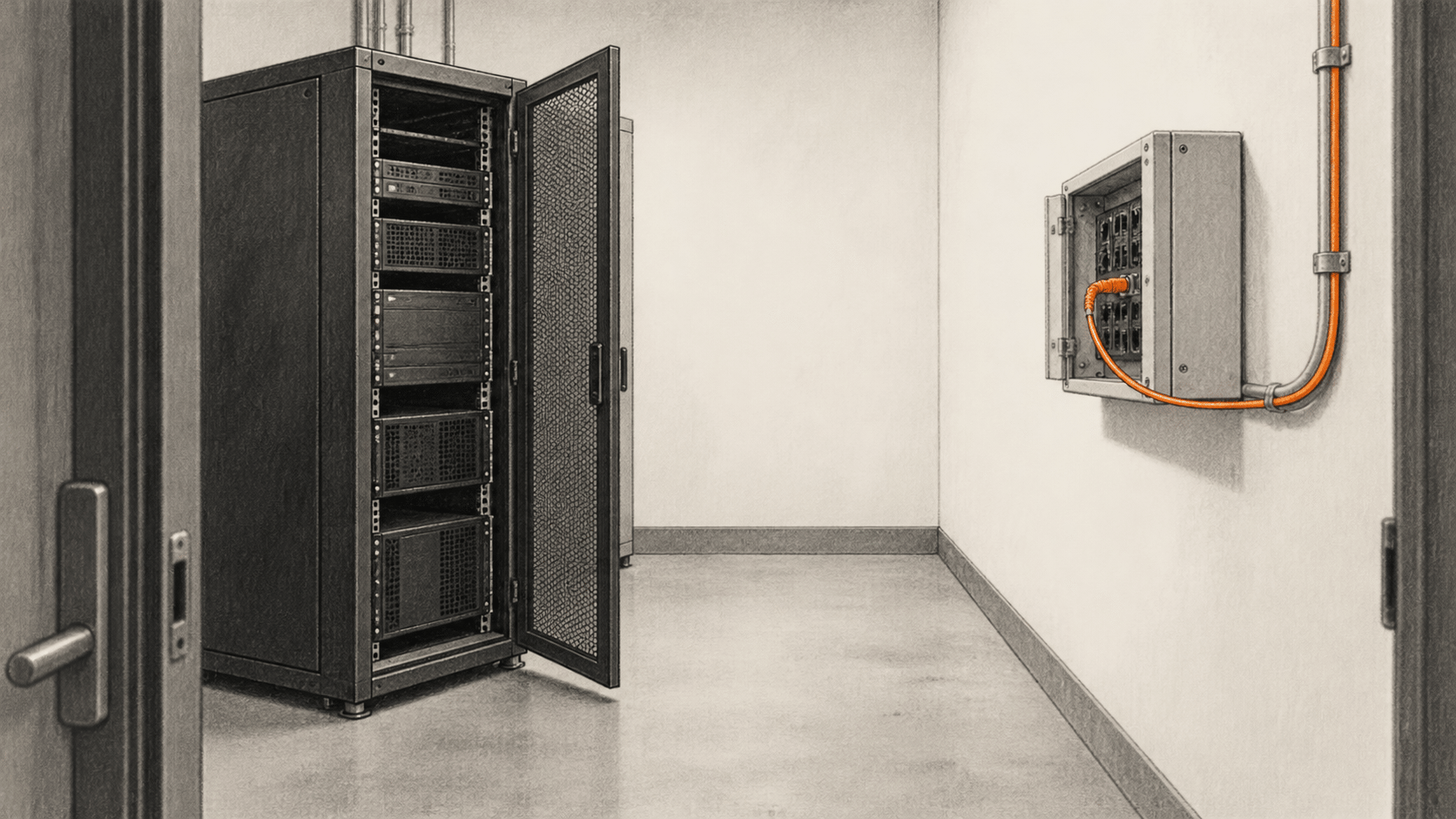
- What to watch: The method depends on whether the relevant device traffic is observable. For an internal MIPI camera, the published harness turns instead to Windows device configuration and ACPI inspection; a USB trace recipe would miss the information the developer needs.
What you need before a capture
The hw-harness README says it was developed and tested on Fedora. Its documented setup calls for libvirt/KVM, a Windows guest that runs the vendor driver, real USB passthrough, usbmon capture on the Linux host and a Linux driver or probe to compare. Windows 11 Pro enables the harness's RDP-based GUI controls. The VM guide says a Home guest can still use SSH, but not those RDP controls. The repository lists the Fedora packages and group permissions; run harness doctor against the checked-out revision to find missing pieces before connecting the device.
Have a permitted Windows installation and vendor software, the exact device, a repeatable operation and room for packet captures. Budget for a VM, hardware access, Windows and any AI service you choose; the repository gives no fixed end-to-end cost. Its scripts are MIT licensed, but that does not grant a Windows or vendor-software license. Review your own license terms and applicable reverse-engineering rules before using or distributing what you collect.
Use a separate project directory for each device. The README says harness init creates configuration and ignored etc/ and captures/ directories. Fill in the VM name and USB vendor/product IDs from the device rather than copying the README's example values. winctl auth, harness iso and the documented guest bootstrap establish control of the Windows VM; winctl status should report ssh: ok before a capture. Treat this as the project's documented setup, not a sequence BIG CHANGE has run.
Match one operation on both systems
- Record a baseline and a Windows reference. Follow the repository's method document: first learn what idle traffic looks like. Start the host capture before handing the USB device to the guest if you need its initial enumeration. Run the vendor's Windows driver against the passed-through device and label a short, specific action, such as a scan at a stated resolution.
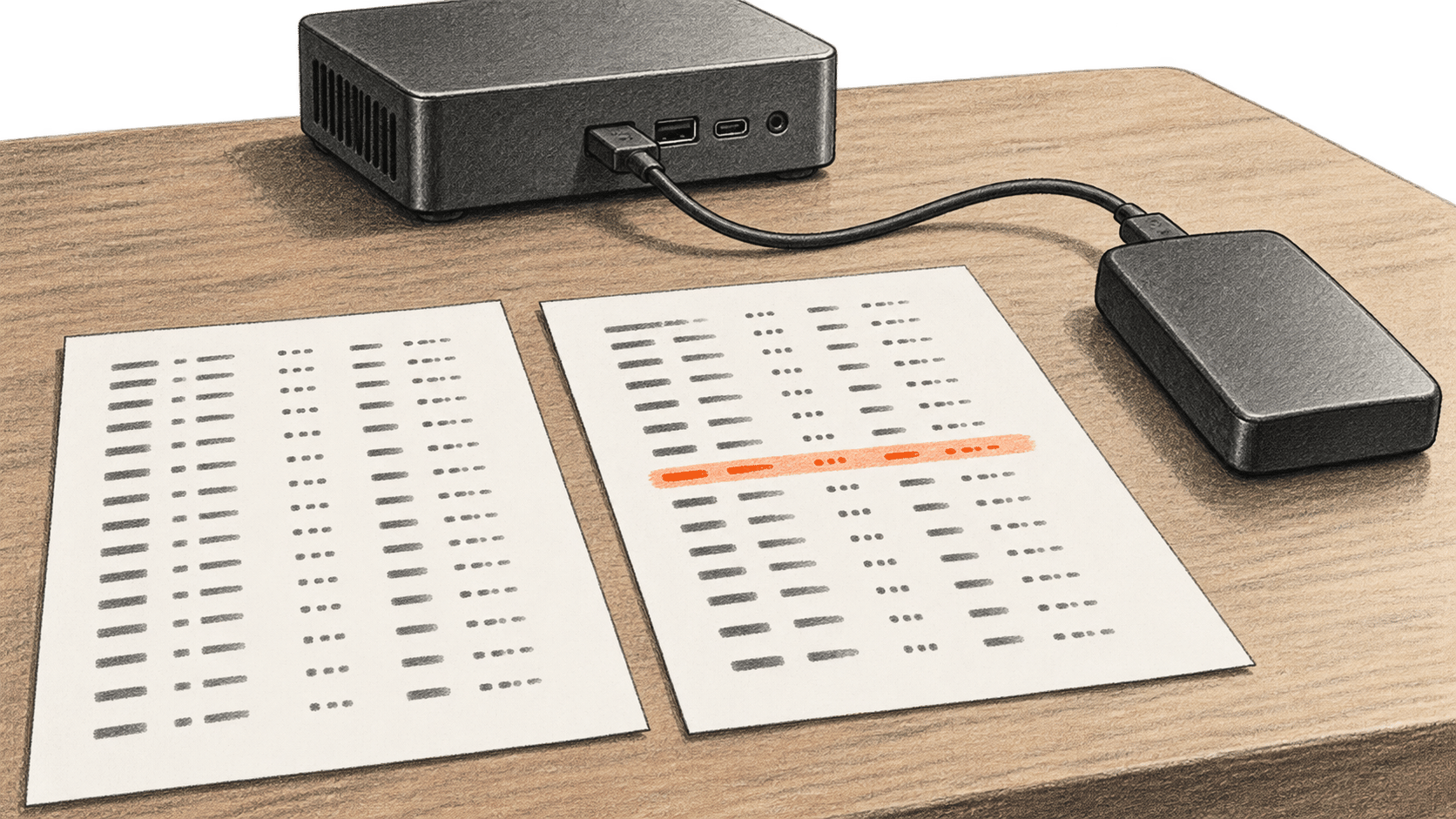
usbcapcaptures the bus and writes a.metasidecar with the device, bus address, duration and label. The host capture point sits below USB passthrough, so it can observe the guest's operation. - Record the Linux counterpart. Return the device to the host and capture your Linux driver doing the same operation with the same settings and physical material. A reference capture without a corresponding Linux run cannot establish which driver action diverged. The repository's scanner command is an example for its author's setup, not a universal command for every device.
- Compare and test one hypothesis. Read the two traces in Wireshark or with the method document's
tsharkfilters. Check initialization transfers, the writes that bracket the action, status polling and bulk-transfer timing. Vary one setting at a time, such as resolution, to see which transfer changes. Ask an AI assistant to identify a candidate difference and cite the capture and frame behind it. Then make a limited driver change or probe and repeat the same operation on real hardware. A plausible explanation in a model response is not a success signal.
The immediate output is a labeled pair of capture files and an account of the first meaningful divergence. A successful repair requires the Linux device to perform the intended operation consistently, with the expected output, under the developer's own checks. Matching a few bytes or producing one partial image does not establish full driver quality. In Schaller's account, the first recognizable scan still needed further work, and upstream SANE support for his scanner appeared separately while he was working.
If the traces are hard to compare, shorten the operation and confirm that the device, settings and capture layer match. The method recommends small captures that answer one question, and a capture of device attachment once. If passthrough or guest control fails, use harness doctor, hostdev status and the VM setup guide before interpreting an empty trace as a driver fault. Keep the original captures and notes so a proposed register constant can be traced to an observed frame.
Where USB tracing stops
An internal MIPI camera does not expose the same useful traffic to the host USB recorder. The method document instead describes winctl probe for Windows PnP properties, INF files, registry entries and ACPI tables, plus Linux-side inspection through hwdbg. Schaller reports applying that different route to his laptop camera, with kernel and libcamera patches; those results also come from his account. Do not substitute a camera outcome for evidence that the USB loop worked on another device.
Keep the investigation on observed device behavior and declarative configuration. The repository's clean-room guide excludes disassembling vendor binaries or copying their code into a Linux driver. It also warns that captures can include device serial numbers and that the project directory contains a private SSH key. Review traces, device identifiers and guest files before giving them to an AI service or sharing them publicly; keep keys and raw captures out of source control. The published instructions establish a method to try. BIG CHANGE inspected the blog and repository at the pinned revision but did not run the VM, capture a device or validate a resulting driver.
Sources & further reading
- Christian Schaller's October 15 account explains his scanner and laptop work, the role he attributes to Claude, and why the shared harness came after his bespoke scripts. The scanner outcome is his report, with no independent replication in this article.
- hw-harness repository describes the tools, Fedora and Windows prerequisites, example setup and project privacy warning. BIG CHANGE inspected commit
093afc5c576c200f29b771d01624a327d0ff1806from October 14, 2026; the repository is MIT licensed and may change after that revision. - The method specifies the baseline, reference, Linux comparison and repeat loop, capture hygiene, USB trace reading and the separate route for devices without a host-visible bus.
- Windows reference VM setup covers guest access, USB passthrough and the difference between Windows Pro and Home for RDP controls. Check license terms for your own installation.
- Clean-room boundaries sets out the project's observation-based practice, its limits around vendor binaries and the need to record where constants came from. It is the project's engineering guidance, not a legal opinion.