THE WORLD IS NOT STANDING STILL.RSS
BIG CHANGE.
BIG CHANGE, one tap away

Make room for the big picture.

Add BIG CHANGE to your home screen or desktop. It opens in its own window, with the latest stories when you’re online.

iPhone & iPad
Open bigchange.ai in Safari. Tap Share, then Add to Home Screen. Turn on Open as Web App if shown, then tap Add.
Android
Open bigchange.ai in Chrome. In the browser menu, choose Install app or Add to Home screen.
Desktop
In Chrome or Edge, use the install icon in the address bar or the browser’s app menu. In Safari on Mac, choose File → Add to Dock.
All briefings

Follow the change ·

The day,
in perspective.

What happened in AI and robotics — and the change behind it. A reading path through 37 stories from BIG CHANGE.

Ordered using RADAR attention, story opens and likes. Excerpts from our published reporting; open a story for the full context and sources. Dates in UTC.

Original story: guide

Build a personal AI news digest with a coding skill

A source-pinned guide to the coding skill's news-digest workflow, with checks for collection, deduplication, filtering, uncertain decisions, links and delivery controls. BIG CHANGE has not run it.

The big change

The reusable part of this skill is its separation of collection, stable storage, factual filters, typed judgments and linked reading. A coding agent can assemble those parts around a reader-approved profile. The reader still owns access permissions, examples, spending limits and the choice to start or stop daily delivery. Until the generated system passes the source, duplicate, miss and scheduled-run checks in your environment, it is a build in progress.

Read the full story
—
Back to the briefing
Original story: analysis

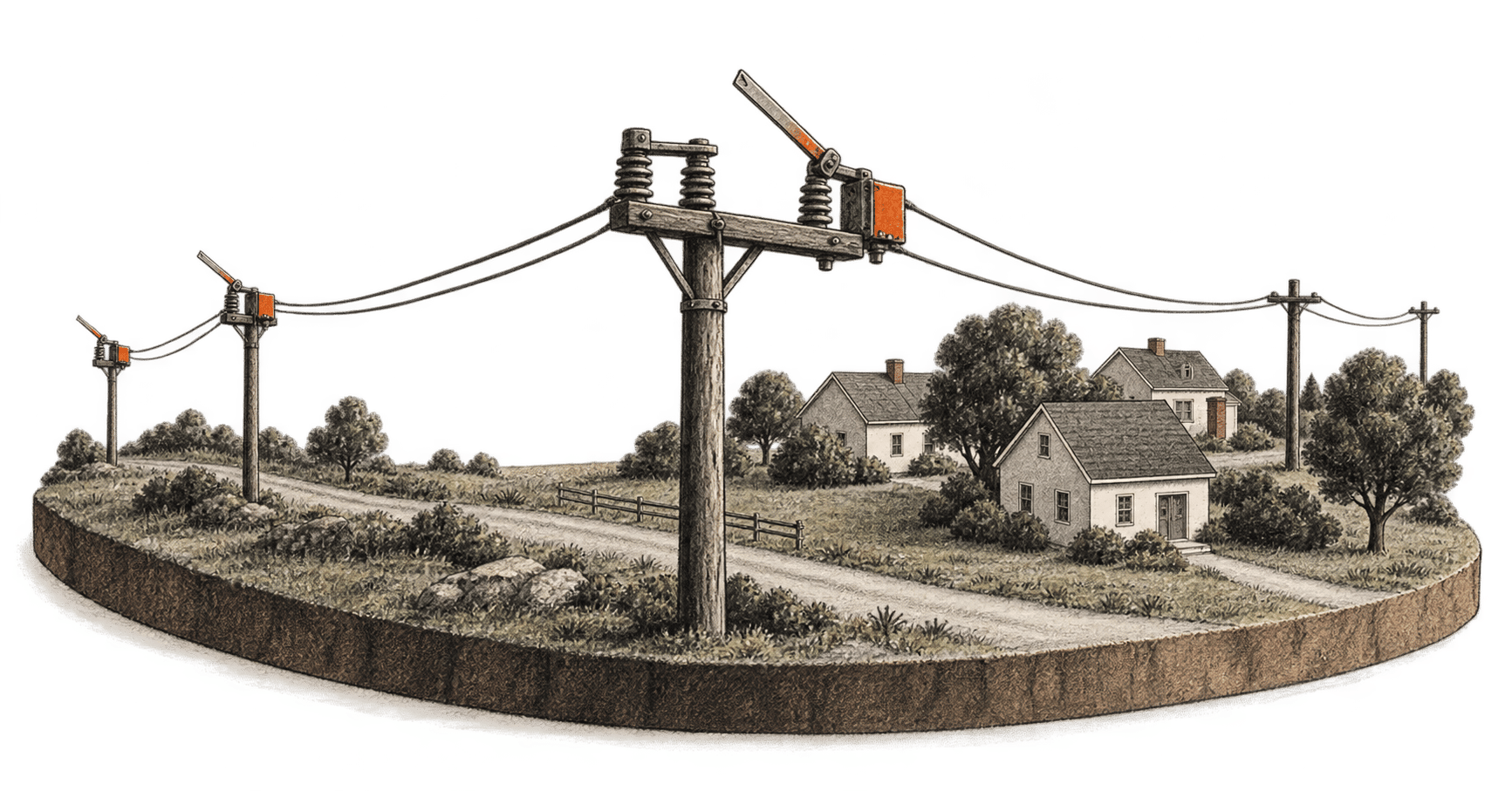
FLARE tests AI grid restoration decisions under degraded reports

A new simulation benchmark finds that AI agents often match a grid-restoration reference plan, but their worst cases and unsafe switch proposals keep independent safety checks central.

The big change

What changed: FLARE ties an agent's information gathering and switch choices to simulated electrical consequences, rather than scoring an answer alone. The authors can compare decisions made with clean reports against decisions made with limited or erroneous ones.

Why it matters: A grid researcher can inspect where an agent loses time or proposes an unsafe switch, while keeping a separate physical check in charge of whether that switch takes effect. The paper's rejected actions show why a plausible plan cannot serve as its own safety clearance.

What to watch: The authors identify utility data, human-operator studies and fuller electrical validation as future work. Those checks would determine how far this benchmark can inform decision support beyond its simulated, post-isolation task.

Read the full story
—
Back to the briefing
Original story: guide

How to inspect context and continue a Claude Code session

Inspect a Claude Code session's context and loaded instructions, compact when needed, then check the task state against real files and acceptance checks before continuing.

The big change

What changed: Claude Code exposes a live context breakdown and lets you focus a conversation summary on the task you are continuing. The summary carries working context forward while some files and instructions reload from disk.

Why it matters: A developer can make room in a long session without abandoning the authorized coding task, then check the resumed state against the workspace before making another change.

What to watch: The context display describes capacity, not the accuracy of a summary. After compaction, the next decision depends on the real files, applicable instructions, running work and the task's existing acceptance checks.

Read the full story
—
Back to the briefing
Original story: guide

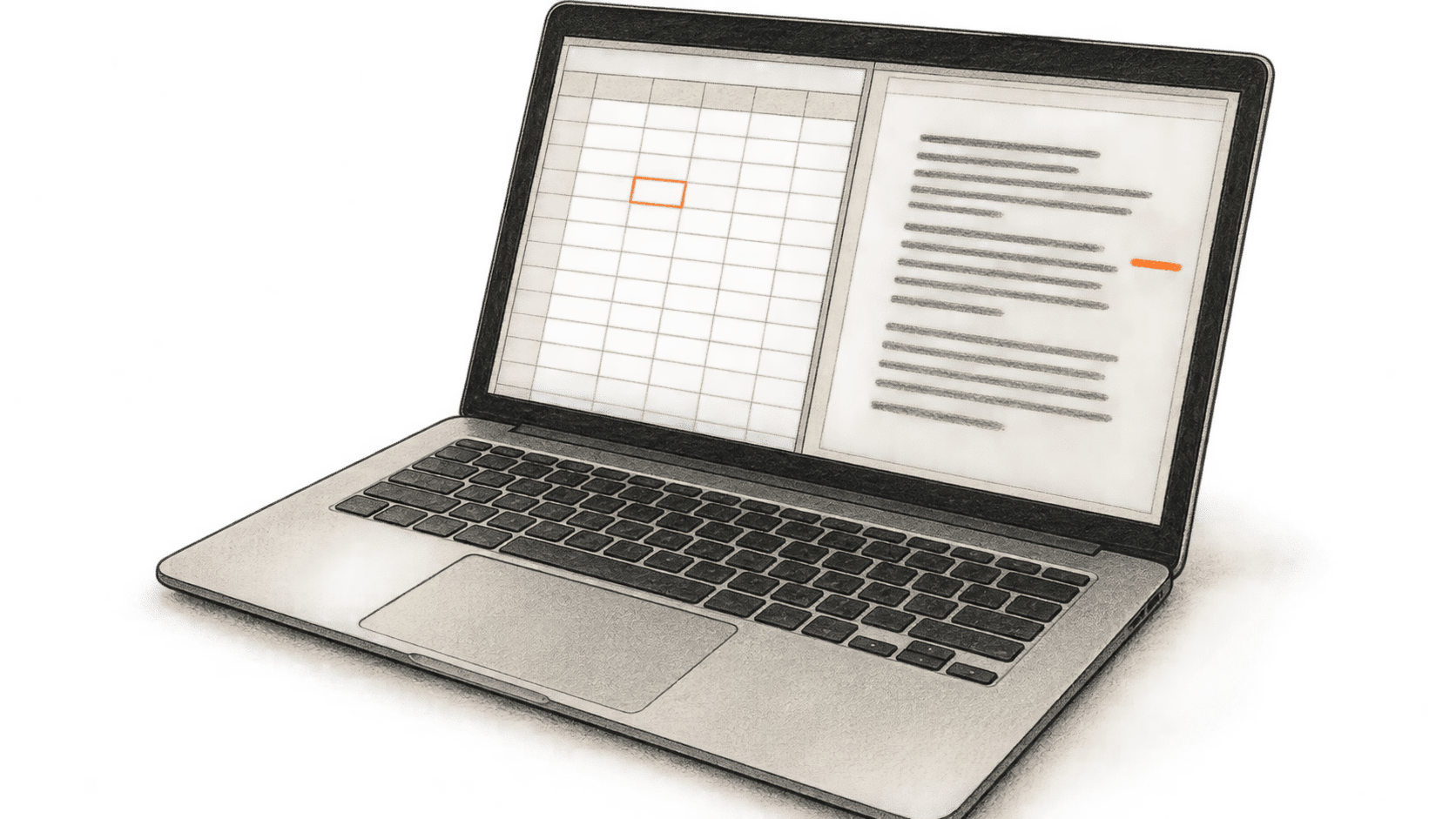
Check workbook figures in a Word memo with Claude

Use Claude with an open Excel workbook and Word memo, then verify the figures, units and periods and review proposed changes.

The big change

What changed: Claude can carry context from an open Excel workbook into an open Word document in one conversation. The reader still chooses and opens the files.

Why it matters: A project-status memo can be drafted beside the workbook that supplies its figures. That removes a copy-and-paste step, but a plausible sentence can carry the wrong period, unit or number. The person sending the memo must check it.

What to watch: Word can show Claude's edits as tracked revisions, while the source workbook stays available for a cell-by-cell check. Those reviews determine whether the memo is usable.

Read the full story
—
Back to the briefing
Original story: guide

Update one PowerPoint chart from Excel with Claude

Use Claude with an open Excel workbook and PowerPoint deck to update one editable native chart, then verify its data, labels, axes and layout before saving.

The big change

What changed: Claude's Microsoft 365 add-ins can coordinate a task across an open workbook and an open presentation, including an Excel-to-PowerPoint chart update.

Why it matters: The presentation owner can specify the source cells and target chart in one conversation, then inspect an editable PowerPoint object.

What to watch: The manuals do not establish that the chart stays linked to Excel or refreshes later. Treat the chart as a result to verify each time the source changes.

Read the full story
—
Back to the briefing
Original story: guide

Check one Agent-Native action through chat and a React page

Call the Chat template's hello action from agent chat and a React route, change one return value, and compare the documented results while checking for tool invocation evidence.

The big change

What changed: An action can supply one typed operation to both an agent tool and a React query. In this example, the greeting's code lives in one file.

Why it matters: A developer can check whether the two callers receive the same result after a code change. That reduces the chance of maintaining separate greeting logic for chat and the page; it does not establish that the callers share saved application state.

What to watch: Compare the actual action call and returned value when the chat interface exposes them. A plausible sentence from the model alone cannot prove it called hello. Before using this pattern for consequential operations, assess authorization, validation and state writes separately.

Read the full story
—
Back to the briefing
Original story: guide

Create, correct and export a local AI slide deck

Set up Agent-Native Slides locally, build three slides from your own factual text, make one exact correction, and check it in a downloaded HTML deck.

The big change

What changed: A generated deck can be edited as slides and downloaded as one HTML file for viewing.

Why it matters: A source-to-slide check and one exact correction keep the reader responsible for factual content. The decisive check is in the exported file.

What to watch: Local hosting covers the app, while the chosen model connection determines where prompt content is processed and what charges may apply. No fixed per-deck price or package-to-commit parity was established here.

Read the full story
—
Back to the briefing
Original story: guide

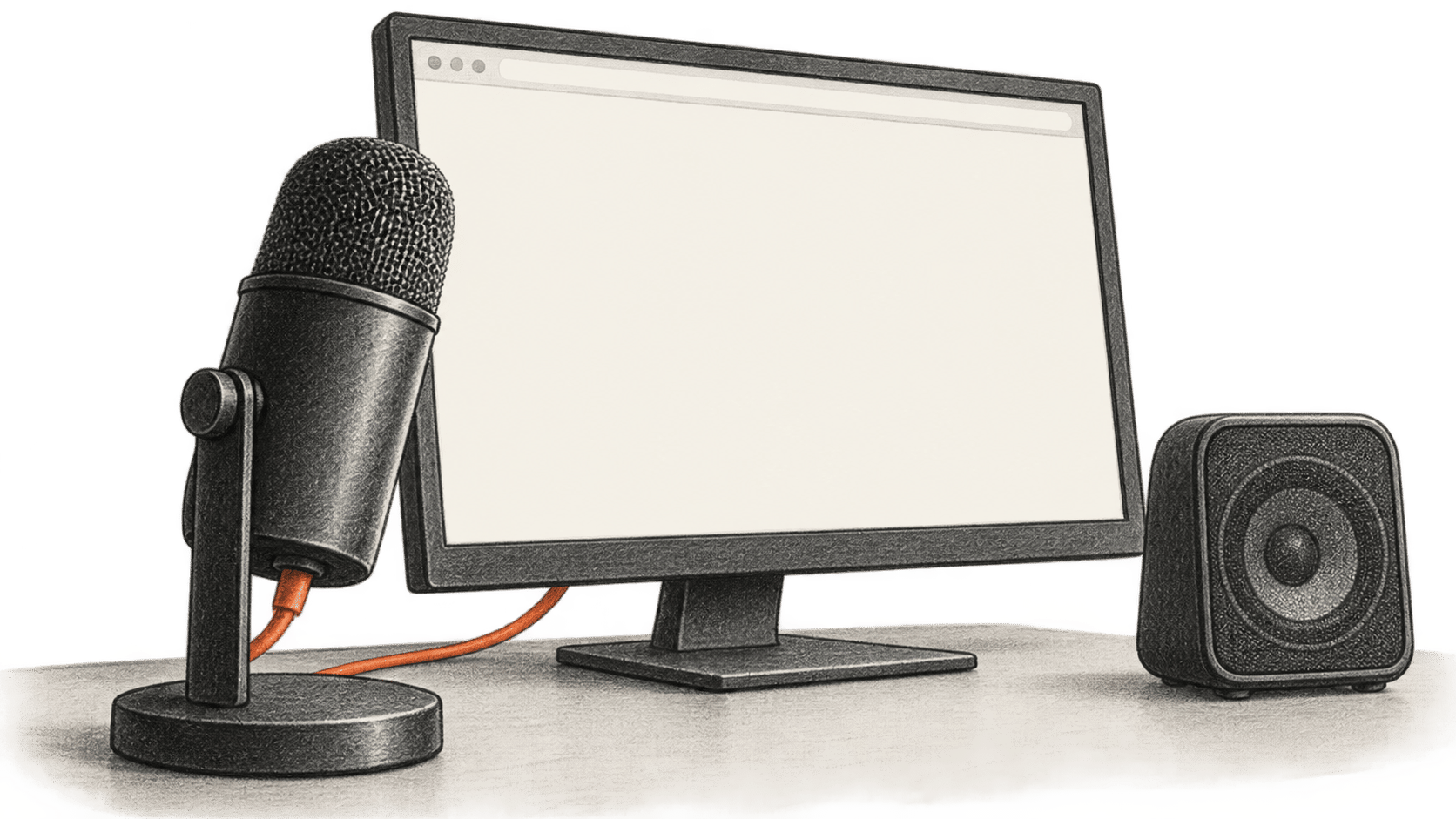
Build a local browser voice conversation with OpenAI Realtime

Build a local browser microphone conversation with OpenAI Realtime over WebRTC. The full server and page code keep the API key on the server and show how to check playback, stop the microphone and handle failures.

The big change

What changed: OpenAI documents a browser WebRTC path for a live Realtime conversation, with a local server exchanging the browser’s connection offer for an answer while holding the project key.

Why it matters: A developer can check the complete microphone-to-spoken-reply path in one local page before designing a larger voice product. The project owner controls the key and pays for any API use.

What to watch: A working local exchange does not establish production readiness. A shared version needs caller authentication and spending controls, while a cancelled or timed-out request may already have reached OpenAI.

Read the full story
—
Back to the briefing