THE WORLD IS NOT STANDING STILL.RSS
BIG CHANGE.
BIG CHANGE, one tap away

Make room for the big picture.

Add BIG CHANGE to your home screen or desktop. It opens in its own window, with the latest stories when you’re online.

iPhone & iPad
Open bigchange.ai in Safari. Tap Share, then Add to Home Screen. Turn on Open as Web App if shown, then tap Add.
Android
Open bigchange.ai in Chrome. In the browser menu, choose Install app or Add to Home screen.
Desktop
In Chrome or Edge, use the install icon in the address bar or the browser’s app menu. In Safari on Mac, choose File → Add to Dock.
All briefings

Follow the change ·

The day,
in perspective.

What happened in AI and robotics — and the change behind it. A reading path through 36 stories from BIG CHANGE.

Ordered using RADAR attention, story opens and likes. Excerpts from our published reporting; open a story for the full context and sources. Dates in UTC.

Original story: guide

Build a PowerPoint deck from checked PDF evidence with Claude

Extract candidate claims from a PDF with Claude for PowerPoint, reconcile each row against the source, then build and inspect a native deck from verified evidence.

The big change

What changed: Anthropic documents PDF attachment alongside an open PowerPoint file, as well as slide generation in a loaded template. This makes a source-to-deck workflow possible inside the add-in.

Why it matters: The presentation owner can retain Claude's proposed claims, check each against the original PDF and exclude unresolved rows before planning slides. That checked sheet remains useful even if the deck is rebuilt.

What to watch: PDF extraction, page references and chart values are not guaranteed by the documentation. A human must inspect the original pages and the finished native file before sharing it.

Read the full story
—
Back to the briefing
Original story: analysis

AWS's TorchNeuron brings a native PyTorch backend to Trainium

AWS’s Neuron 2.33 release introduces a public-beta PyTorch backend for Trainium2 and Trainium3. Its supported versions, operator coverage and compilation limits define what engineers need to check in an evaluation.

The big change

TorchNeuron puts Trainium behind PyTorch's native device and compilation interfaces in a public beta. That makes a first trial more direct for supported PyTorch programs and gives existing Neuron users a different path from their XLA-based code. The decisive evidence for adoption will come from each workload: whether its operators stay on the intended device, its numerical results remain acceptable, and its measured performance and cost justify the instance and migration work. BIG CHANGE reviewed the documentation and announcements for this analysis; we did not run TorchNeuron or independently verify AWS's performance claims.

Read the full story
—
Back to the briefing
Original story: analysis

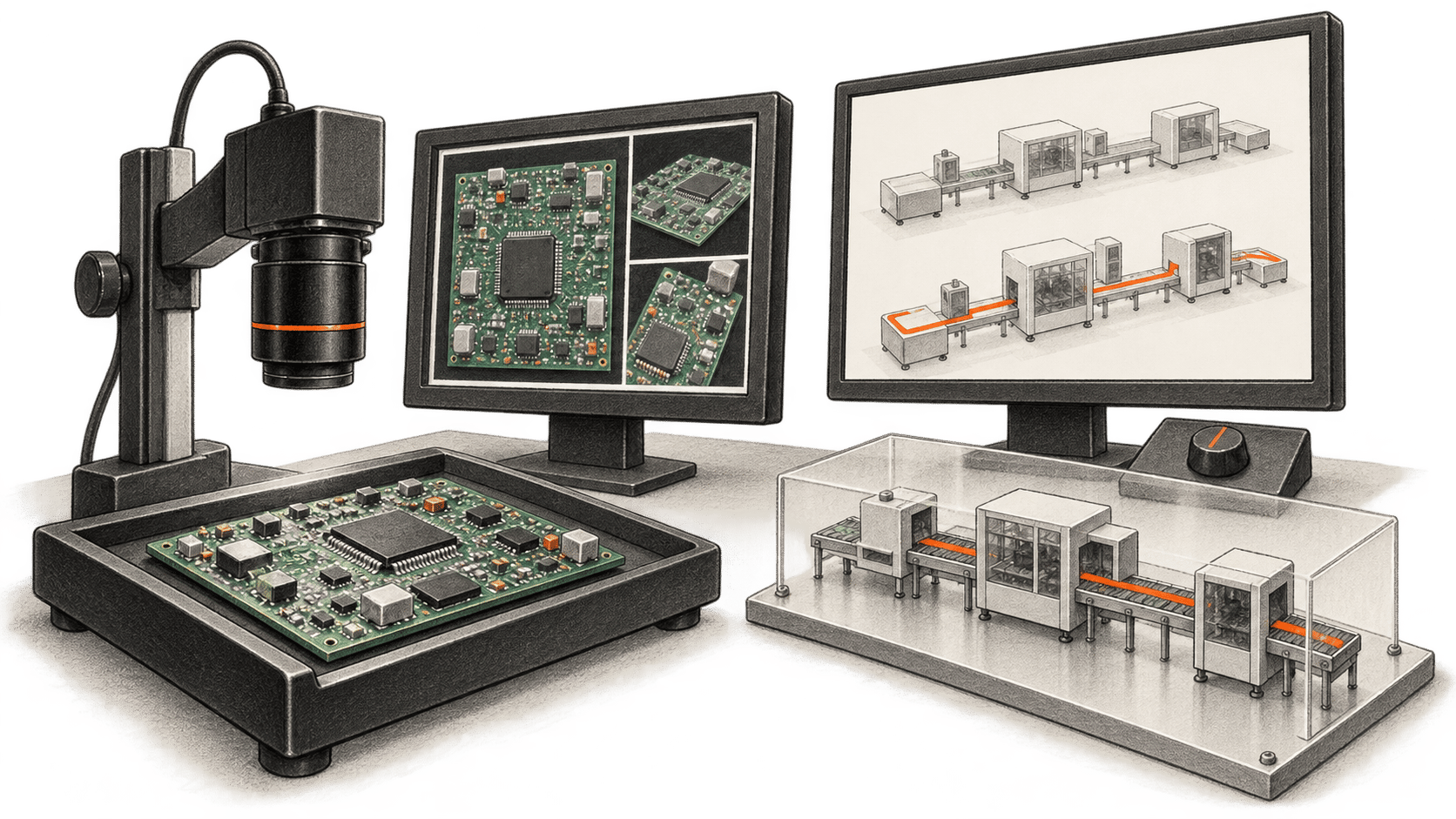
Siemens and NVIDIA test inspection and planning AI at Erlangen

Siemens says AI systems being tested at its Erlangen plant can generate inspection imagery from digital twins and propose production plans for planners to assess. The release describes live production testing, while its productivity figures remain company-reported.

The big change

The partnership announced in January set an ambition to build fully AI driven, adaptive manufacturing sites, starting with Erlangen as a blueprint. The October update supplies two concrete workflows being co-developed and tested in live production: synthetic board images used to prepare inspection, and an agent whose planning options are checked in a factory twin before people act on them. The practical shift is that teams can prepare and examine some decisions virtually before a physical board or a revised production plan reaches the line.

For other manufacturers, Erlangen is evidence of where Siemens and NVIDIA are applying these tools, not evidence that an autonomous factory has been proved at scale. Reproducing the workflows would depend on accurate product and factory models, production data, inspection validation and local operating controls. The companies have not published enough implementation or outcome data to establish the cost, reliability or transferability of this approach beyond the reported site. BIG CHANGE did not test either workflow.

Read the full story
—
Back to the briefing
Original story: guide

Review Gemini Notebook plans before making slides or videos

Use Gemini Notebook's Review flow to inspect slide outline notes or video producer notes, steer the plan and check it before generating the final artifact.

The big change

With the new Review toggle, Gemini Notebook offers Review outline notes for slides or Review producer notes for video in the studio panel. The user can give feedback on the plan and select Proceed when it is ready. Someone who wants a quick first pass can skip review and generate from the studio panel. Google describes a creation flow based on the notebook's sources, but its announcement does not establish that every proposed point is correct or that every account already has the controls.

Read the full story
—
Back to the briefing
Original story: guide

Connect Claude Code to Google Workspace with five read checks

A documented setup for checking Claude Code's Google Workspace CLI account, OAuth grants and permission prompts with bounded Drive, Sheets, Docs and Gmail reads.

The big change

What changed: The current gws CLI exposes Google Workspace API methods as shell commands that Claude Code can run. One authenticated account can provide a route across several work services, subject to its actual grants and the agent's shell permissions.

Why it matters: The same connection that lets an agent inspect a selected file or message can reach other data covered by its OAuth scopes. An account owner can compare small, known results from the terminal and Claude Code before deciding whether to delegate more work.

What to watch: Check the installed CLI's generated commands and the session's effective permission rules whenever this setup changes. The CLI is before 1.0; a narrow example query or field mask does not reduce the account-wide grant.

Read the full story
—
Back to the briefing
Original story: guide

Use a pinned DESIGN.md reference in Claude Code for one page

Choose one pinned DESIGN.md file, give it to Claude Code for an edit to an owned page, then inspect the changed code and desktop and phone rendering.

The big change

What changed: A single, version-pinned design analysis can be supplied as explicit context for an edit to one owned page.

Why it matters: The owner can borrow a useful layout or spacing idea while checking the result against the page's real content, identity and behavior.

What to watch: The reference is community analysis. Its brand details and even some of its internal instructions may be wrong or unsuitable for your page.

Read the full story
—
Back to the briefing
Original story: guide

Review a Claude Managed Agent memory store with one Dream

Run one manual Claude Dream over authorized sessions, inspect and correct its separate memory store, then attach only reviewed memory to a later session.

The big change

What changed: A Dream can synthesize an existing memory store and 1–100 selected session transcripts into a new memory store without changing the input.

Why it matters: The separate output gives its owner a chance to compare new or condensed notes with the original evidence before another session reads them.

What to watch: Dreams needs separate research-preview access. A completed job produces a candidate store, not an approved set of facts or preferences.

Read the full story
—
Back to the briefing
Original story: guide

Add a bounded project context hook to Claude Code session start

Install a small project SessionStart hook that adds the current Git branch to Claude Code context. Check its direct output, startup and resume, and failure behavior.

The big change

What changed: This project SessionStart hook supplies a short Git branch line when Claude Code starts or resumes a conversation.

Why it matters: The current branch reaches session context at startup or resume without a manual paste each time.

What to watch: Context does not enforce a rule or guarantee a model answer. Check actual startup and resume delivery in your own trusted project.

Read the full story
—
Back to the briefing