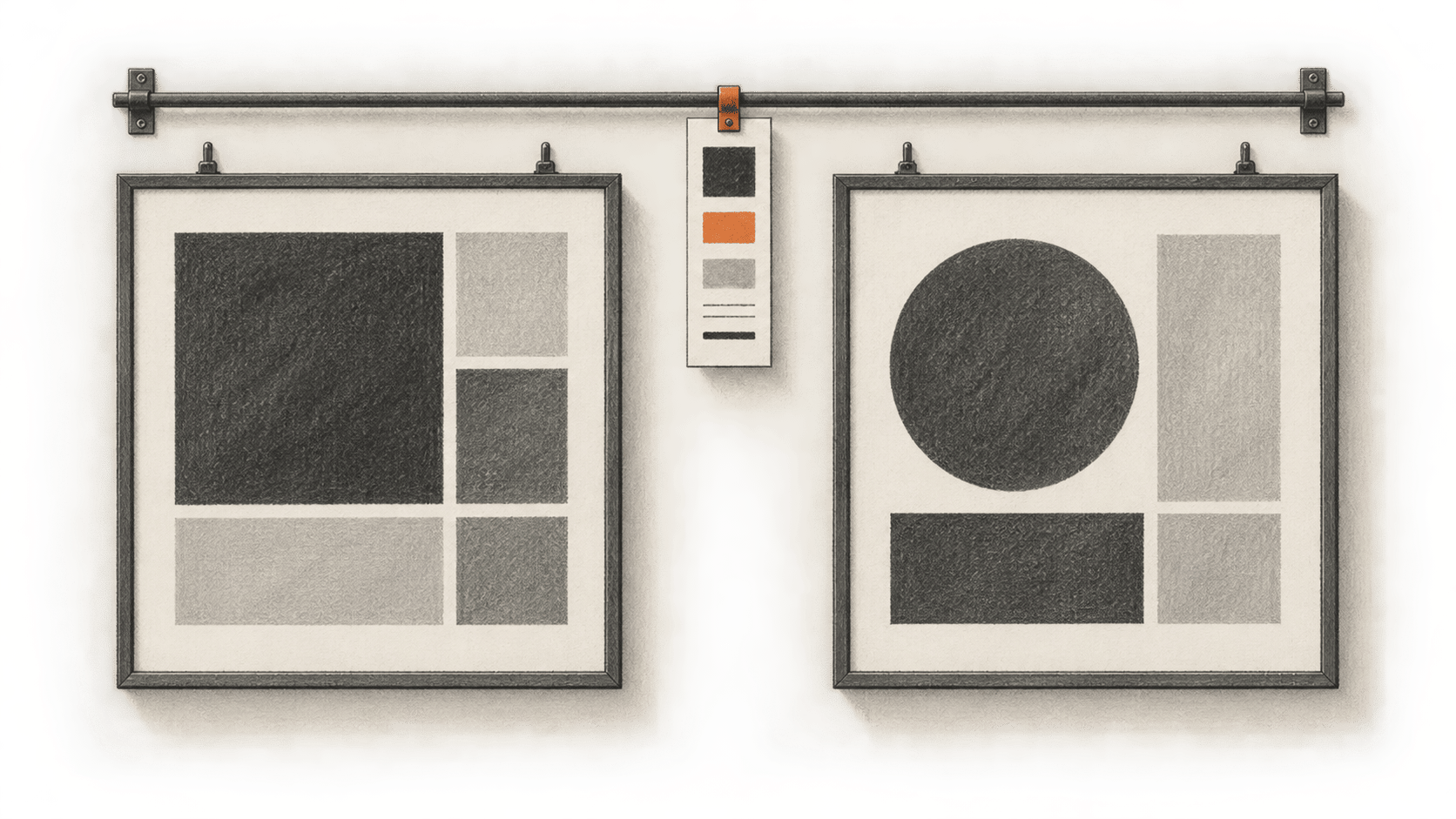
An AI coding agent can follow a visual reference only as well as the decisions in that reference. If you own the project and already have approved brand rules, you can put them in one reviewable DESIGN.md file, then use Claude Code for two small edits that you inspect yourself. The deliverable is your approved specification. The two edits check whether it was useful in those particular artifacts; they cannot establish how a later edit will turn out.
This is a documentation-based procedure. BIG CHANGE reviewed a pinned design-file collection and Anthropic's Claude Code manuals on 20 October 2026. We did not run Claude Code, edit or render the two artifacts, or measure cost or design quality.
The big change
- What changed: The owner can author a versioned visual specification from approved decisions and give Claude Code that exact file before a bounded edit.
- Why it matters: A single checked source makes the color, type and layout rules available for comparison with two actual revisions, while the owner decides whether either result is acceptable.
- What to watch: The file must be read completely before each edit. Its presence in the project, a path mention or Claude's assurance does not prove it was loaded or followed.
Before you start
You need an owned project, permission to edit it, two small existing artifacts you can render, and a working copy or version-control point you can restore. The artifacts can be two pages or a page and a presentation, provided you know each project's actual edit and render workflow. Choose one limited visual change for each. Keep the current copy, links and working interactions available for comparison.
Collect the owner's approved color values and their roles, licensed or permitted fonts and fallbacks, logo and image-use rules, target audience, dimensions, and accessibility requirements. Use the actual approval record or ask the owner to resolve missing choices. A public company site or someone else's design analysis does not authorize values or assets for your project. Owner approval of an asset also does not automatically authorize sending it to a model provider.
Set up Claude Code with an eligible account or provider, and review the account's data-use terms and tool permissions before exposing private code, copy or assets. A project stored locally can still send content to a model service. Check who may see the material, which tools may read or change files, and whether you may submit each item. The cost guidance depends on the account and provider; this guide cannot give your session a fixed price.
The pinned Awesome DESIGN.md collection is optional inspiration for a file's sections. It analyzes public sites; it is not an owner's approved brand manual. You can write the file directly from your approved decisions. If you copy repository text, retain its MIT copyright and permission notice. That notice does not grant rights to another site's marks, font files or imagery.
Make the owner-approved reference
- Create
brand-reference/DESIGN.mdin the owned project. Fill this minimal schema from the approval record. The bracketed text names information the owner must supply; it is not a suggested brand. Keep an item markedUNRESOLVEDuntil the owner decides it. Do not ask Claude to invent a value to fill a gap.
# Visual specification

Owner: [owner or approving role]
Approved version/date: [version and approval date, or UNRESOLVED]
Audience and artifact purpose: [owner-approved description]
Approval evidence: [internal record or location, without private data in a shared copy]

## Color roles and values
- Background: [approved value and color format, or UNRESOLVED]
- Text: [approved value and color format, or UNRESOLVED]
- Primary action: [approved value and color format, or UNRESOLVED]
- Link, border and status roles: [each approved value, or UNRESOLVED]

## Typography and scale
- Heading family and permitted fallback: [approved names, or UNRESOLVED]
- Body family and permitted fallback: [approved names, or UNRESOLVED]
- Heading/body sizes, weights and line heights: [approved scale, or UNRESOLVED]
- Font license or use restriction: [approved terms, or UNRESOLVED]

## Spacing and layout
- Spacing scale, content width and grid: [approved values, or UNRESOLVED]
- Target artifact dimensions: [approved sizes, or UNRESOLVED]

## Components and states
- Buttons, links, inputs and navigation: [approved appearance and behavior]
- Hover, focus, disabled and error states: [approved rules, or UNRESOLVED]

## Responsive and accessibility rules
- Desktop/phone behavior and breakpoints: [approved rules, or UNRESOLVED]
- Contrast, readable type, focus order and touch use: [approved requirements]

## Assets and forbidden substitutions
- Permitted logo/image assets and usage: [approved paths and permissions]
- Do not substitute: [owner-approved prohibited colors, fonts, marks or patterns]

## Owner approval and changes
- Approved by: [person or role and date, or UNRESOLVED]
- Version: [version]
- Changelog: [date, change, approver]
- Unresolved decisions: [list, or "none" after owner review]- Check every filled line against the owner's source decisions, including rights to use the fonts and images. Resolve conflicts between old project styles and the current approved rules with the owner. Ask the owner to approve this exact file and record its version. Hold any edit that depends on an unresolved value. Save the approved file and the two starting artifacts in version control or another recoverable copy.
Use the file in two bounded edits
- In the owned project, start a Claude Code session using the account and permissions you checked. Give the exact paths to
brand-reference/DESIGN.mdand artifact one. First ask Claude to read the entire reference and the artifact, then stop before editing. Inspect the actual file-read/tool result for the correct path and complete content. A denied read, truncated result, mere path mention or verbal summary is insufficient. Anthropic documents project instruction files as a separate setup choice; do not assume an arbitraryDESIGN.mdis discovered automatically or rely on an@reference behaving the same across versions. - Once the complete read is visible, ask for the one chosen visual change to artifact one using only the approved rules. Limit the touched files; preserve copy, links, controls and unrelated code. Ask to see the proposed diff and the project's established way to render the artifact. Inspect every changed file before accepting it. Reject unapproved colors, fonts, assets, dependencies or extra edits.
- Render artifact one with its actual project workflow. Compare the output with the approved file and the starting artifact at desktop and phone sizes appropriate to that project. Check token values in the changed files, readable contrast, heading and type hierarchy, clipping or horizontal overflow, visible focus, keyboard and touched interactions, and unchanged copy and links. Record the reference version, artifact revision, checks and any correction. A description of a render is not the rendered result.
- For artifact two, again name its exact path and
brand-reference/DESIGN.md. Request a new complete read before its edit and inspect that read's tool result. Then request one bounded change, review the diff, render with the second artifact's own workflow and repeat the same checks. Compare both revisions against the same approved file version. Record each rule as followed, missed or requiring an owner-approved revision; repair drift and recheck both artifacts if the reference changes.
The finish line is the owner-approved, versioned specification; two inspected and rendered revisions; and a short record of what matched or missed its rules. Keep the original revisions so you can roll back. If a read fails, check the exact path, permissions and file size or truncation before asking for an edit. If the specification conflicts with project styles or accessibility, settle the owner decision and narrow the change. If an artifact cannot be rendered or an interaction cannot be checked, leave that edit unaccepted until its check is possible. Future brand changes require a deliberate new review of earlier outputs.
For a different task using a community file as a reference for one page, see our pinned DESIGN.md guide. This guide's work is creating and approving your own specification first.
Sources & further reading
- The pinned Awesome DESIGN.md README provides example sections and describes its files as analyses of public sites supplied as-is. Its output-quality language is not a result tested here. The MIT license governs copied repository material, not third-party identity or assets.
- Anthropic's quickstart covers account and project setup. Its common workflows and project-memory manual describe file and instruction workflows; neither is evidence that this standalone file was completely read in a reader's session.
- Anthropic's permissions, data-use and cost manuals explain controls and account-dependent terms. They do not establish an observed edit, local-only processing, a fixed bill or a quality gain for this guide.