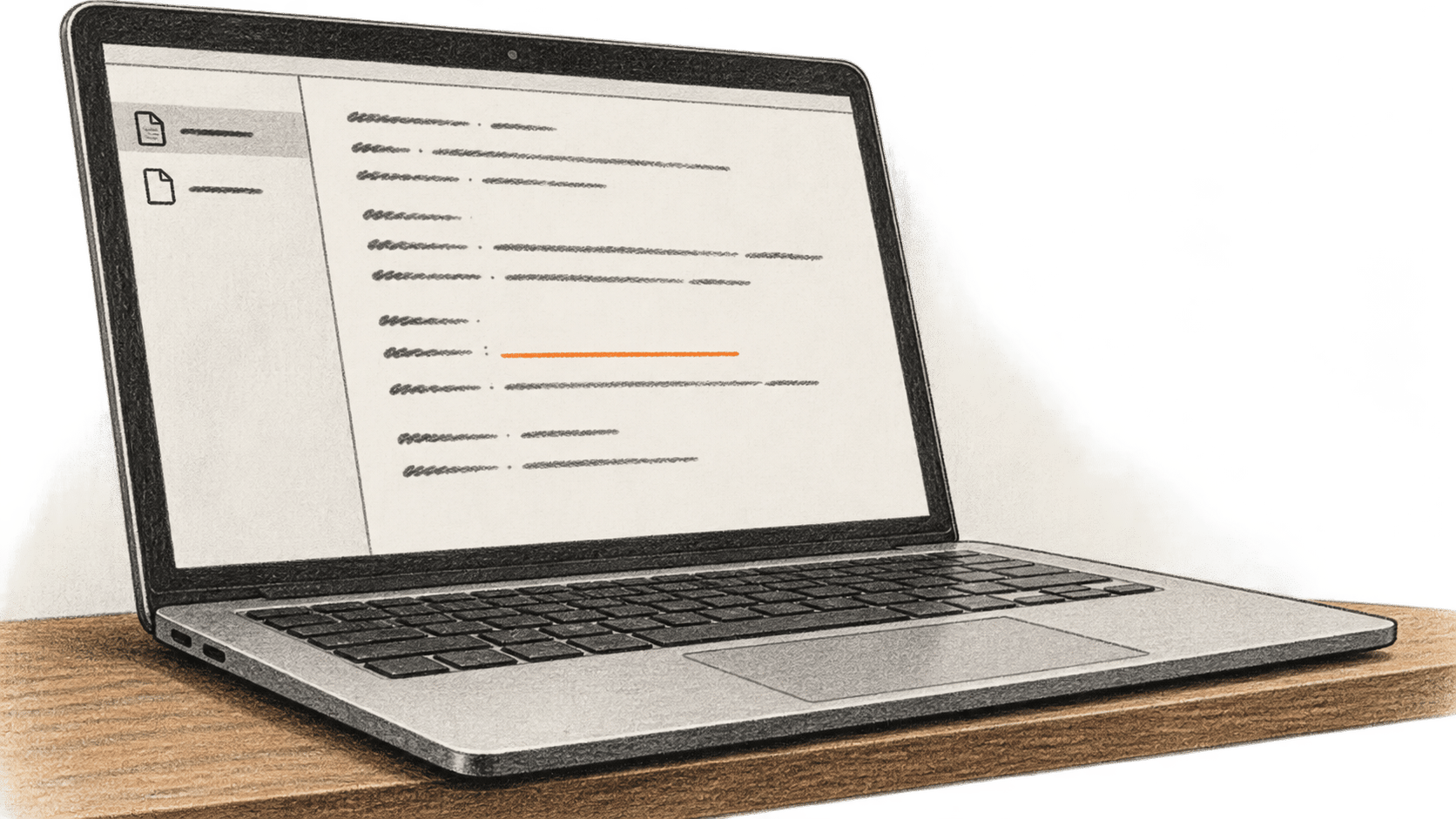
Google Labs' Pomelli can assemble a Business Profile from a business website, owner-supplied material or a template. The profile holds brand details that Pomelli uses for later ideas. For an owner or authorized marketer, the useful first task is to make that profile accurate: compare its claims and visual choices with approved references, correct discrepancies, and read the saved fields again. BIG CHANGE checked Google's current help on 20 October 2026. We did not sign in, upload material, generate a profile or measure how long setup takes.
The big change
- What changed: Google's current Pomelli instructions offer website, from-scratch and template routes to a Business Profile, including a way to revise it with Pomelli Agent.
- Why it matters: A business without a website can still begin a profile, while a business with one can inspect what Pomelli derived or imported before using the profile further.
- What to watch: Generated brand details are suggestions until an authorized person checks them. An unresolved business fact or visual choice leaves the profile unready.
This guide ends with one reviewed Business Profile visible in the intended account. It does not cover a campaign, photoshoot, website or marketing result. Google's help uses the term Business Profile for this saved identity; Google Business Profile is a separate source of information that Pomelli may import during the website route.
Before you give Pomelli business material
Check Pomelli's current country and language list. Google lists English support and access for people aged 18 or older in supported countries and territories; features can differ by country. Use an authorized Google account. If a Workspace account shows an access error, ask the Google administrator to follow Google's access guidance. Do not move company material to a personal account to work around an organization's rules.
Have a reference the owner has approved: the exact business name and description, stated values or tone, logo and permitted images, and any established colors or fonts. For the website route, use a site the business controls or may submit. For the from-scratch route, prepare only files the business may give to Google. Check the current terms and internal policy before including customer details, unreleased plans or third-party material. Decide whether to allow Pomelli to import information from a Google Business Profile; the website setup offers a box to opt out.
Create the profile, then check it
- Open Pomelli in the intended account. On the welcome page, select Let's go. Confirm that the account and country allow the route you plan to use before entering a URL or uploading files.
- Choose a documented starting route. For an owned website, enter its address, review the Google Business Profile import choice, and select Continue. Google says website analysis can take up to eight minutes; that is one processing step, not a promise for the whole task. If there is no website, select No website yet?, then choose From scratch or a template. Review the resulting Business Profile whichever route you choose. Google's setup help describes all three routes.
- If you chose From scratch, describe the business to Pomelli Agent on the right using approved facts. Upload only permitted supporting files, then select Generate Business Profile. Google currently lists a maximum of 20 files at 25 MB each. Its supported extensions are .caf, .doc, .docx, .heic, .heif, .jpeg, .jpg, .m4a, .md, .mp3, .pdf, .png, .ppt, .pptx, .txt, .wav and .webp. A template supplies a starting point; it still needs the same review.
- Compare the generated profile with the owner's references. Read the business name and description, values and tone, fonts, colors and images. Identify each unsupported claim or visual mismatch. Do not turn a plausible AI suggestion into an approved brand fact. Ask the owner to settle any choice for which there is no approved reference.
- On a computer, select Business Profile on the left. Tell Pomelli Agent on the right which section needs a change and give the approved replacement detail. Google's help also allows direct editing of fields on the left when they already contain content; use the Agent to add or change other details. Reopen each corrected field and compare its displayed value with the reference. Keep a private note of the approved source, the discrepancy and the value you checked. This is a human verification method, not a claim that Pomelli automatically reconciles earlier material.
- Check every required profile field and the overall visual identity once more in the authorized account. The task is complete when the profile is visible there and the required facts and choices match the approved references after any corrections. If a required item remains uncertain, record it and leave the profile unready. Create Campaigns, Create Photoshoot and Create Website are separate tasks.
If a route or correction fails
Google says bot blocking, including CAPTCHAs, can prevent website analysis. If that happens, use the documented from-scratch or template route if it is available to your account; do not bypass the site's protection. If imported information is wrong, correct it in Pomelli and check the result. Google's help says a site created from imported Google Business Profile details is not dynamically linked to that Google Business Profile: later changes on either side do not automatically update the other. Recheck imported facts rather than assuming they stay synchronized.
If access fails, verify the country list, account and organization settings, and the specific error before retrying. If generation is slow or appears to fail, inspect the account for an existing profile before starting another one. A correction that does not appear in the field needs another readback and, if necessary, a narrower instruction with the approved replacement. Stop when a required detail cannot be established.
Google currently describes Pomelli as an experiment available at no charge and says image and video generations have finite capacity. That is a dated vendor statement, not a permanent price promise. Country-dependent features, Google terms and usage limits may change. This documentation-based procedure gives no observed setup time, profile accuracy rate or business outcome. The practical result is an owner-reviewed starting profile, ready only after its details have been checked.
Sources & further reading
- Google Labs, Build and edit your Business Profile in Pomelli, checked 20 October 2026. Documents the three setup routes, file limits, review and edit controls, and the limited Google Business Profile import relationship. It does not establish that a particular generated profile is accurate.
- Google Labs, About Pomelli and access questions, checked 20 October 2026. Describes experimental access, current no-charge use, finite generations, Workspace access issues and website bot-blocking limits. It does not guarantee future price or availability.
- Google Labs, Pomelli supported countries and languages, checked 20 October 2026. Lists the age, English-language and country conditions and notes feature restrictions by country. The reader must check their own account's current access.