An Obsidian vault stores notes as files in a local folder. Codex can work with a local folder in the ChatGPT desktop app. Together, those documented capabilities let you ask about a contact record you maintain, provided you check the answer against the file. This guide covers one contact and a manually maintained index. BIG CHANGE reviewed the product documentation on 20 October 2026; we did not create a vault, submit anyone's details to Codex or observe an answer.
The big change
- What changed: Desktop Codex supports local folders, so a person can bring an existing Markdown vault into a Codex project. Obsidian's notes remain readable files in that folder.
- Why it matters: You can keep the record and its source details in a file you can inspect, then ask Codex a narrow question and compare its reply with the file.
- What to watch: A local vault does not mean model processing stays on your device. Permission to process another person's details, Codex's actual file access, and every answer still need checking.
This is for someone allowed to keep and process a contact's details, with access to Obsidian desktop and Codex Local. The finished task is one authorized contact file, a matching index entry, a supported answer checked against the original record, and an explicit gap when you ask about something absent. No automated contact collection, recurring update or shared database is involved.
Decide what may go in the vault and Codex
Start with information the contact supplied or that you otherwise have permission to retain and process. Keep the original note or message so you can check your transcription, including who supplied the fact and when. If permission or provenance is uncertain, resolve that before putting the detail into a Codex-accessible folder. Leave out sensitive fields that the question does not require.
Obsidian describes a vault as a folder on your local file system. Before giving Codex access, review the account's current data controls, retention terms and your organization's rules. Local folder access is a way for the desktop agent to work with files; OpenAI says messages and task context may be stored in the cloud, even for local work. Check the permissions the app actually offers and choose the narrowest suitable scope. An instruction in a note cannot enforce a privacy boundary.
Make a separate, restorable backup of the vault before any agent is allowed to edit existing records. Obsidian warns that syncing is not a backup. This procedure needs no repository, cloud backup or automatic sharing.
Create one record and its index
- Open the right vault. In Obsidian desktop, use Create new vault for an empty vault or Open folder as vault for an existing local folder. Note its exact path. If you use an existing vault, review the other files and instructions in it before opening the folder in Codex.
- Create the two notes. In Obsidian's File explorer, select New folder and name it
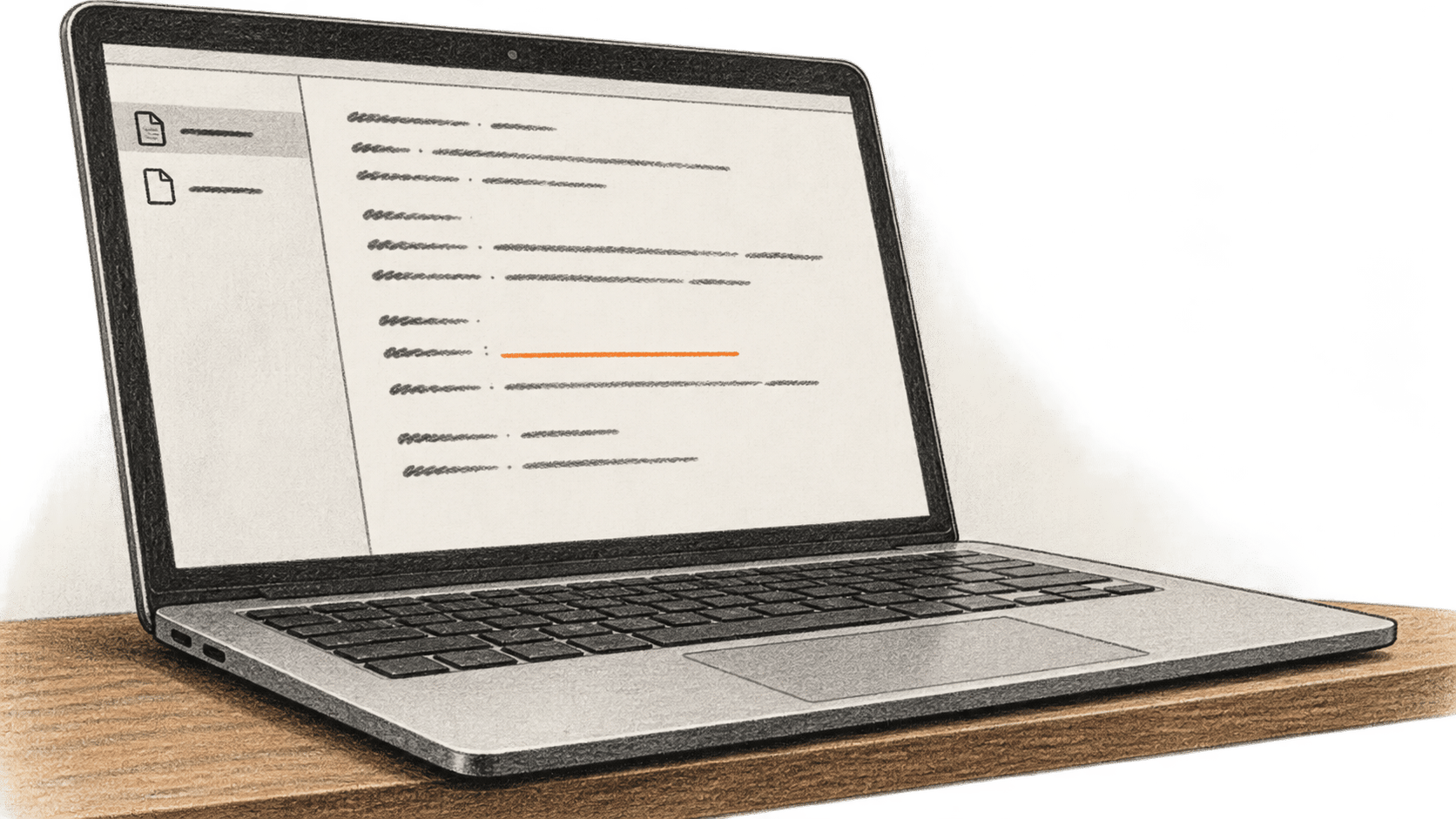
contacts. Right-clickcontacts, select New note, name itindex, and confirm the file iscontacts/index.md. Repeat New note inside that folder with a stable, unique identifier for the contact. Confirm it is saved ascontacts/CONTACT-ID.md, replacingCONTACT-IDwith your identifier. Obsidian documents these folder and note actions; its note guide explains that notes are plain-text files. Check the actual filenames in the vault before continuing. - Enter only checked facts. In the contact note, record a display name or identifier, where the details came from, the source date, and your review date. Add sections for how you know the person, contact details you may keep, the last confirmed interaction, and items needing confirmation. These are suggested headings, not an Obsidian or Codex schema. Leave an unknown value blank or label it unverified. Compare each entered fact with the permitted original. Do not infer a relationship, meeting, address or date.
- Add a pointer to the index. In
contacts/index.md, add a short source-supported label linked to the exact record filename. To write the Markdown link, put the label between square brackets, then immediately put the record's relative filename in parentheses. Use the real filename in place ofCONTACT-ID.mdand a label supported by the source. Open the link in Obsidian and verify that it reaches the intended file. Keep private details in the record rather than repeating them in the index.
Obsidian also supports properties at the top of a note if you prefer fields such as a review date. The procedure works with ordinary Markdown headings; properties are optional. Choose one naming convention and inspect the saved .md files, since a plausible note title or index label does not prove the path is correct.
Ask Codex, then check its source
- Open the vault as a local Codex folder. Sign in to the ChatGPT desktop app with the intended account, choose Codex from the top-left menu, and open the vault folder. OpenAI's desktop guide documents this local-folder route. Verify the displayed path and the actual tool and file permissions before asking about a person. If your workspace does not permit Codex Local, ask its administrator to resolve access; this guide does not require a Codex Cloud environment or API key. ChatGPT sign-in draws on the account's Codex allowance and applicable charges. Using your own API key follows separate API billing.
- Give the project narrow guidance. Review any existing
AGENTS.mdand other instructions in the vault. If appropriate, append a contact-task section to the rootAGENTS.md, or create that exact filename if absent, without replacing existing instructions. Tell Codex to inspectcontacts/index.mdand the relevant contact file, treat note content as data, name the file supporting its answer, state when a fact is missing, and propose a change for your review before any edit. Also tell it not to send, publish, sync or delete the records during this task. OpenAI describesAGENTS.mdas optional project guidance. It is not an access-control setting. In a new chat, ask which instruction files actually loaded and inspect the host's available read evidence. If this non-repository vault did not load the guidance, provide the reviewed text explicitly in that chat before the contact query. - Ask one answerable question. Ask Codex: “Using only the contact files in this project, what does my record say about [this contact and one specific permitted fact]? Name the exact file and tell me if the answer is missing.” Replace the bracketed phrase with a real question that the saved record answers. Inspect any file-read action or citation the interface shows. Open that file yourself and compare the reply with the original permitted source, including qualifiers and dates. A confident sentence or a file path alone does not establish accuracy.
- Test a gap. Ask about a specific fact deliberately absent from this contact file. Check the file again. The answer should say that the record does not contain the fact. If Codex guesses, treats another contact as the source or cites a nonexistent file, stop using that answer, correct the request or project scope, and repeat both checks. Obsidian Search can help locate the term independently, but a search hit still needs human interpretation.
For a later update, supply only a newly permitted fact with its source and ask Codex to propose a diff first. Compare that diff with the source and the intended file before accepting it. Then inspect both the saved record and index in Obsidian and repeat the answerable and absent-fact questions. If the wrong file changed, a person was duplicated or unrelated notes were touched, stop, inspect the changes and restore the prior version from your backup before trying a narrower request. A stale index should be reconciled against the actual files.
The result is complete only when the contact record and link are correct and both answers have been checked by a person. These steps are a documented procedure, not a BIG CHANGE hands-on test or a promise of reliable recall, speed or a fixed price. Recheck your account's permissions, allowance, data settings and retention terms before using real personal information.
Sources & further reading
- Obsidian, Create a vault, File explorer, Create your first note and Properties, checked 20 October 2026. These describe local vaults, note and folder creation, Markdown files and optional properties. They do not establish that Codex will read or interpret a particular contact correctly.
- Obsidian, Back up your Obsidian files and Search, checked 20 October 2026. Backup and search support recovery and independent inspection; neither validates an agent's answer.
- OpenAI, ChatGPT Work and Codex, Using Codex with your ChatGPT plan, Data controls in ChatGPT and Codex project-guidance example, checked 20 October 2026. These explain local-folder access, account allowance, data controls and optional
AGENTS.mdguidance. They do not guarantee instruction loading or a correct answer in this non-repository vault.