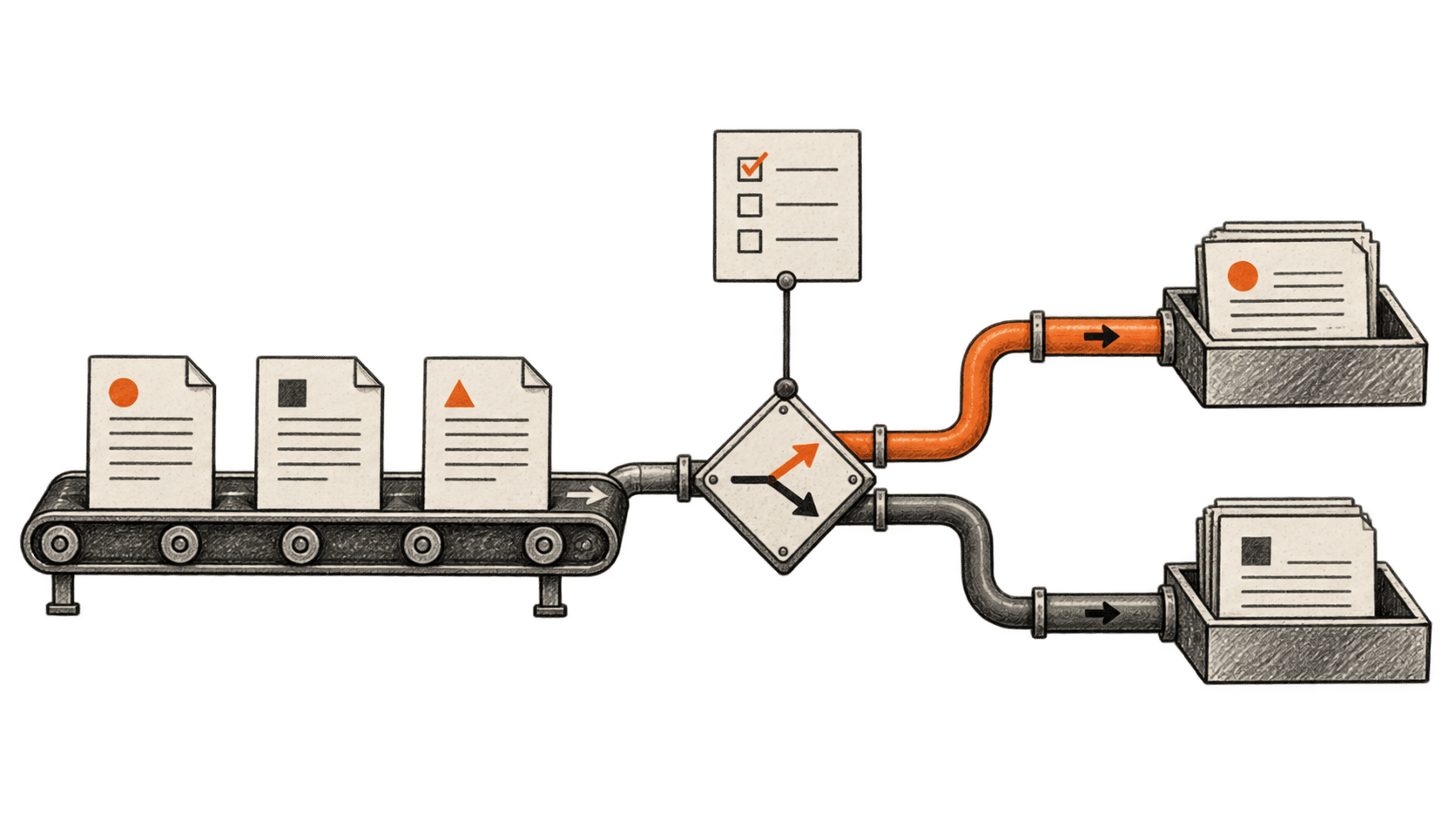
Rerank a real source shortlist with Jev and check the evidence
Score each passage from your existing retriever with one Jev question, keep candidate and source identities intact, then inspect the top original documents before using the ranking.
Explore BIG CHANGE reporting on Jev: what changed, how it works and why it matters.
Score each passage from your existing retriever with one Jev question, keep candidate and source identities intact, then inspect the top original documents before using the ranking.
A source-pinned guide to the coding skill's news-digest workflow, with checks for collection, deduplication, filtering, uncertain decisions, links and delivery controls. BIG CHANGE has not run it.
A 4,500-execution Jev study found cheaper agent decisions, but two mobile integrations completed fewer tasks and one spent more per success at the observed mean.
Continues Jev’s bigger bet: AI decisions inside the software we already use
Three preprints test Jev as an AI-answer judge. Results vary across preference, rubric and medical tasks, and confidence routing helps only when its fallback corrects Jev errors.
An independent Python example uses vision-model token probabilities to return typed decisions from images. Its webcam rates are author-reported, and accuracy remains untested.
Eight Jev demos show how a typed AI decision can rank, select or filter within an existing app. We trace what the surrounding software still does and what remains untested.
TypeSafe CEO Diogo Almeida argues for AI built around small decisions inside software. We examine Jev’s launch, its limits and what would prove a meaningful change.