A Python example published September 25 by developer Allan Riordan Boll extends a Jev-style decision request with image attachments. It sends each webcam frame to a vision model alongside short questions, then converts the model's next-token probabilities into a yes/no value, a choice or a score. The example is an independent wrapper, not a Jev vision feature or a test of Jev's model.
The useful part for developers is the boundary of the technique. A vision model can answer a constrained question without writing a description, but the returned option probabilities depend on the prompt, available token alternatives and the model. The post provides a working pattern to inspect, not an accuracy study.
The big change
- What changed: A developer has applied the small-decision format associated with Jev to images using general vision models. The image is attached to each request, while a one-letter answer turns a visual question into a value software can handle.
- Why it matters: Developers can change the visual criterion in text and receive a typed result without building a separate image classifier for each question. This example covers visible people, plants, scene setting and brightness; it does not establish how reliably those judgments transfer to other cameras or scenes.
- What to watch: The practical decision is whether a chosen model and endpoint return the required alternative-token scores consistently enough for the task. Frame throughput and decision quality need to be measured together on representative images before a webcam result drives an action.
How the image decision works
TypeSafe AI's Jev quick start documents a state and a set of typed questions: noul for a yes/no value, choice for named alternatives and score for ordered levels. Boll's script uses those names and adds an attachments array of image paths or base64 data URLs. That field is his extension to the request object; the cited Jev quick start describes text state and does not document it as a Jev API input.
For each question, the script builds a prompt with lettered options such as [A] true and [B] false. It asks the model to answer with the best letter and reads the first output token's top_logprobs. It exponentiates the returned log probabilities, normalizes the weights across the listed letters and maps them back to the question's type. A choice returns the highest-weight option and its distribution. A noul returns the weight for true. A score returns a weighted average of the ordered levels. The script rejects a response when omitted option tokens could still carry material weight.
The image is supplied with each question. The example sends separate requests rather than obtaining all answers in one model call. Its OpenAI path uses the Responses API with input_image, top_logprobs and message.output_text.logprobs; its local llama.cpp path uses Chat Completions with an image_url content item and log probabilities. OpenAI's image guide documents base64 image data URLs, and its Responses reference documents the log-probability output and a maximum of 20 returned alternatives per token position. llama.cpp's server documentation documents image URLs in its chat interface. These sources support the request pattern; we have not executed the example against either endpoint.
What the webcam example measures
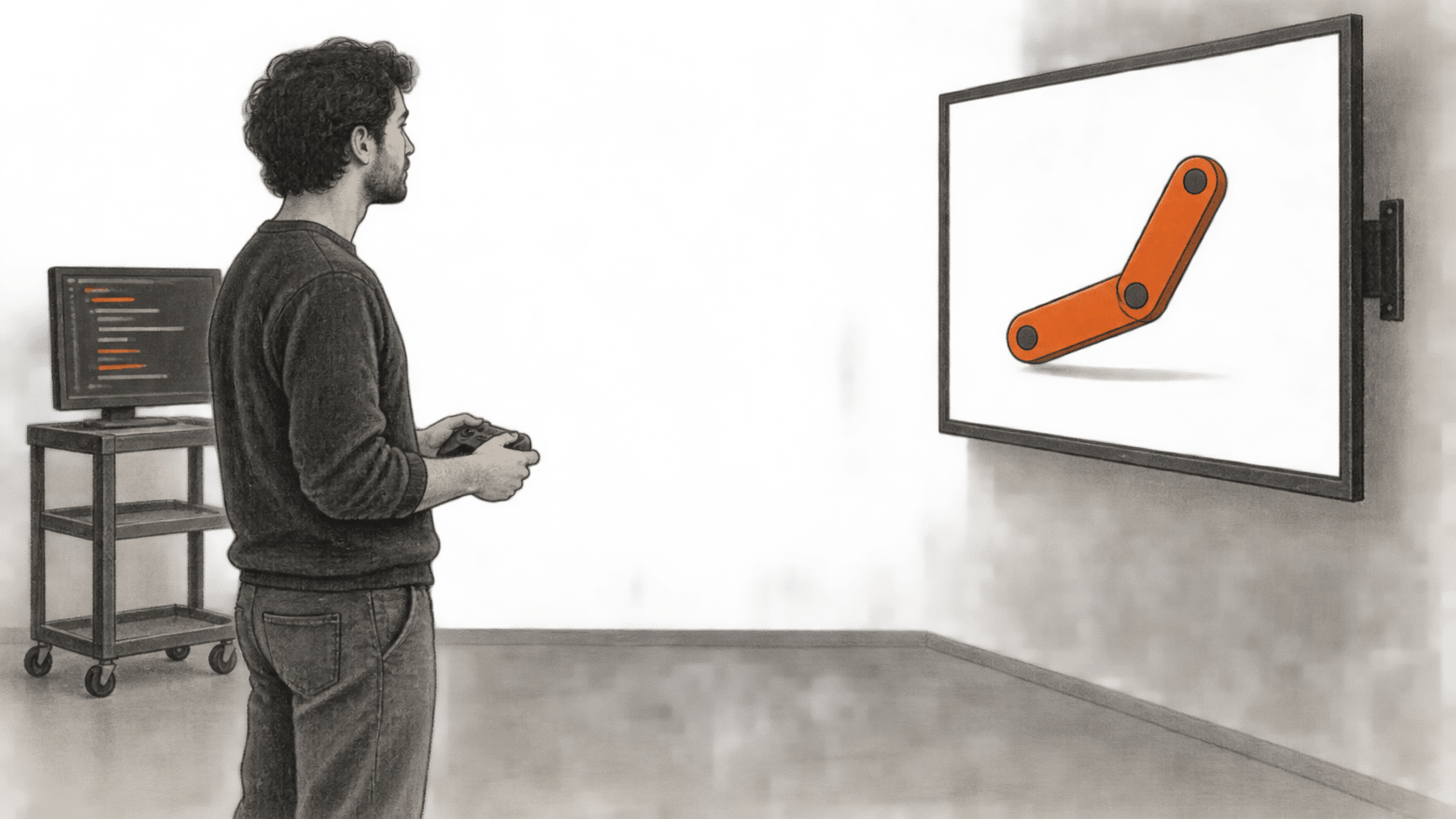
The script captures a frame with OpenCV, encodes it as JPEG and asks four questions: whether a person or plant is visible, whether the setting is indoors or outdoors, and how bright it is. A background worker evaluates one frame at a time while the preview continues. Its camera setup uses Linux V4L2, so the posted file is not a portable webcam setup without changes. The article text says three questions per frame, but the published code contains four; the code is the basis for that count here.
Boll reports about one evaluated frame per second with a locally served Gemma 4 12B QAT model on an RTX 3090, and about 0.2 frames per second using hosted GPT-6 Luna. He suggests repeated connections may contribute to the hosted result. The post does not provide a controlled comparison of hardware, network, image size, caching, accuracy or request timing. Those numbers describe this author's setup and code, not a general speed ranking for the models. OpenAI lists GPT-6 Luna as accepting image input, and its model guidance says Luna supports the none reasoning setting used by the example.
For a developer adapting the script, the first checks are concrete: confirm the model accepts image input and exposes the required first-token alternatives; check whether all option letters appear; then evaluate the returned decisions on labeled images from the intended camera or dataset. The normalized weights are relative to the listed letter tokens. They are not, by themselves, measured probabilities that a visual judgment is correct. OpenAI's older logprobs cookbook explains the token-probability idea but is marked archived and may contain outdated API examples.
This wrapper also clarifies what a typed result leaves to application code. The model judges the supplied image against the written criterion. The application chooses frames, handles missing scores and decides whether any result is safe enough to act on. Boll's example prints a table; it does not report an automated action or a measured deployment.
Sources & further reading
- Allan Riordan Boll, "A Jev-like wrapper for LLMs, including vision models," September 25, 2026: original Python example, webcam workflow and author-reported frame rates. The prose says three questions per frame; the code defines four. Its timings are not an independent or controlled benchmark.
- TypeSafe AI, Jev quick start: documents text state and the
noul,choiceandscorequestion types. It does not document the author's customattachmentsfield as a Jev API feature. - OpenAI, Images and vision: documents
input_image, image URLs and base64 data URLs for vision input. The Responses API reference describesmessage.output_text.logprobsand the limit on returned alternatives. - OpenAI, GPT-6 Luna model and model guidance: confirms image input and the model's
nonereasoning setting; the model guidance details parameter compatibility. These documents do not verify the blog author's throughput. - llama.cpp server documentation: describes its OpenAI-compatible chat endpoint and image URL input. Backend support and returned token lists still need checking with the exact version and model in use.
- OpenAI cookbook, Using logprobs: background explanation of token probabilities. OpenAI labels this recipe archived and warns that some models or APIs may be outdated.