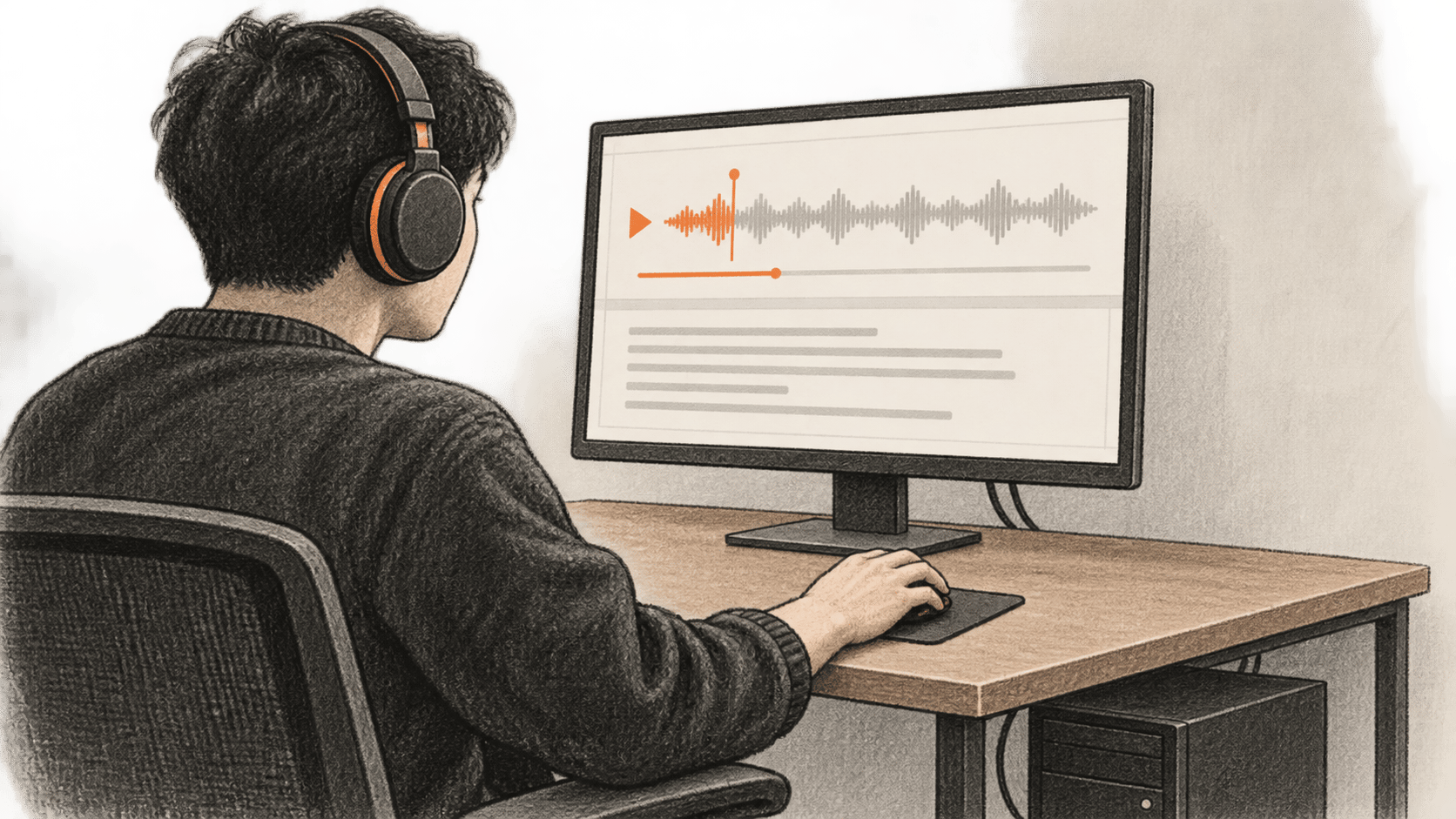
Edge0's Audio8 ASR Infinite is a preview model for English and Chinese speech transcription. Its official inference repository supplies an adapted vLLM Docker service and a file-streaming WebSocket client. This guide takes one recording you have permission to use through that whole local path, then checks the saved response against what you hear. It is a documented procedure: BIG CHANGE did not download the checkpoint, build the image or transcribe a file.
The big change
- What changed: Edge0 provides a full checkpoint and a local streaming service, so a technical team can inspect a first transcription on its own GPU host instead of sending that recording to a hosted transcription endpoint.
- Why it matters: Local execution gives the operator control over the input and saved result, but the service still has to fit the available hardware and its logs can contain transcript text. Keeping data on a local host does not settle consent or retention obligations.
- What to watch: The useful acceptance check is the client's completed event plus a listening comparison, not a healthy container alone. Hardware fit, accuracy on your recording and sustained performance remain unmeasured here.
Before you start
You need a Linux-compatible host with an NVIDIA CUDA GPU, working driver, Docker Engine with the NVIDIA Container Toolkit, Docker Compose, Git and Python 3.11 or 3.12 for the host client. Confirm nvidia-smi, docker compose version and GPU access inside your Docker setup before downloading. Have enough free disk for the complete model snapshot, Docker image, Python environment and build caches, plus enough available GPU memory to start the service. The pinned model.safetensors file is 8,172,565,584 download bytes; that figure is not a tested GPU-memory minimum. Edge0 gives no universal compatible-GPU or minimum-VRAM result in the sources checked here.
Choose a short, real WAV file in English or Chinese that you are authorized to transcribe; obtain any required speaker consent. Use en for English or zh for Chinese. The client can also read MP3 and FLAC, but a short WAV keeps this first check simple. Decide where the file and result JSON may be stored and who may see them. The endpoint has no authentication guarantee in the supplied Compose configuration: use a trusted local host/network and inspect the published-port binding before any wider exposure. Leave AUDIO8_REALTIME_DUMP_AUDIO unset. It can write raw audio when enabled, and the Compose diagnostics can log transcript tails even with raw dumping off.
The model and repository declare Apache-2.0; inspect their licenses and dependency terms for your deployment. This route requires no paid hosted model API. Download bandwidth, disk, GPU time and electricity still have costs that we have not priced. These commands use the model revision 7476824… and inference commit c8ba8ee…, checked on 21 October 2026. Recheck upstream instructions before using another revision.
1. Download the entire pinned model snapshot
Run these commands in a Linux shell in a directory with sufficient space. python3.11 must be your Python 3.11 interpreter; Python 3.12 also satisfies the repository's stated range. Keep the selected virtual-environment interpreter for every Python install and module call below.
mkdir -p "$PWD/audio8-first-check"
cd "$PWD/audio8-first-check"
WORK_DIR="$PWD"
python3.11 -m venv "$WORK_DIR/.venv"
CLIENT_PY="$WORK_DIR/.venv/bin/python"
export AUDIO8_MODEL_DIR="$WORK_DIR/checkpoint"
"$CLIENT_PY" -m pip install huggingface_hub
"$CLIENT_PY" - <<'PY'
import os
from huggingface_hub import snapshot_download

print(snapshot_download(
    repo_id="Edge0/Audio8-ASR-Infinite",
    revision="7476824bc222e4ad509d286e8cae8b8d3f371129",
    local_dir=os.environ["AUDIO8_MODEL_DIR"],
))
PY
test -s "$AUDIO8_MODEL_DIR/model.safetensors"
The download should finish and print the local checkpoint directory; the final check should exit successfully. Hugging Face's snapshot_download documentation supports an exact revision and local_dir. Do not filter this snapshot down to the large weight file or substitute adapter weights: the model card describes a full merged checkpoint. If the download fails, check network access and free disk, then confirm that the complete pinned snapshot is present before starting the service.
2. Build and start the local backend
Check out the matching official code. The pinned Dockerfile builds on vLLM 0.27.1 with CUDA 12.9; the Compose file mounts the repository and full checkpoint read-only and publishes host port 18191 to container port 18190 by default.
REPO_DIR="$WORK_DIR/Audio8-ASR-Infinite"
git clone https://github.com/Edge0-AI/Audio8-ASR-Infinite.git "$REPO_DIR"
git -C "$REPO_DIR" checkout c8ba8eea829be0339e8d7757f8ca52dac06e1e32
git -C "$REPO_DIR" rev-parse HEAD
cd "$REPO_DIR/docker"
docker compose config --services
docker compose config
docker compose up -d --build audio8-asr-infinite
docker compose ps audio8-asr-infinite
curl -f http://127.0.0.1:18191/health
Check that Git prints the pinned full commit, the resolved Compose configuration mounts your absolute AUDIO8_MODEL_DIR, and the backend becomes healthy. Its health check probes /health inside the container; the final curl checks the published host port. Image build and first startup may take substantial time. The backend-only docker compose up … audio8-asr-infinite selection is our untested configuration inference from that service's declaration, its lack of a backend dependency on web-https, and the named-service behavior in Docker's Compose up reference. Edge0 has not presented this exact combined route as a tested example, and BIG CHANGE has not run it. If selection fails, inspect the resolved configuration and docker compose logs audio8-asr-infinite; do not count a partial start as a working transcript.
The model card's broad docker compose up -d route also starts web-https, whose mounted host server.crt and server.key are not supplied with the repository. For a browser deployment, follow the repository's certificate instructions for the actual host before starting that broader stack. The terminal file check here uses the backend WebSocket; it does not establish that the browser services are ready.
3. Stream your recording through the supplied client
Install the checked-out repository's client extra with the same interpreter. This can bring substantial Python dependencies onto the host. Set AUDIO_FILE to the absolute path of your own permitted recording; the path below is a value to replace, not test data. Keep RESULT_JSON in a location approved for transcript storage.
cd "$REPO_DIR"
"$CLIENT_PY" -m pip install -e '.[client]'
"$CLIENT_PY" -c 'import audio8_asr_infinite; print(audio8_asr_infinite.__file__)'
AUDIO_FILE="/absolute/path/to/your/permitted-short-sample.wav"
RESULT_JSON="$WORK_DIR/vllm_realtime_result.json"
test -f "$AUDIO_FILE"
"$CLIENT_PY" -m audio8_asr_infinite.examples.vllm_realtime_client \
  --ws-url ws://127.0.0.1:18191/v1/realtime \
  --audio "$AUDIO_FILE" --language en \
  --target-delay-ms 480 --pace --output "$RESULT_JSON"
For Chinese speech, change --language en to --language zh. The pinned client defaults to zh, while its default WebSocket port is the internal 18190. A host client needs the published 18191 URL shown above unless you deliberately change the mapping. The client reads audio, downmixes/resamples it to 16-kHz mono PCM16, streams chunks, commits the input and waits for transcription events. No transcript is established until it actually receives them.
4. Inspect the response and listen
If the client finishes and writes JSON, inspect it locally:
"$CLIENT_PY" - "$RESULT_JSON" <<'PY'
import json
import sys
from pathlib import Path

result = json.loads(Path(sys.argv[1]).read_text(encoding="utf-8"))
for key in ("received_done", "error_event", "final_text", "event_counts", "duration_seconds"):
    print(f"{key}: {result.get(key)!r}")
print("event types:", [event.get("type") for event in result.get("events", [])])
PY
Look for received_done: True, error_event: None, a transcription.done event, and an actual final_text; inspect the event counts and duration as well. Compare terminal output with the saved JSON. Then play your source recording and check the transcript against the audible words, noting omissions, added words and language mistakes. A nonempty string alone is no accuracy test. If you report a successful run, record your host/GPU, pins, selected language, rights-cleared input description, actual command, JSON status and listening finding. Keep the recording, JSON and logs under the same access and retention rules.
If the backend never becomes healthy, check the NVIDIA driver/container runtime, free disk, exact model directory, resolved mount and container logs; a GPU out-of-memory failure does not establish a universal VRAM threshold. If the client cannot connect, check the 18191 host mapping and health response on that host. For an error_event, missing transcription.done or empty final_text, keep any produced JSON/events, verify the language and file decode, and inspect service logs. The client has a default 180-second receive timeout; it can raise before writing JSON. In that case keep the terminal traceback and relevant logs, use a shorter permitted sample or deliberately review the timeout setting, and do not invent a result. When the text disagrees with the recording, mark the check failed or uncertain rather than editing it into a supposed model output.
After your check, stop the selected service from the repository's docker directory:
cd "$REPO_DIR/docker"
docker compose stop audio8-asr-infinite
This first-file check says nothing about sustained uptime, latency or throughput. Edge0's 24/7 and bounded-memory statements and evaluation results are publisher claims we have not reproduced. The model card describes English and Chinese transcription; it does not establish translation, speaker diarization, broad multilingual support or general audio understanding for this route. The Compose default of one sequence is a configuration choice, not a capacity benchmark.