Microsoft announced MAI-Transcribe-2-Streaming on October 1. It takes audio while someone is speaking and returns changing text before a final transcript. For a developer adding live captions or speech input to a voice app, the useful question is how those updates reach the app and when it can treat them as settled.
This is a documentation-based integration explainer for developers evaluating the public preview. The task is to decide whether to prototype the model and identify the client work required to show live text and retain final text. Microsoft documents the route and sample code; BIG CHANGE has not deployed the model, run the samples or measured its accuracy or latency.
The big change
- Microsoft has introduced a streaming model that returns provisional text as audio arrives, then confirms transcript segments. Its separate MAI-Transcribe-2 file transcription path serves recorded audio and documents a different set of options.
- An app using the Realtime API must send correctly formatted audio, handle revisions to the provisional suffix and decide when to request a completed transcript. Those choices determine what users see and when downstream app logic can rely on final text.
- The streaming model is a public preview without a service-level agreement. Microsoft does not recommend it for production workloads. Its quoted speed and accuracy are launch and benchmark claims, not measurements from this guide.
Choose a connection path
The Microsoft Foundry catalog lists MAI-Transcribe-2-Streaming, version 2026-08-06, as a preview model with audio input and text output. Microsoft's October 1 overview documents two ways to integrate it: a Realtime API using an OpenAI Realtime-like WebSocket protocol, or the Azure Speech SDK. Both return intermediate and final recognition results. The SDK manages connection and audio streaming; the Realtime route exposes the events directly.
For the Realtime API, Microsoft requires an Azure subscription, a Microsoft Foundry resource in a supported region and a deployment of the streaming model. Connect to wss://{your_resource_name}.services.ai.azure.com/mai/v1/realtime?intent=transcription using a Microsoft Entra bearer token or API key. The documentation recommends Entra authentication. After session.created, send session.update naming your deployment and setting the input format. The setting cannot change after the first audio append, even after a commit.
The documented input is raw, signed, little-endian, mono PCM16 at 16 or 24 kHz, sent as base64 chunks in input_audio_buffer.append messages. It is PCM data without a WAV header. Microsoft recommends small chunks such as 10 to 20 milliseconds to reduce latency, while noting that larger chunks reduce network overhead. Its Python example reads microphone audio in 100 ms blocks; the page's small-chunk advice and sample block size are different choices, not a measured result from BIG CHANGE.
The Speech SDK route requires SDK v1.52.0, an Azure subscription and a Foundry or Speech resource. Microsoft's Python sample sets speech_config.model to MAI-Transcribe-2-Streaming, provides 16 kHz, 16-bit mono audio through a push stream and listens for recognizing and recognized events. The sample uses a pre-existing audio.pcm file to illustrate the push stream; an app would supply its own audio source. These are documented interfaces and expected event types, not an account-level compatibility test by this publication.
Keep provisional text separate from confirmed text
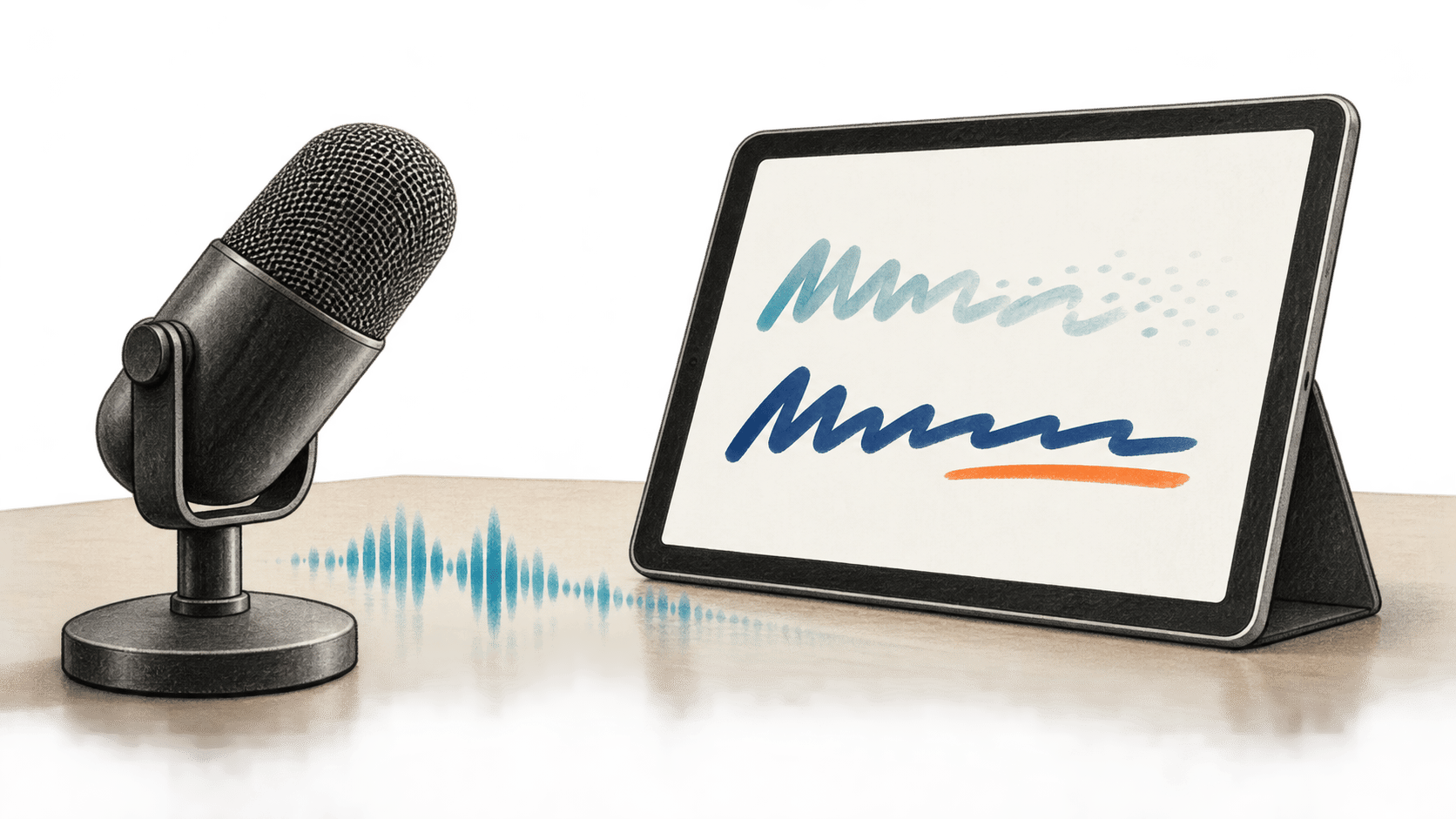
The Realtime event semantics matter for a live interface. A conversation.item.input_audio_transcription.delta event contains newly finalized text, which the client appends to its confirmed buffer without changing spacing. An intermediate event contains the whole current provisional suffix. Each new suffix replaces the previous one. A screen can show the confirmed buffer plus that current suffix, but storing every interim event as another line would duplicate words as the model revises them.
The client sends input_audio_buffer.commit at a pause it has identified or at the end of a recording. Microsoft says this requests a final transcript as soon as possible; input_audio_buffer.committed acknowledges the commit, and conversation.item.input_audio_transcription.completed supplies the full final text for the audio since the preceding commit. The Realtime guide says server turn detection and automatic commit are unavailable for this model's session configuration. A voice app therefore needs its own pause or turn boundary if it wants automatic segment completion. The documentation describes the event contract; it does not prescribe one universally suitable boundary detector.
Microsoft's guide caps each Realtime session at one hour. It also says an audio append has no individual acknowledgment and can produce zero or several transcript events. Developers evaluating a prototype should distinguish receipt of audio messages from receipt of finalized text, and should decide how their app handles a disconnected session. The public guide's Python example contains microphone queue and error handling, but BIG CHANGE has not run it to establish observed failure behavior.
Access, regions and price
Microsoft says the model can be accessed globally, with Azure routing requests to serving regions. The two October 1 integration pages list different available regions: the Realtime guide names Sweden Central, Central US and South India; the Speech SDK guide names Sweden Central, Central US and Southeast Asia. Both list East US 2 as coming soon. Check the current deployment and region options for the route you intend to use; these pages do not give a single consistent list. Global access should not be read as a promise of a particular processing location.
The announcement quotes an introductory price of $0.54 per hour of audio through the end of 2026. That is $9 per 1,000 audio minutes by arithmetic, before any separate services or infrastructure an app uses. Microsoft links from its guides to Foundry Models and Speech service pricing pages for the respective routes. The sources reviewed do not give a post-introductory rate or a tested bill, so a deployment budget needs a current pricing check.
Microsoft says the streaming model supports 60 languages with continuous automatic detection. It says the first partial appears just over 100 ms after receiving audio, and cites Artificial Analysis for a leading accuracy position. Artificial Analysis's streaming benchmark measures word error rate on about eight hours of weighted datasets and times partial and final results relative to detected speech end. That is a benchmark of specified audio and timing rules, not a guarantee that a particular app will show correct words in 100 ms. We did not independently verify Microsoft's precise rank from a model-specific result row in the public benchmark text retrieved for this story.
The separate MAI-Transcribe-2 Azure Speech guide documents file input and options including speaker diarization, word-level timestamps, keyword biasing and clean or verbatim styles. Do not assume those controls work with MAI-Transcribe-2-Streaming: the streaming integration guides do not document them. If a product needs those outputs, evaluate the file model or confirm streaming support through current documentation and a test before building around them.
Sources & further reading
- Microsoft AI announcement, October 1, 2026: release, language, speed and introductory price claims. Microsoft's own accuracy and internal speed claims are attributed above.
- Microsoft Foundry model catalog, checked October 2: model version, preview stage and input/output types; the catalog is not a performance test.
- Streaming overview, Realtime API guide and Speech SDK guide, updated October 1: the two documented integration paths, preview terms, event behavior, examples and region tables. BIG CHANGE has not run the examples.
- MAI-Transcribe-2 in Azure Speech, checked October 2: the distinct file transcription path and its documented controls. Its feature list is not a streaming feature list.
- Artificial Analysis streaming benchmark and methodology, checked October 2: independent benchmark design and timing definitions. The retrieved public text did not expose the model's precise result row for independent rank confirmation.