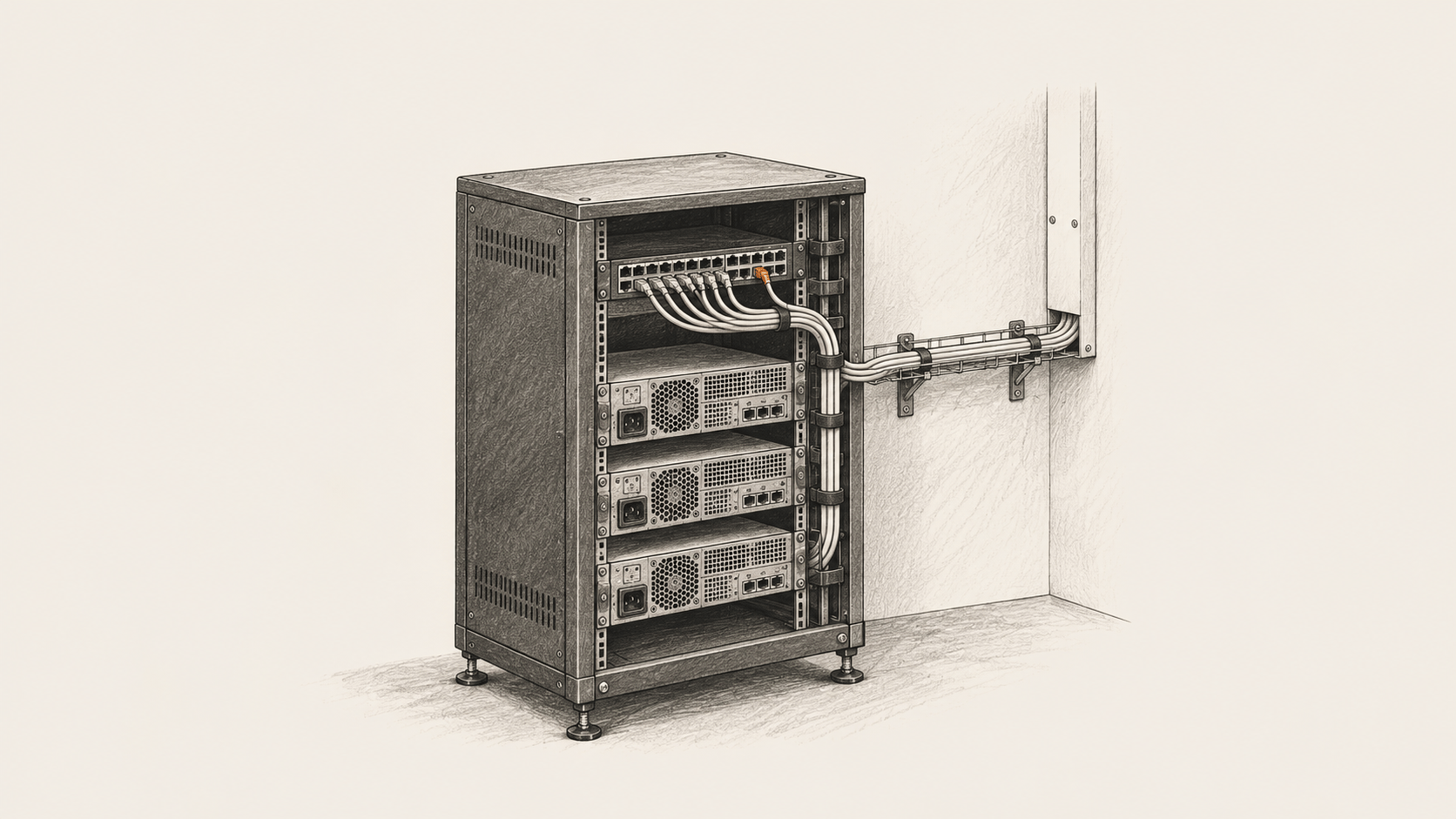
On November 24, Anthropic began a beta rollout that lets Claude-built Artifacts open as Mac and Windows apps.
The big change
- Installed artifacts gain their own window, while computer access remains a separate permission. Updates require users to consider that permission again.
- Sharing an artifact determines who can open or edit it. Connected data and information stored inside the artifact have different access rules, so sharing a useful tool deserves a content check.
- A desktop icon does not establish how software runs. Existing web-app technology already combines familiar app windows with web-hosted code, making the underlying access and connectivity requirements more informative than appearance.
What changes when the tool leaves the chat
Apps require Claude Desktop, internet and sign-in. The rollout covers all plans, excluding HIPAA-ready and hybrid organizations. Docs, Slides and Sheets cannot be installed.
Default apps retain browser-level capabilities. Users can grant app permissions, such as notifications, or full computer access to run programs and change files without repeated requests. Full access is restricted to personally authored apps or, on work plans, apps from the organization.
An editor’s changes update the installed app and trigger a new permission request. Externally loaded website code can change without one. Team starts with installation enabled and full access off; Enterprise installation needs owner activation. Anthropic suggests a menu-bar focus timer as one example.
Sharing the tool is not sharing every connection
Artifacts start private. Viewers can open an artifact and read comments. Commenters can also comment and download offered files. On work plans, an owner controls sharing outside the organization.
Viewers normally use their own connections to data sources. If they lack access, that part of the artifact shows an error rather than the publisher’s data. The guide distinguishes Claude Data’s live-sharing option, which can expose results from the editor’s connection to colleagues without that connection.
In an illustrative tracker, a colleague might open it yet lack access to its connected source. Information saved in shared storage is another case: the guide says it can be visible to everyone who opens the artifact. A sharing review therefore needs to consider stored information as well as the connection. This is an illustration of the documented rules, not a tested deployment.
The icon is only the starting point
Microsoft’s original guide to progressive web apps provides useful context. These are applications built with web technologies. They can run in a browser or be installed, and an installed one can have its own application icon. The code is hosted on web servers and runs in browser engines.
The guide describes capabilities that depend on the device, including notifications, hardware access and offline work. Those are supported possibilities, rather than a conclusion that every installed app provides them. That explains why an app-like presentation alone is a poor basis for deciding what a tool can access or when it will run. The operating requirements and supported capabilities answer those questions. This explains web apps, not Anthropic’s implementation or offline support.
File access also has an operating-system layer
Apple’s file-and-folder guide describes control over apps and websites accessing specific locations, including Desktop, Downloads and Documents. A person can allow or deny an app’s access to those locations. The guide also says information a third-party app collects is governed by that party’s terms and privacy policies.
A permission choice concerns access; it does not explain every later use of the information. Access approval does not replace reviewing those data-handling terms. Apple’s guide explains its operating-system controls, rather than certifying the behavior of a Claude-built tool.