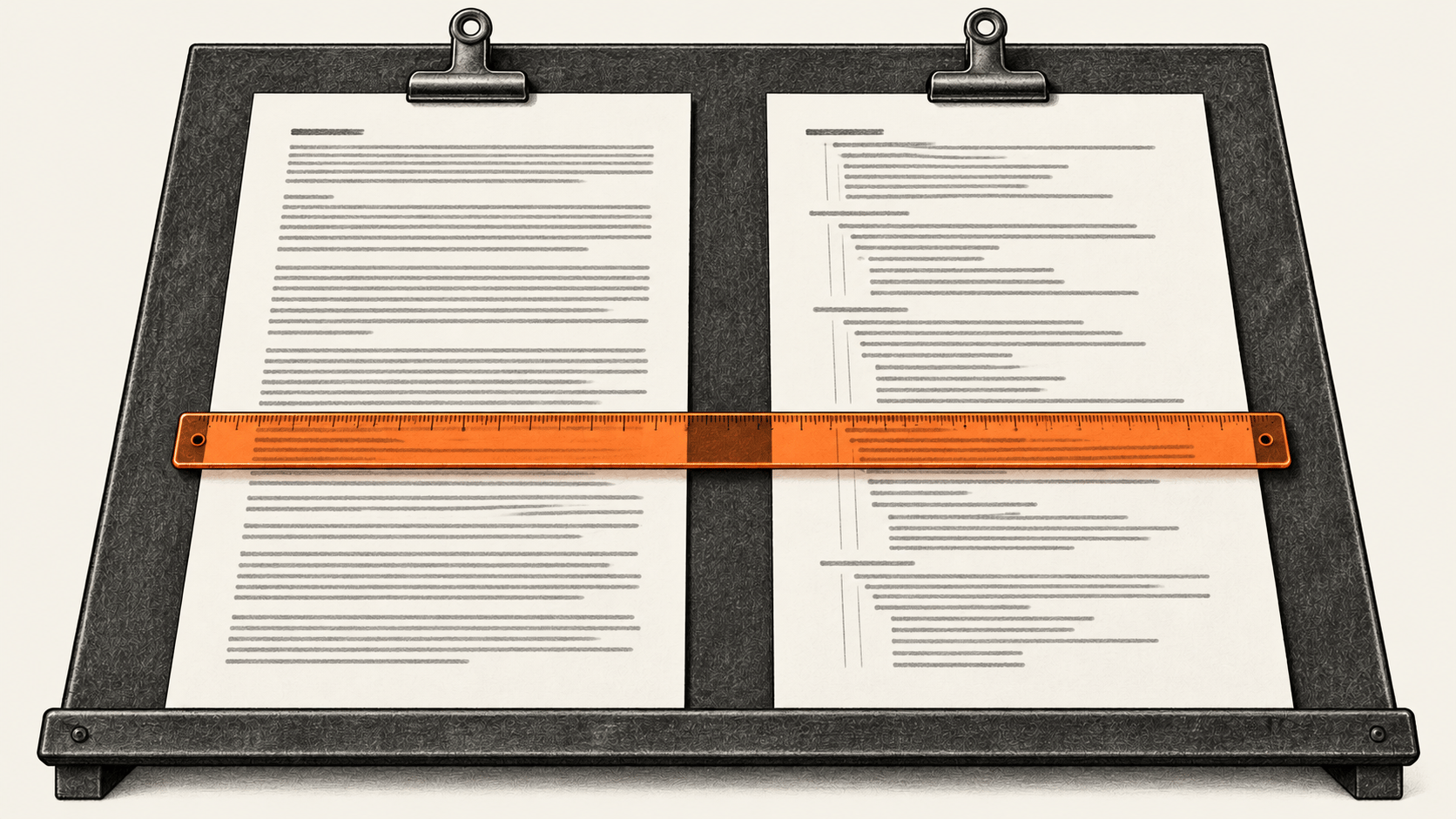
Claude Code project skills can carry repeatable instructions. A Mermaid flowchart can make a skill's decisions easier to scan, but a shorter diagram is useful only if it carries the same permissions, actions and failure paths as the procedure it replaces. This guide starts with your own approved workflow, makes a complete prose skill and a diagram version, then checks both against real tasks. The token comparison remains unmeasured until you count the exact files with an authorized API credential.
The big change
- What changed: Claude Code project skills can hold a workflow with a Mermaid diagram and adjacent instructions, so the diagram can map decisions while prose keeps precise operating rules.
- Why it matters: A rendered diagram establishes syntax; branch mapping and matched task checks establish whether the skill still directs the work you own.
- What to watch: Count the complete files under the same model and request shape. A lower count for that request is not a measured Claude Code session, billing or quality improvement.
1. Prepare the procedure you actually own
You need a repository you may edit, a complete current procedure, its revision or hash, and authority for every action the procedure permits. Bring real input and expected output for a normal task, plus a denied, missing-input or failure case where you can check that prohibited effects did not occur. You also need Claude Code access for the later behavior check. The optional count uses separate Claude API access; a Claude Code plan does not establish that access.
First save the original procedure outside the two skill variants. Work in two isolated copies of the same project revision, so the baseline and diagram skills cannot both load in one trial. Use the same skill directory name, YAML name and description, permissions, supporting files and test prompts in each copy. If you already have a complete prose skill, copy it to baseline/SKILL.md and preserve its hash. Otherwise make the baseline from the full procedure, including its normal and exceptional branches. The short example below is a file structure to fill, not a process to execute unchanged.
The branch inventory is the control document. Save it as branch-inventory.md and add a row for every required step, decision exit and exception. A blank or unmapped row means the conversion is unfinished.
| ID | Source step and revision | Trigger or precondition | Permitted action and owner | Expected output | Check | Failure, stop or recovery | Diagram node or edge |
| --- | --- | --- | --- | --- | --- | --- | --- |
| B1 | REPLACE | REPLACE | REPLACE | REPLACE | REPLACE | REPLACE | unmapped |
| B2 | REPLACE | REPLACE | REPLACE | REPLACE | REPLACE | REPLACE | unmapped |
Include the source location and revision in the Source step and revision column. For each effect, identify who may authorize it and how the result is checked against the source of truth. Inventory stop and retry rules as carefully as the main path. Do not use a generic diagram's “yes” and “no” labels as evidence that your actual branches were preserved.
2. Make two complete skill files
Save the following structure as baseline/SKILL.md, replacing every REPLACE line with your complete owned procedure. Keep real commands, parameters, permissions, tests and recovery instructions. Retain the same frontmatter in the diagram variant.
---
name: REPLACE-WITH-UNIQUE-SKILL-NAME
description: REPLACE WITH THE REAL TRIGGER, TASK AND OWNED SCOPE
---

Use this skill only for REPLACE WITH YOUR OWNED TASK. Read REPLACE WITH THE SOURCE PROCEDURE AND REVISION before acting.

## Inputs and authority

- Input and location: REPLACE.
- Authorized actor and effect boundaries: REPLACE.
- Missing input or permission: REPLACE WITH STOP OR APPROVED RECOVERY.

## Procedure

1. REPLACE WITH FIRST REAL STEP, PRECONDITION AND EXPECTED STATE.
2. REPLACE WITH EVERY NORMAL DECISION AND ITS ACTION.
3. REPLACE WITH EVERY EXCEPTION, STOP, RECOVERY AND RETRY RULE.

## Output and checks

- Required output and source-of-truth readback: REPLACE.
- Normal-case acceptance check: REPLACE.
- Exception-case prohibited-effect check: REPLACE.
- Report actual result, source revision and unresolved branch.
Save the second file as diagram/SKILL.md. Its flowchart must come from the filled inventory. The graph below is deliberately incomplete; replace its nodes and edges, add all material branches, and keep the precise operating detail beside it. Do not adopt a placeholder graph as a finished skill.
---
name: REPLACE-WITH-UNIQUE-SKILL-NAME
description: REPLACE WITH THE REAL TRIGGER, TASK AND OWNED SCOPE
---

Use this skill only for REPLACE WITH YOUR OWNED TASK. Read REPLACE WITH THE SOURCE PROCEDURE AND REVISION before acting. The diagram maps the decisions; the rules below define the actions.

~~~mermaid
flowchart TD
  A["START: verified real input"] --> B{"DECISION: replace with real condition"}
  B -- "yes: replace" --> C["ACTION: replace with permitted step"]
  B -- "no: replace" --> D["STOP OR RECOVERY: replace"]
  C --> E["CHECK: replace with actual output"]
  D --> E
~~~

## Inputs and authority

- Input and location: REPLACE.
- Authorized actor and effect boundaries: REPLACE.
- Missing input or permission: REPLACE WITH STOP OR APPROVED RECOVERY.

## Actions and branch rules

1. REPLACE WITH FIRST REAL STEP, PRECONDITION AND EXPECTED STATE.
2. REPLACE WITH EVERY NORMAL DECISION AND ITS ACTION.
3. REPLACE WITH EVERY EXCEPTION, STOP, RECOVERY AND RETRY RULE.

## Output and checks

- Required output and source-of-truth readback: REPLACE.
- Normal-case acceptance check: REPLACE.
- Exception-case prohibited-effect check: REPLACE.
- Report actual result, source revision and unresolved branch.
The outer markdown boxes above show files to create. Their inner tilde fence becomes a normal Mermaid fence in your actual diagram/SKILL.md. Replace every REPLACE and generic node with your actual procedure before installation. Choose one distinct lowercase skill name made of letters, digits and hyphens, such as check-owned-process; use it for both folder names and both frontmatter name values. Avoid reserved names, name collisions and characters Claude Code refuses. Keep the opening --- as the file's first line and valid YAML between the markers. Both files must have identical final frontmatter, including description and any permission controls. The diagram version can require more prose than the baseline if terse nodes would lose an instruction. Compare each inventory row to a specific edge or node and the surrounding prose. Keep authorization, exact commands, failure handling and acceptance criteria legible outside the graph. If any row remains unmapped, revise the skill before testing.
3. Install the settled files in isolated project copies
The baseline/ and diagram/ folders hold comparison inputs; Claude Code does not load a project skill from those folders. Make two isolated copies of the same owned project revision. In the baseline copy, install the settled baseline/SKILL.md bytes at .claude/skills/<skill-name>/SKILL.md. In the diagram copy, install the settled diagram/SKILL.md bytes at that same relative path. Use the same supporting files at corresponding paths in both copies, or inventory and measure any differences separately. If either target skill directory already exists, resolve the collision before proceeding; do not overwrite an unrelated skill. The skills manual documents project paths and command naming.
This optional local script copies each completed file only when both project roots exist and neither destination skill directory exists. Save it as install-variants.py beside baseline/ and diagram/, and run it with the two project-copy paths and your settled name. It refuses placeholder text and checks that the installed bytes match the source files. Review the destination paths before running it.
import hashlib
import pathlib
import re
import shutil
import sys

if len(sys.argv) != 4:
    raise SystemExit("usage: python install-variants.py BASELINE_PROJECT DIAGRAM_PROJECT skill-name")

roots = [pathlib.Path(sys.argv[1]).resolve(), pathlib.Path(sys.argv[2]).resolve()]
name = sys.argv[3]
if not re.fullmatch(r"[a-z][a-z0-9-]*", name) or name in {"synced", "anthropic-skills"}:
    raise SystemExit("Choose a distinct lowercase letters/digits/hyphens skill name")
if roots[0] == roots[1] or any(not root.is_dir() for root in roots):
    raise SystemExit("Supply two existing, distinct project copies")

sources = [pathlib.Path("baseline/SKILL.md"), pathlib.Path("diagram/SKILL.md")]
targets = [root / ".claude" / "skills" / name for root in roots]
for source, target in zip(sources, targets):
    raw = source.read_bytes()
    if b"REPLACE" in raw or b"<skill-name>" in raw:
        raise SystemExit(f"Unfilled placeholder in {source}")
    lines = raw.decode("utf-8").splitlines()
    if not lines or lines[0] != "---" or f"name: {name}" not in lines:
        raise SystemExit(f"Check frontmatter and matching name in {source}")
    if target.exists():
        raise SystemExit(f"Existing skill directory: {target}")

for source, target in zip(sources, targets):
    target.mkdir(parents=True, exist_ok=False)
    shutil.copyfile(source, target / "SKILL.md")
    if source.read_bytes() != (target / "SKILL.md").read_bytes():
        raise SystemExit(f"Installed bytes differ: {target}")
print(target / "SKILL.md", hashlib.sha256(source.read_bytes()).hexdigest())python install-variants.py baseline-project diagram-project check-owned-processThose names are examples; use your actual isolated project-copy paths and settled skill name. Copy matching supporting files, if any, into the corresponding skill directories before testing. Confirm each installed SKILL.md hash still equals its comparison input hash immediately before the token count. If you edit an installed skill, update its measurement file to the exact new bytes, recheck the branch inventory, and repeat the affected tests. Never count a draft whose installed bytes differ.
4. Render privately and inspect the branches
The Mermaid syntax reference requires a diagram declaration such as flowchart TD. The Mermaid CLI renders a local .mmd file to SVG. Use a currently supported Node release that also meets the pinned CLI 12.0.0 package's Node 22.13 minimum. Node's release table listed Node 22 and 24 as LTS on 25 October 2026; an arbitrary higher version may be end-of-life. The Puppeteer peer is supplied below. Check your actual version with node --version. Copy only the Mermaid source, from flowchart TD through its last edge, into a private workflow.mmd. Then run:
npx --yes -p @mermaid-js/mermaid-cli@12.0.0 -p puppeteer@25.16.0 mmdc -i workflow.mmd -o workflow.svgOpen workflow.svg locally. Check that every decision label, route, stop and recovery in the inventory is visible and points where intended. A successful render proves the graph parses. It cannot prove that Claude Code will obey the skill or that the workflow is complete. Keep confidential process text out of online diagram editors. A separate five-node placeholder flowchart rendered locally with this pinned command on 25 October 2026; the public example and any reader-specific workflow were not run.
5. Check normal and exception behavior in fresh sessions
Start one fresh Claude Code session in each isolated project copy. Use the same project revision, Claude Code build, model, account or plan, permissions, other instructions, available tools, task input revision and exact prompt bytes. Invoke the same skill name explicitly with /skill-name in each session, and confirm that the intended skill loaded. Run a real permitted task and a real denied, missing-input or failure case. Add cases until every materially different inventory branch is exercised.
For each variant and case, record the input revision or hash, expected action, expected artifact or state, prohibited effects, observed action, output hash or source-of-truth readback, and pass or hold. Inspect the result itself. A plausible reply is not a passed check. If the diagram variant misses a branch, performs an unauthorized action or fails an acceptance check, restore the prose version or correct the mapped branch, then repeat the matched checks. If the skill fails to load, check the path, frontmatter, name and direct invocation against the installed Claude Code build before retrying in a fresh eligible session.
The original procedure may handle sensitive data. Rendering remains local, while an API token count sends the full skill text to Anthropic. Obtain authority for that transfer before the optional count.
6. Count the exact instructions, if API access is authorized
Count the complete UTF-8 bytes of baseline/SKILL.md and diagram/SKILL.md only after verifying that each matches its installed copy: frontmatter, prose, fences, spaces and final newline. Record byte lengths and SHA-256 hashes first. The Anthropic token-counting endpoint accepts a model-specific request and reports input_tokens; Anthropic describes the endpoint as free but rate-limited. The currently documented claude-opus-5-5 model ID is used for both requests below. A different model or changed request shape needs a new, separately labeled comparison. This code sends the full skill text over HTTPS, so run it only if your API credential and data policy permit that transfer.
Save this script as count-skills.py outside either skill directory. It makes no Claude Code task run. ANTHROPIC_API_KEY must be set in your environment; the script does not print it.
import hashlib
import json
import os
import pathlib
import sys
import urllib.request

MODEL = "claude-opus-5-5"
VERSION = "2023-06-01"
API = "https://api.anthropic.com/v1/messages/count_tokens"


def read_skill(path):
    raw = pathlib.Path(path).read_bytes()
    return {
        "path": path,
        "bytes": len(raw),
        "sha256": hashlib.sha256(raw).hexdigest(),
        "text": raw.decode("utf-8"),
    }


def count(text, key):
    body = json.dumps({
        "model": MODEL,
        "messages": [{"role": "user", "content": text}],
    }).encode("utf-8")
    request = urllib.request.Request(API, body, {
        "x-api-key": key,
        "anthropic-version": VERSION,
        "content-type": "application/json",
    })
    with urllib.request.urlopen(request, timeout=30) as response:
        return json.load(response)["input_tokens"]


if len(sys.argv) != 4:
    raise SystemExit("usage: python count-skills.py BASELINE_PROJECT DIAGRAM_PROJECT skill-name")

baseline = read_skill("baseline/SKILL.md")
diagram = read_skill("diagram/SKILL.md")
for item, root in zip((baseline, diagram), sys.argv[1:3]):
    installed = pathlib.Path(root) / ".claude" / "skills" / sys.argv[3] / "SKILL.md"
    if installed.read_bytes() != pathlib.Path(item["path"]).read_bytes():
        raise SystemExit(f"Installed skill differs from comparison input: {installed}")

key = os.environ.get("ANTHROPIC_API_KEY")
if not key:
    for item in (baseline, diagram):
        del item["text"]
    print(json.dumps({"status": "unmeasured: API key absent", "baseline": baseline, "diagram": diagram}, indent=2))
    raise SystemExit(0)

for item in (baseline, diagram):
    item["input_tokens"] = count(item["text"], key)
    del item["text"]

delta = baseline["input_tokens"] - diagram["input_tokens"]
result = {
    "model": MODEL,
    "anthropic_version": VERSION,
    "baseline": baseline,
    "diagram": diagram,
    "delta_tokens": delta,
    "delta_percent": 100 * delta / baseline["input_tokens"] if baseline["input_tokens"] else None,
}
print(json.dumps(result, indent=2))
Run it from the directory containing both variant folders:
python count-skills.py baseline-project diagram-project check-owned-processRecord the date, exact model ID, API version and output alongside both file hashes. A positive delta_tokens means the diagram file took fewer input tokens in this single-user-message request; a negative value means it took more. If the model is unavailable or API access is absent, record unmeasured. Do not replace the count with characters, a different tokenizer or a different model and call it the same result. If supporting files differ or load differently, measure and report those bytes separately; the script compares only the two SKILL.md files.
The count is an estimate for two synthetic requests containing one user message and no system prompt, tools, images or other conversation. It does not measure Claude Code session context, caching, latency, billed usage or task quality. Anthropic does not expose a separate tokenizer build through this endpoint, so keep the model and observation date with the result. Adopt the diagram only after its branch map, local render and matched behavior checks pass. If the token count remains unmeasured, you can judge the skill's clarity and behavior, but you have no measured context-saving result.
For a separate guide to correcting project instructions and checking a fresh session, see our Claude Code project memory guide. It covers a different maintenance task; this procedure tests a complete reusable skill and its diagram.