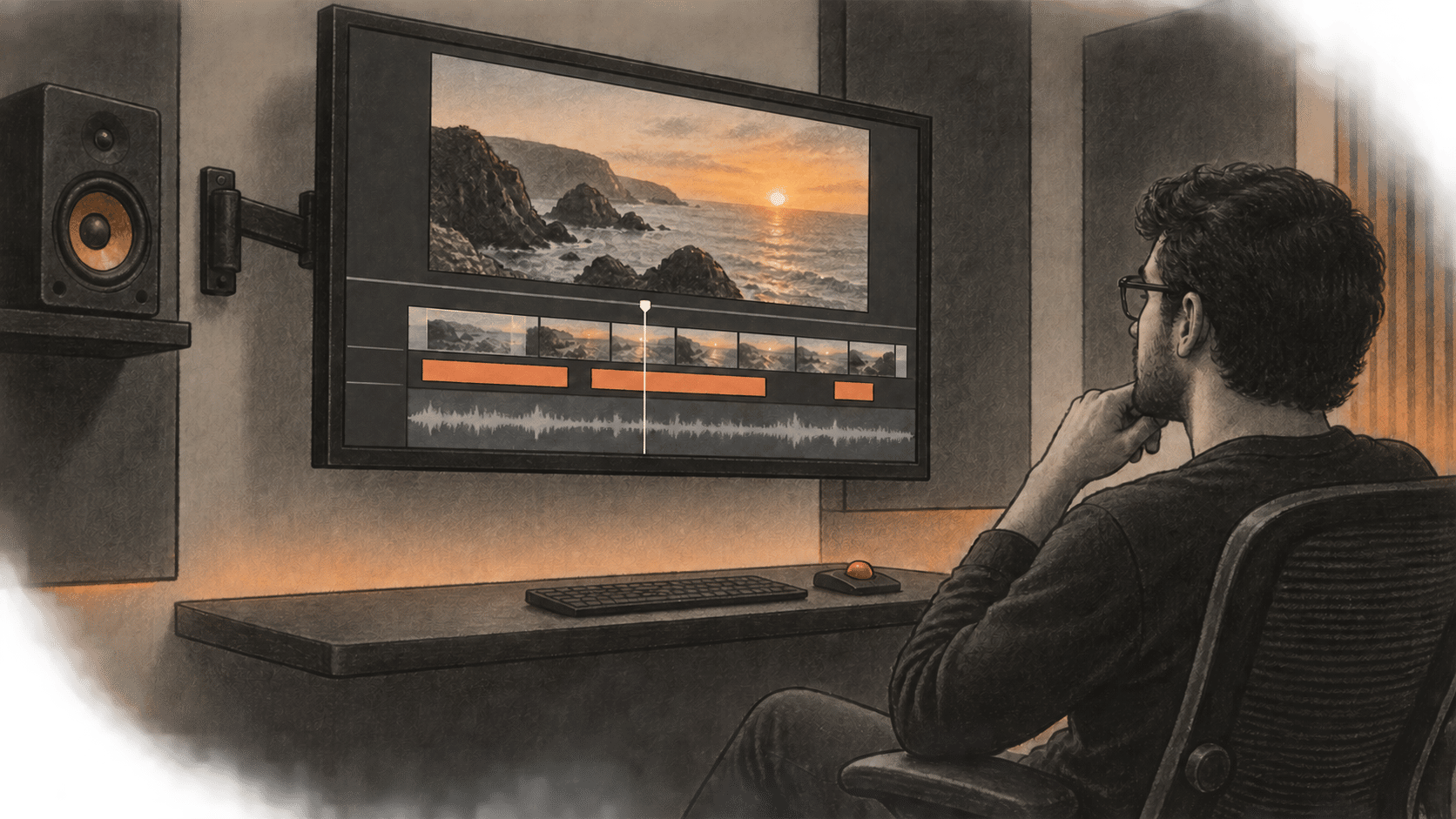
Manus announced Manus 2.0 on September 28, 2026, combining a rebuilt agent system with a desktop workspace for creative projects, event-triggered automations and a separate personal-agent app called Cue. The release changes what users can do after an agent produces a first draft: they can edit video clips on a timeline, adjust a playable game's assets and code, or set work to begin after a connected service sends a signal.
For creators and small teams, the change is the ability to keep shaping a project after Manus makes an initial version. Manus says Studio works with local files and tools in an authorized desktop session. Its Video Editor exposes clips, images, text, motion graphics and audio as separate timeline elements; Game Dev provides an edit panel for assets, code, movement, art and scenes. Manus’s descriptions have not been verified in a BIG CHANGE hands-on test. We did not access Manus 2.0.
From an initial cut to an editable project
Manus describes Studio as a workspace for using existing folders and files in a connected desktop session. A creator can point Manus at a folder containing footage or product photos, ask it to make a first version, then refine it with direct controls or instructions. The Help Center overview identifies Video Editor and Game Dev as Studio add-ons.
In Video Editor, the documented path is a brief, a first cut, timeline edits, preview and export. Users can correct subtitles, replace music or a generated product shot, trim a pause and reposition an animation. The documentation says edits can be handed back to Manus for another pass on the same project. It lists product ads of 30 to 60 seconds, AI user-generated-content videos, data motion graphics, tutorials, vlogs and motion-led videos as intended work. The launch materials reviewed here do not specify export formats, resolution, supported codecs or precise input requirements.
According to Manus’s Game Dev instructions, Game Dev starts from a playable template, including scrolling, jumping and block-puzzle games. Its edit panel lets users watch the game, manage assets, adjust code and change movement, art or scenes. Manus says the first version can be played in the first session. For multiplayer, its help page gives this sequence: Configure, Multiplayer, Select Cloud Computer, then buy one. The company says it handles server setup. The Cloud Computer is a separately purchased persistent environment. The announcement also describes publishing a playable website by link. The help article does not specify supported export formats, source-code portability or hosting limits.
Automations and Cue extend work beyond the desktop
Manus says Automations can start a task when an event occurs in a connected service. Its help page says to choose a trigger, authorize the required services and tell Manus what to do next. The announcement names email, advertising performance, calendar events, Slack messages and Notion updates as possible triggers. The Manus 2.0 help page does not specify the full connector list, trigger frequency, failure handling or automation usage costs. A Cloud Computer can provide a persistent home for an automation, with an additional monthly fee.
Manus describes Cue as a standalone app for a personal team of agents. It lists web, desktop and mobile availability, while its help page says Cue requires an invitation code. Each agent has its own email address, phone number, wallet and computer. Users can group agents to pass work between them, set the direction and make the final decision. The announcement calls Cue early access and says it is free with an invite code. At launch, the iOS app was still awaiting App Store review. Manus has not published details in the reviewed materials about wallet limits, phone-number availability, identity checks or pricing after early access.
Access, costs and evidence limits
Manus says Manus 2.0 is available now on web, desktop and mobile. Cue has separate early-access availability. On September 29, the Help Center’s Manus 2.0 collection contained two articles: an overview and Game Dev instructions. It had no detailed Video Editor manual or separate Automations setup instructions.
Manus’s credit rules say agent tasks use credits according to their complexity and duration. A March 16 membership pricing page listed a free plan at $0 with 300 daily credits, one concurrent task and two scheduled tasks; the page says its Agent Mode is Manus 1.6 Lite. Pro plans started at $20 per month for 4,000 credits or $40 for 8,000 credits, with up to 20 concurrent and 20 scheduled tasks. Team started at $20 per seat monthly. The page predates Manus 2.0 and does not say which plans include the new features or how many credits a video, game or automation consumes. Those figures are dated plan details, not confirmed prices for the new tools.
The Cloud Computer billing page, updated during the week of September 29, lists two current plans: Standard at $30 per month for 2 vCPUs, 4 GB RAM and 70 GB storage, and Advanced at $50 per month for 2 vCPUs, 8 GB RAM and 120 GB storage. Both include a dedicated public IP and Ubuntu Server 24.04 LTS. Manus says the machine stays available outside active sessions, but it shuts down and its working files, installed tools and databases are deleted if the subscription lapses. These prices apply to persistent hosting. The page does not list a Studio subscription price.
Manus reports that, in “one tested configuration,” Cascade used 23.2% fewer tokens, completed tasks 28.2% faster and cost 32% less to run than its previous system. The Help Center says these results are not an overall average. It does not identify the tasks, sample size, model settings, test environment or methodology. These remain company-reported measurements. An independent launch-day explainer also found no independent benchmark linked at launch.
Manus 2.0 adds editable workspaces and ways to keep agent tasks running. The documented paths give creators direct controls for revising a video or game. Cue and Automations bring new access and billing questions, and the launch documentation leaves several unanswered. Readers should check Manus’s current plan and access pages before committing to paid use.
The big change
- Manus describes video timeline controls and direct asset and code controls for games. Their performance in practice remains untested here.
- Scheduled work can now begin after a connected-service event, according to Manus. Teams still need to authorize those services and decide what the agent may do next.
- Cue gives agents their own communication and payment identities. It remains invitation-only early access in the documents reviewed, with operating rules and a post-preview price still unclear.
- Manus documents a paid Cloud Computer as the persistent server for multiplayer games and as an option for automations that need an always-on environment. The published tiers specify monthly prices and server resources.
- Manus’s efficiency figures come from one configuration described by the company. The reviewed materials provide no test protocol or average result for creator workloads.
Sources & further reading
- Manus 2.0 Help Center collection: On September 29, the collection listed two articles, the feature overview and Game Dev instructions. The collection documents which dedicated guides Manus had published at the time checked.
- Introducing Manus 2.0: Manus’s September 28 announcement establishes the release date, stated availability, Studio features, Cue’s early-access terms and the Cascade performance figures. Its product descriptions and performance results are company claims.
- What is new in Manus 2.0?: Manus Help Center, updated September 29, documents Studio’s authorized desktop-session requirement, video timeline controls, Game Dev, Remote Control, Automations setup and Cue invite requirements. It has no detailed Video Editor manual or feature usage prices.
- How can I use Game Dev in Manus?: Manus Help Center, updated September 29, describes playable templates, edit controls and the Cloud Computer setup path for multiplayer. It is vendor documentation, not an independent test.
- What is the Cloud Computer?: Manus Help Center, June 5, explains the persistent virtual machine and how it differs from the temporary task sandbox or local desktop connection.
- Understanding Cloud Computer Plans and Billing: Manus Help Center, June 5, lists monthly tiers, server resources and the need for an active subscription.
- What is the current membership pricing for Manus?: Manus Help Center, March 16, lists membership prices and credit allocations. The page predates Manus 2.0 and does not map plans to the new features.
- What are the rules for credits consumption?: Manus Help Center, June 18, explains credit use based on task complexity and duration. It gives no task-specific cost for the new creative tools.
- Manus 2.0: Cascade Harness, Manus Studio, Cloud Computer, and Cue Agents: Independent launch-day explainer that notes Manus supplied the efficiency figures and had linked no independent benchmark at launch. It does not report hands-on feature testing.