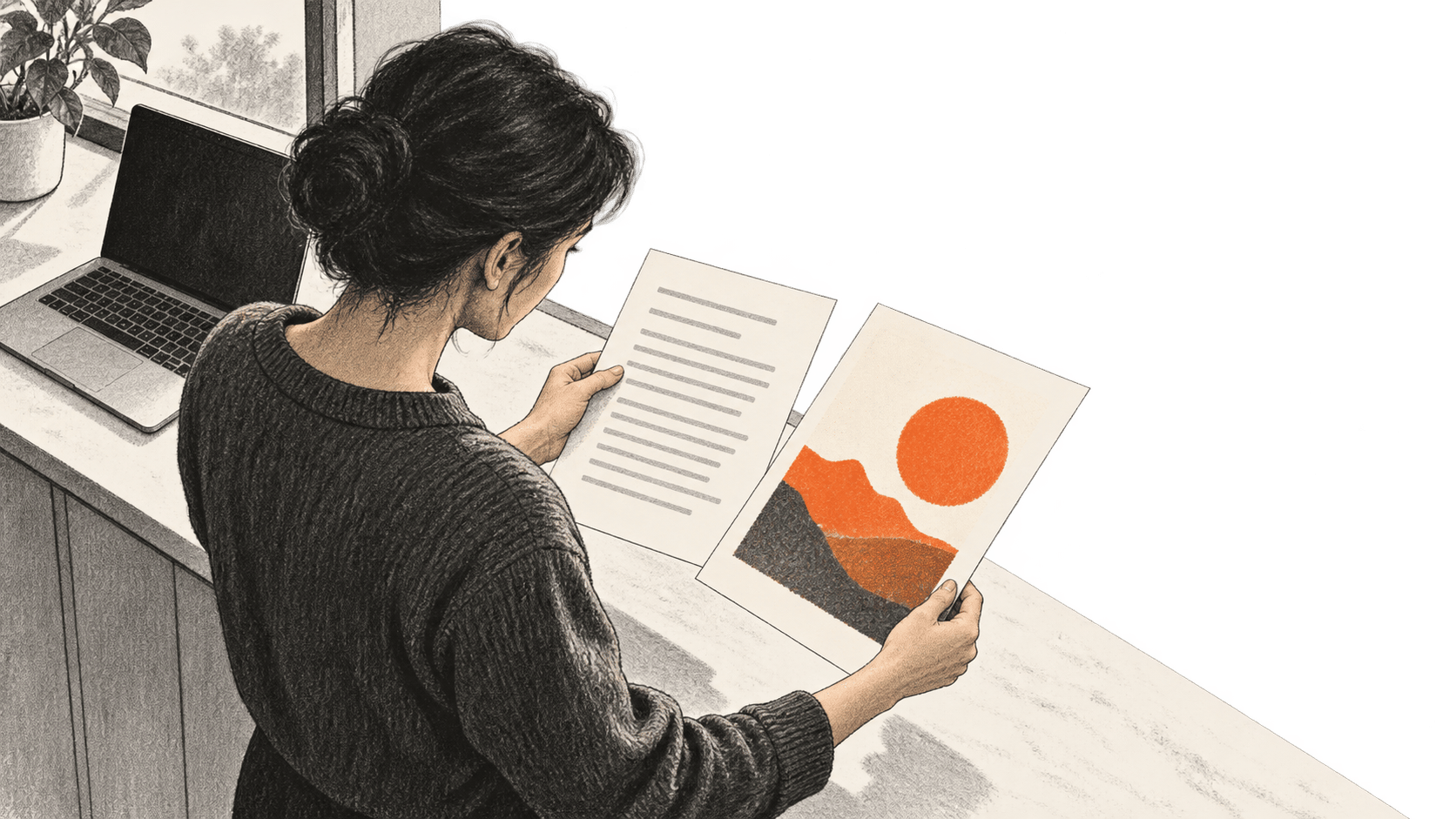
Edit a flat graphic with Canva Magic Layers
A practical acceptance check for a revised graphic and the copy you deliver.
Explore BIG CHANGE reporting on Culture & Entertainment: what changed, how it works and why it matters.
A practical acceptance check for a revised graphic and the copy you deliver.
Record and verify your own vocal in Suno Voices, select it for a song, then compare the generated singer with your source recording while checking access, credits and rights.
Plan a multi-shot AI film in Claude, make Nano Banana Pro and Seedance 2.0 shots in Luma, test their actual files in Resolve, and check the finished film's full cost.
Use Gemini's Pro and Full music controls to prompt an original structured song, then listen to and reopen the downloaded MP3 before a human rights decision.
Take one rights-cleared 720p AI clip through Magnific Creative, then inspect the downloaded 1440p file for dimensions, detail, motion and audio.
Record motion footage and separate consent, check Avatar V and paid export access, then render one approved test and inspect the downloaded file and charge.
Create one original Seedance 2.0 clip in Dreamina with a bounded credit attempt, then check the full download, rights, provenance and intended use or record a precise hold.
A documentation-based guide to turning real owned takes into one reviewed film with Claude Code and Video Use: source-linked cuts, optional graphics, preview, final MP4 and full human playback.
A documentation-based Codex workflow for checking a source-backed local brief, saved image, authorized Gmail read and reusable Skill, with a separate scheduled review.
A documentation-based workflow for five source-checked video clips with corrected captions, vertical framing and human review.
A documented route from permitted Google Flow clips through version choice and Scenebuilder assembly to a downloaded scene checked from beginning to end.
Google's experimental Playground turns text prompts into playable browser games. This guide covers access, revisions, testing, sharing and export, then examines the platform's gaming implications.
Arcmira's n8n workflow returns up to three timestamped transcript passages. Editors still need to check the source, speaker, cut and reuse rights.
Pinterest says Beauty Guides turn hair and nail Pins into planning references that users can save. The launch is available to U.S. iOS users; the company has not published an accuracy assessment or a price.