Build and check a Pomelli Business Profile
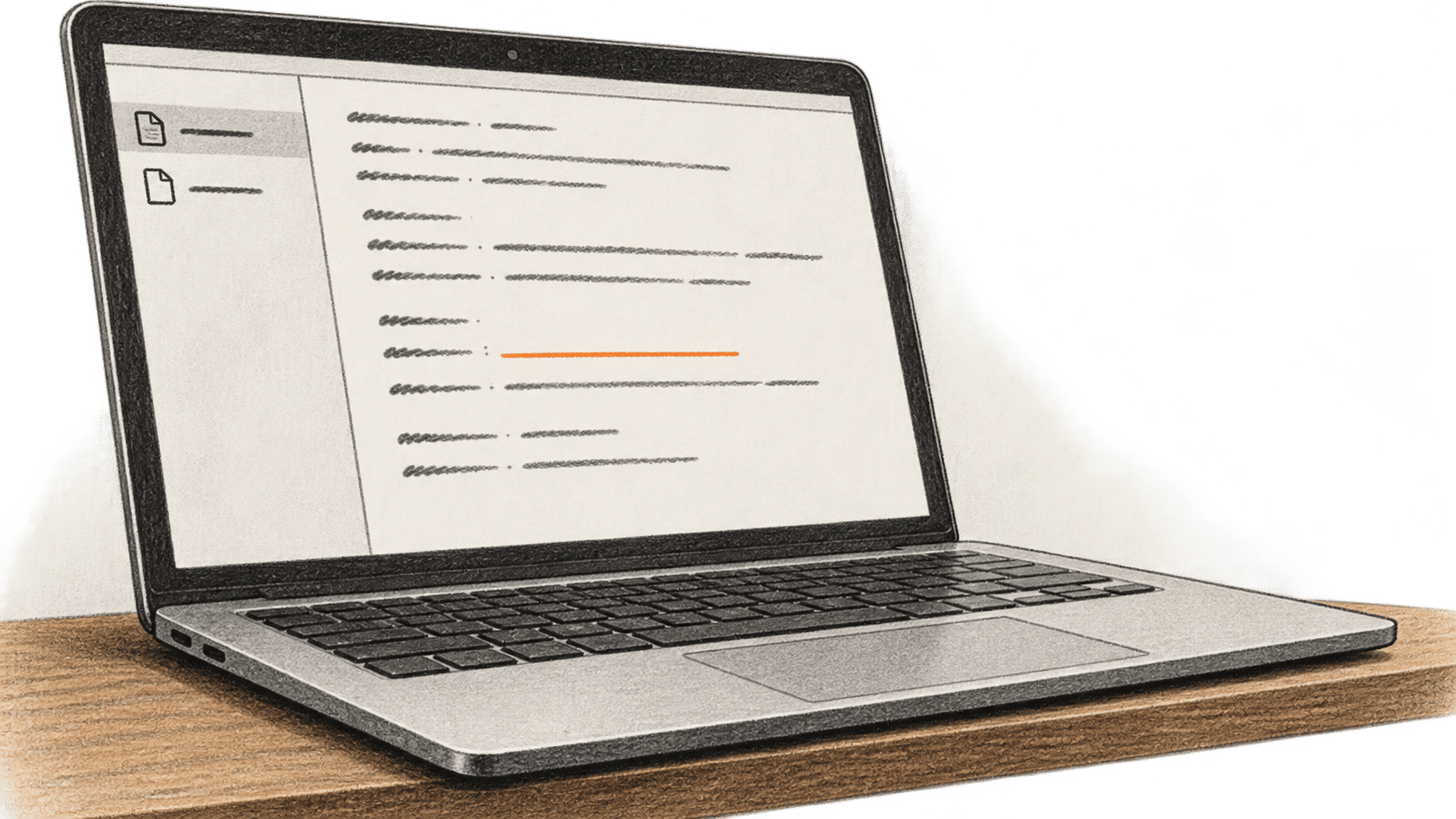
Create a Pomelli Business Profile from an authorized website, approved material or a template, then check and correct its brand details against the owner's references.
Explore BIG CHANGE reporting on Work & Business: what changed, how it works and why it matters.
Create a Pomelli Business Profile from an authorized website, approved material or a template, then check and correct its brand details against the owner's references.
Create one permissioned contact record and index in Obsidian, then ask Codex a narrow question and check both an answer and an absent fact against the file.
Run one manual Claude Dream over authorized sessions, inspect and correct its separate memory store, then attach only reviewed memory to a later session.
Extract candidate claims from a PDF with Claude for PowerPoint, reconcile each row against the source, then build and inspect a native deck from verified evidence.
Compare an actual no-code AI candidate with your existing route for one small-business task. Check fit, permissions, full cost and accepted work before choosing or rejecting it.
Record what ChatGPT Search, Perplexity and Gemini say about one brand for a few fixed questions. Save answers, open sources and check claims against approved facts.
Use permitted writing and the author’s real answers to build a source-linked voice profile in Claude Projects. Approve the exact revision, then check a new draft for facts and voice separately.
Use Claude for PowerPoint to draft three slides in a copy of an existing deck, then check every claim, source label, editable object and layout before keeping it.
Set up one version-checked Hermes Docker gateway on a Linux VPS, admit one private Telegram sender, verify an actual reply, then check restart and stop controls.
Summarize one authorized Outlook conversation with Claude, then open every cited email before keeping decisions, open questions or owner assignments.
Use four separate Claude Code skills to inventory an approved written source, draft LinkedIn, newsletter and ad copy, then check file hashes and claims before human review.
Package a team FAQ source-check procedure as a versioned Claude Code project skill, then hand off its inputs, conflict check, owner and recovery path.
Use Claude with an open Excel workbook and PowerPoint deck to update one editable native chart, then verify its data, labels, axes and layout before saving.
Select one passage in Word, ask Claude for a bounded rewrite in tracked changes mode, then inspect and decide each revision before saving.
Compare one AI agent vendor's identities, approvals, tool permissions, logs, data flows and failure evidence against your written risk profile before a human purchase review.
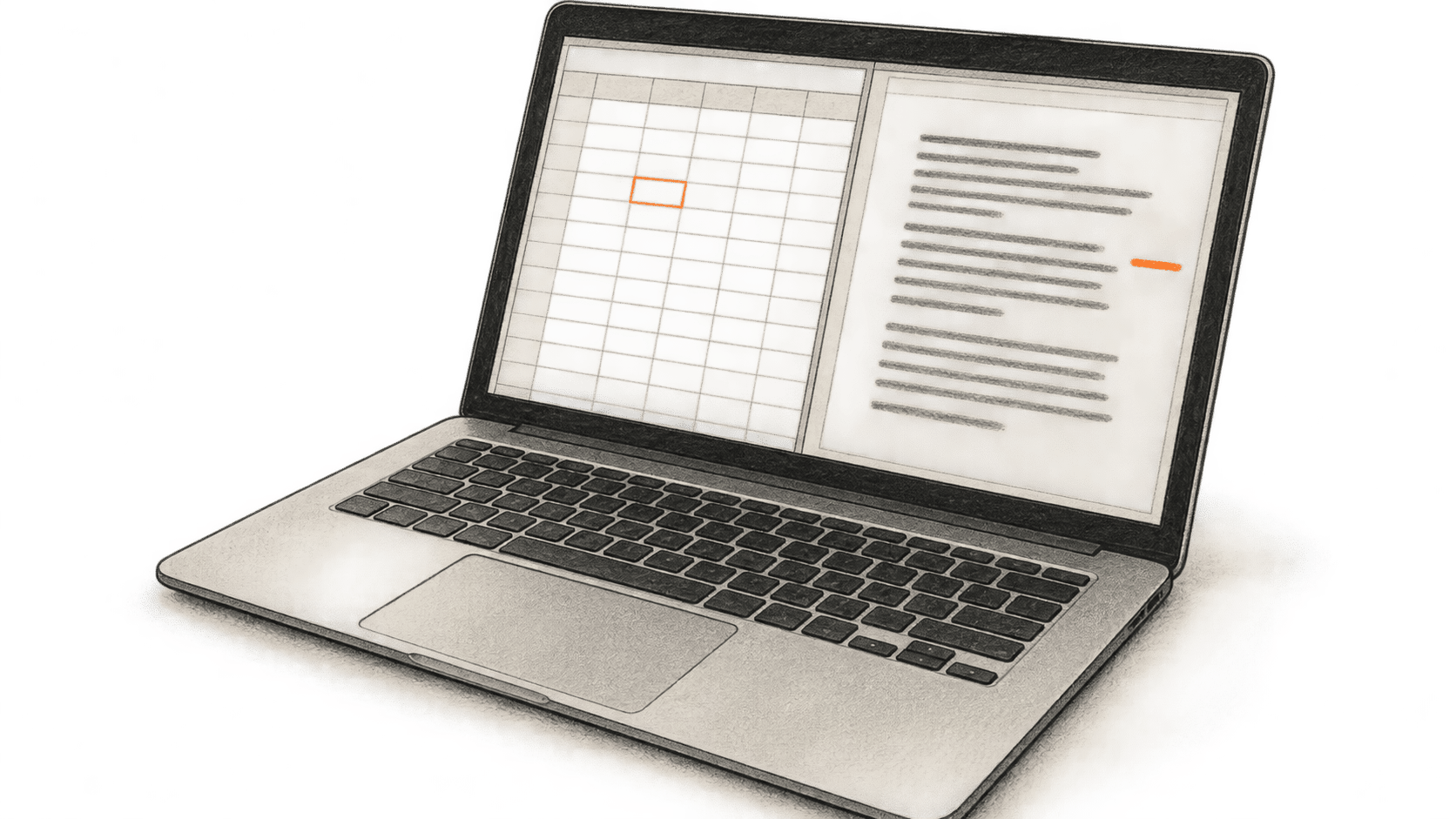
Use Claude with an open Excel workbook and Word memo, then verify the figures, units and periods and review proposed changes.
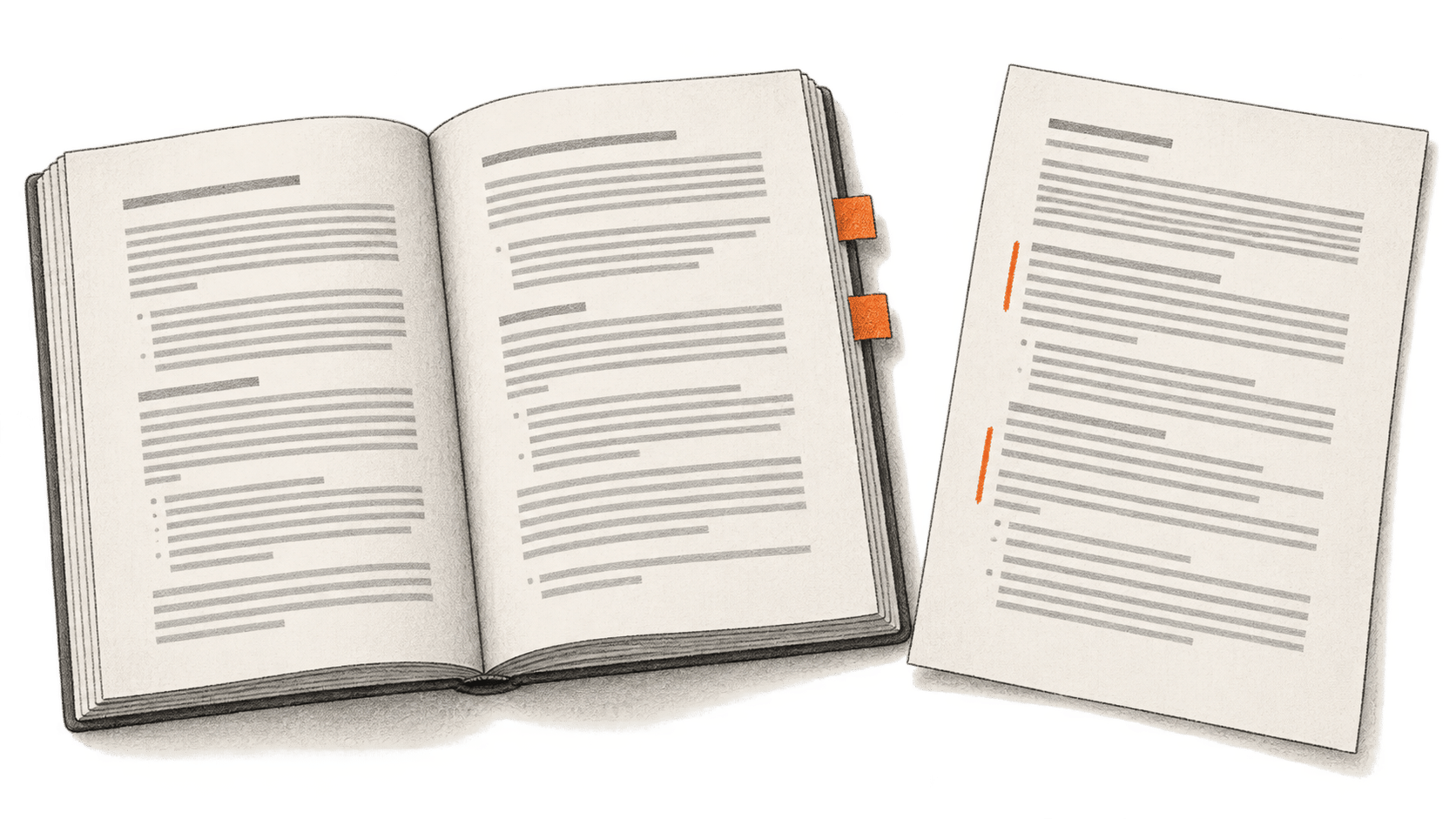
Microsoft's legal skill in Word reviews a contract against a .docx playbook, shows extracted rules and proposes tracked edits. A lawyer must check the findings and choose each change.
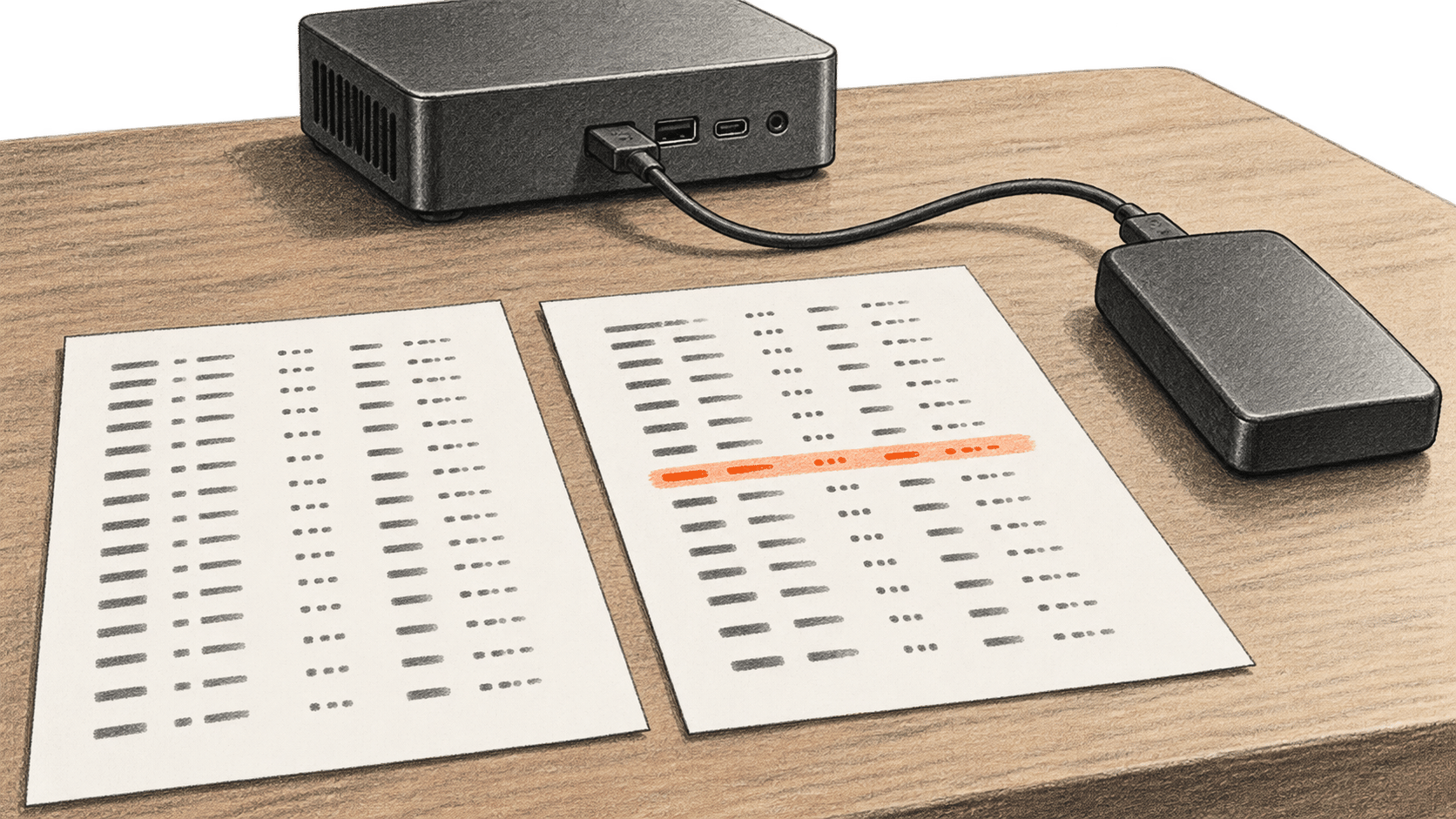
A documentation-based guide to recording the same hardware operation under a Windows vendor driver and a Linux driver, then testing the differences on real hardware.