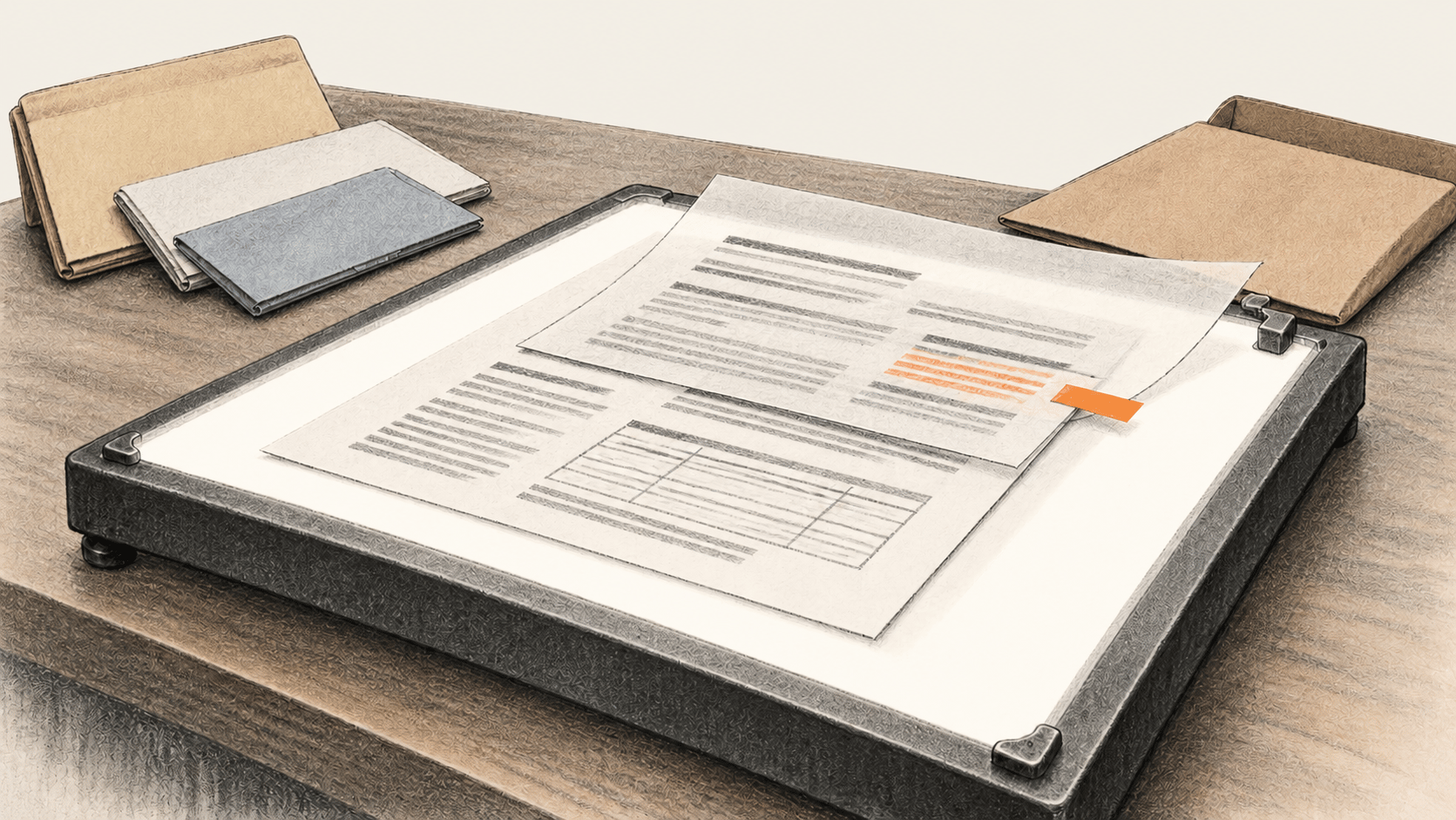
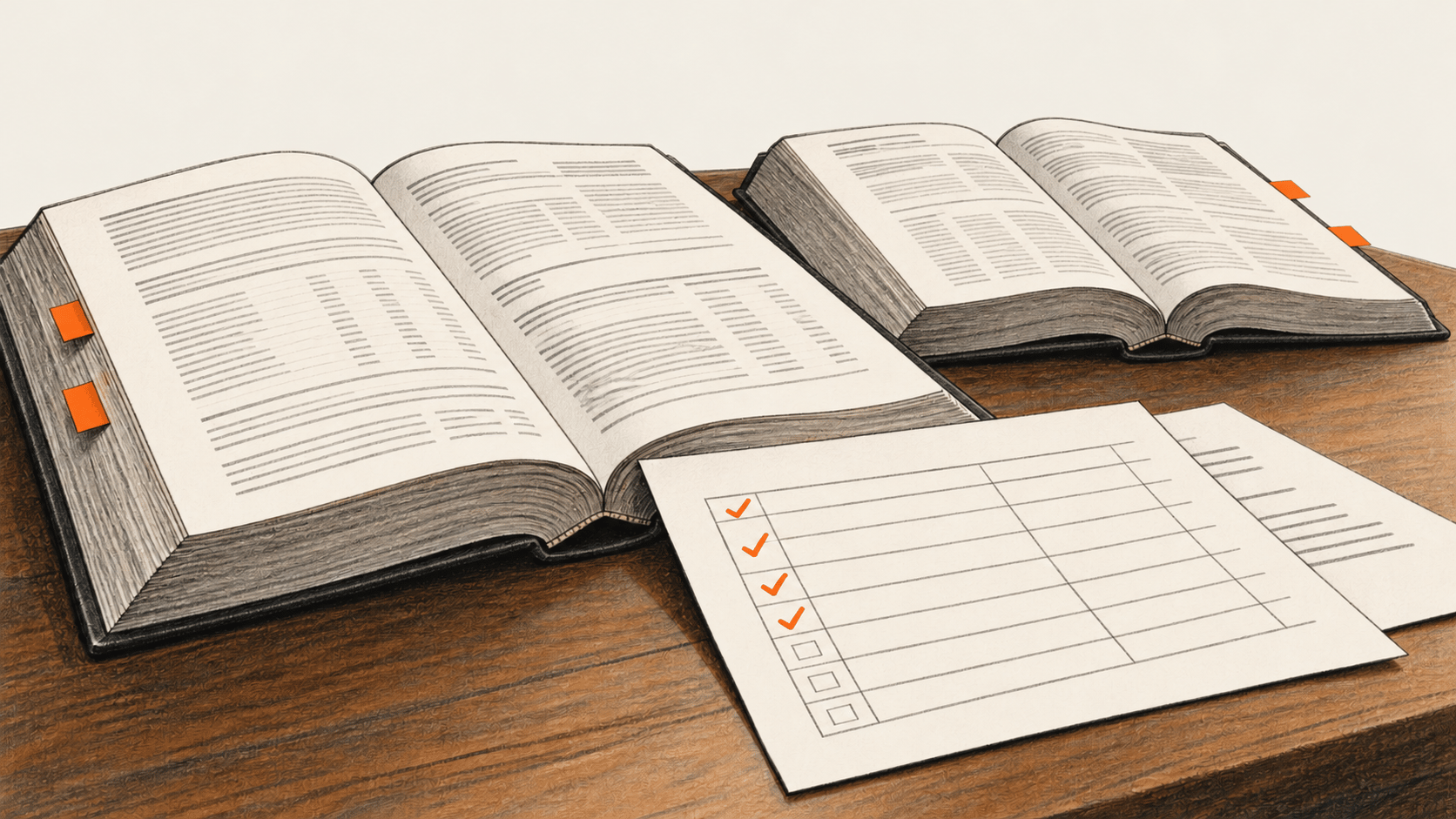
Convert permitted local HTML, PDF and Word files to Markdown, check material content against originals, assemble a source-mapped AI context packet and count comparable text tokens only when a valid baseline exists.
Use ChatGPT to compare two actual annual 10-K periods, then reconcile filings, verify every calculation and source, and accept or hold an analyst memo.
Copy a reviewed Python worker to classify permitted Gmail requests, approve exact proposals, verify Linear issues and Slack notices, then label and monitor safely.
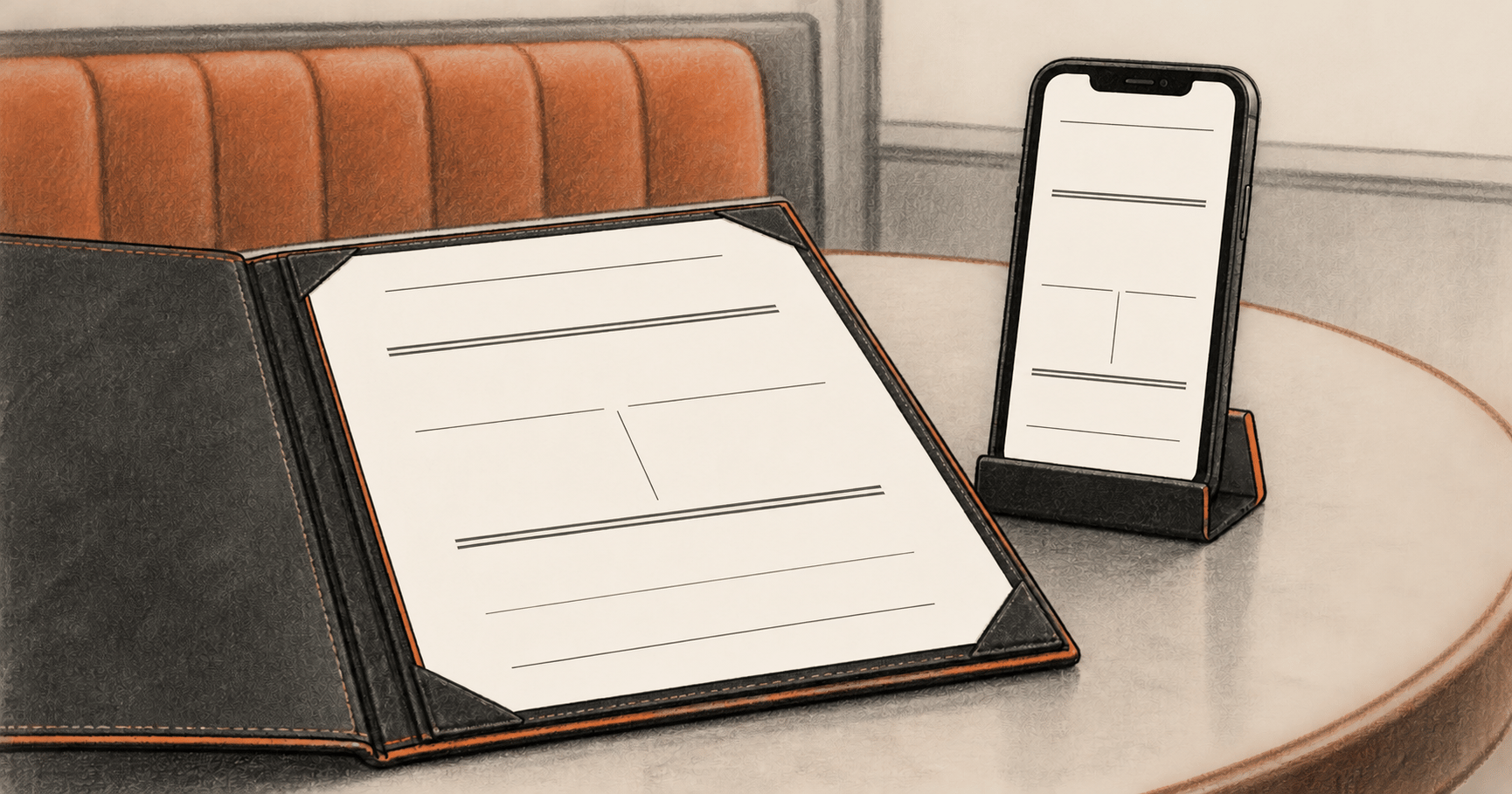
Use an approved item sheet to build an editable Canva restaurant menu, then check the actual phone and print PDFs before the owner accepts either file.
Use three Claude Code skills to collect GitHub commits and open issues, draft from saved evidence, check claims, then verify a manual run before scheduling.
Trace an accepted artifact back to its real input, write a new Codex skill from the repeatable steps, then check it on a second task and revise an observed defect.
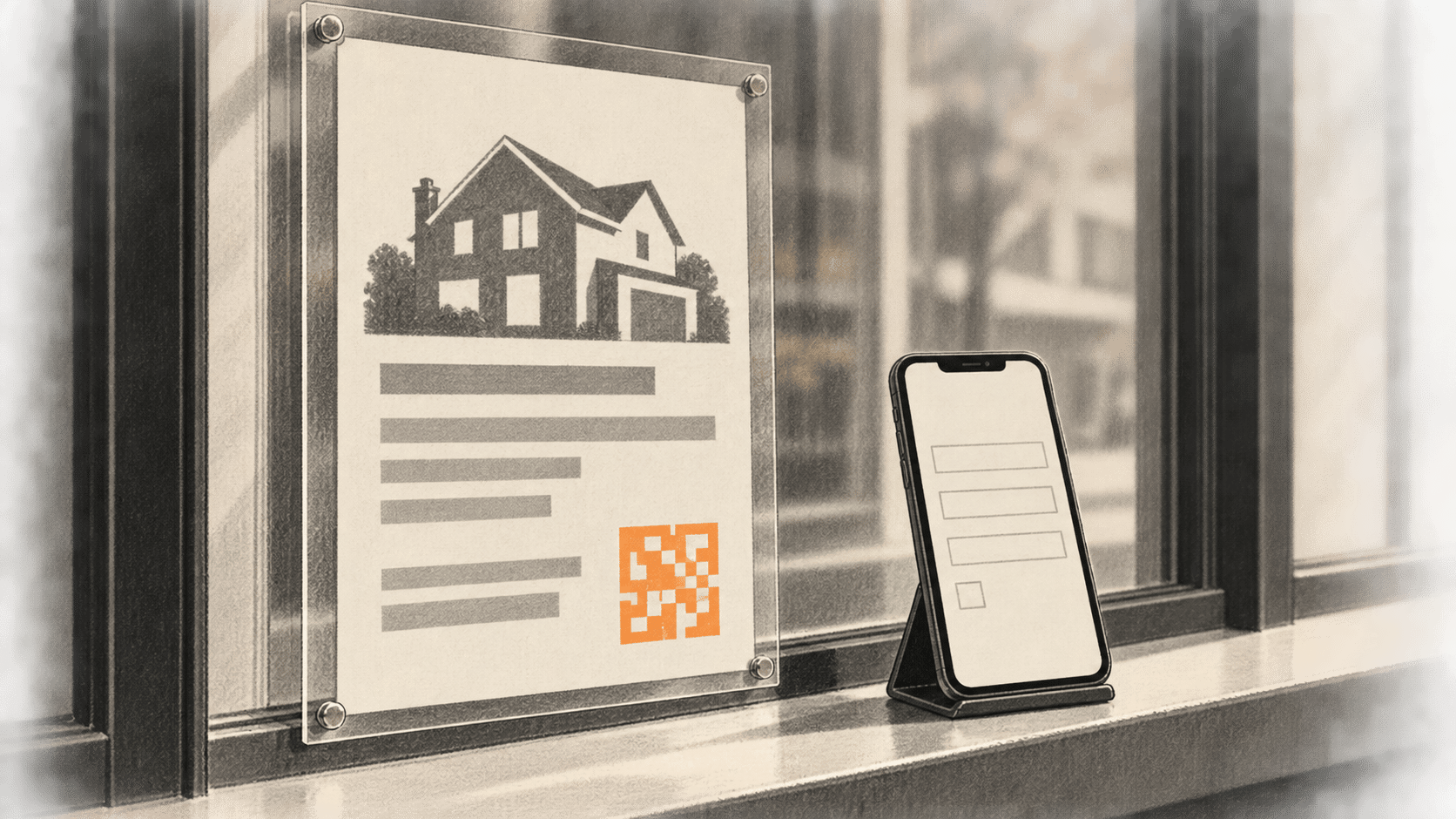
Turn approved property facts and photos into checked listing copy and a flyer, connect a live inquiry form, test every link, then reply within recorded permission.
Use AWS's scoped AI schema conversion with separate DMS row migration, matched-checkpoint validation and a tested reverse-CDC cutover plan. A documentation-based guide for authorized DBA teams.
A documented n8n recipe for one read-only night work order: approved notes, a bounded agent, saved state and failure alerts, then human review of the morning draft.
Use Canva and Lucid AI to draft three distinct visuals, then check infographic figures, process branches and explainer panels against approved source records before exporting.
A documented n8n recipe for a restricted support form, two tool-using AI workers, shared run state, fail-closed checks and a human-reviewed draft. Readers verify actual production executions and worker overlap.
Use approved brand facts and Adobe Express visuals to make checked Instagram image slides, a distinct LinkedIn PDF document, quote cards and 30 dated account-specific posts. Verify permissions, exports, scheduling and final status.
Start with real brand facts, review a logo concept and reusable rules, then check an exported Claude landing page on a phone and play the finished Motion MP4.
Turn approved venture, market and competitor evidence into a sourced Claude Slides deck, then reopen its PowerPoint or Google Slides export for fact, rights and editability checks.
Use an approved app spec to build every required Claude Design screen and interaction, check the prototype on a mobile device, then verify the reviewed export or share.
Microsoft reports more than 330,000 Volkswagen staff have Copilot access, over 300,000 monthly Copilot Chat users and 26,000 active agents. The announcement provides no measured productivity result.
81
The BIG CHANGE newsletter
The big picture. At your pace.
Recent stories on AI and robotics, the shifts worth watching and practical ideas to use. Choose a daily briefing, weekly digest or monthly perspective.
Next scheduled send (UTC): . Your first edition arrives at the next scheduled send after you confirm.
Your privacy, your choice.
Necessary storage supports site security and remembers your choices. Optional Google Analytics stays off until you allow it. You can read every story with necessary storage only. Privacy details