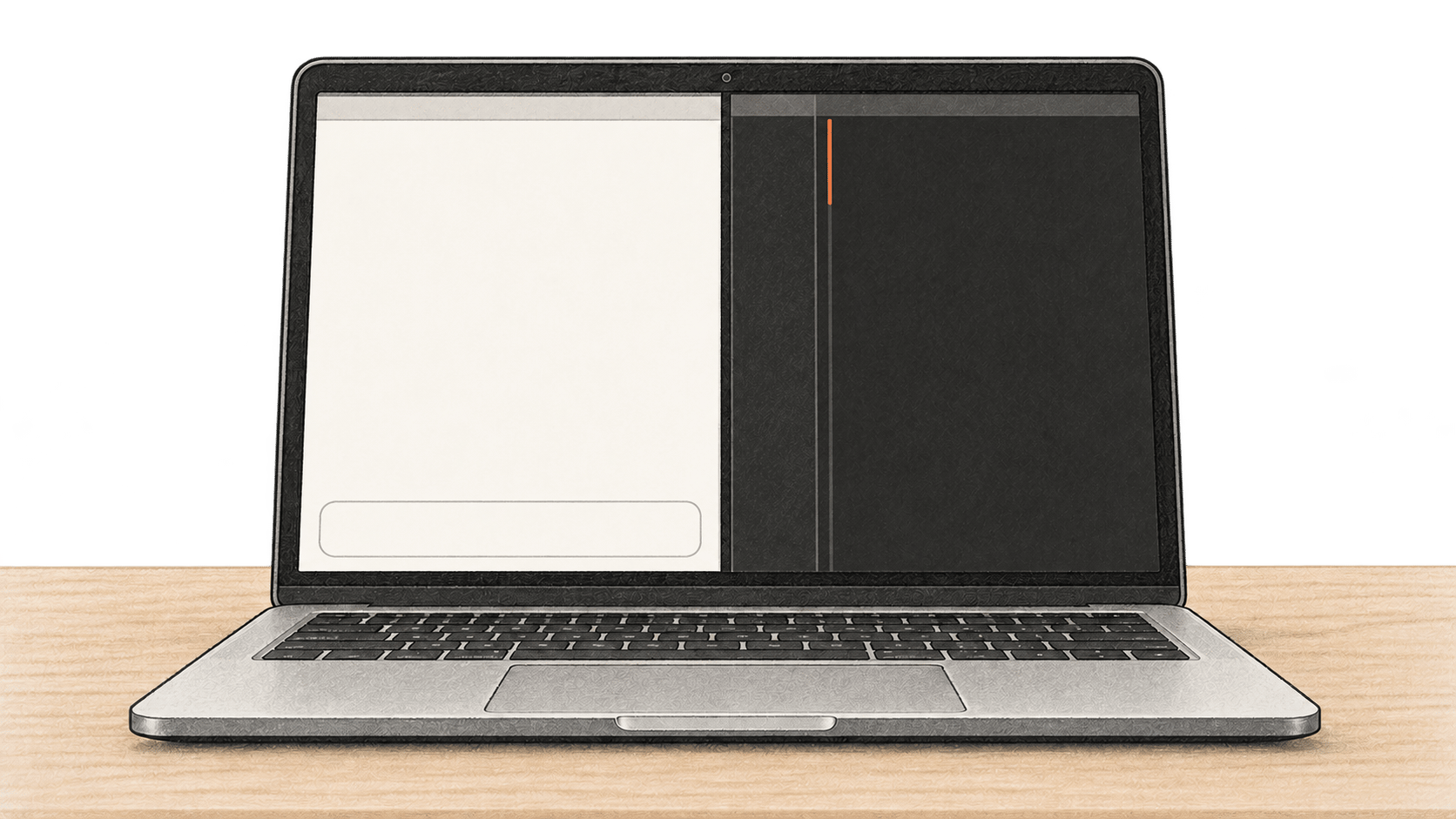
This guide is for a Mac owner who can install applications and use an owned, nonsensitive scratch file. You will download one model into Ollama, connect a persistent Open WebUI browser chat and the Continue extension in VS Code to that runtime, then check a real suggested edit before deciding whether to keep it. The commands and checks below follow current maintainer documentation; BIG CHANGE has not run this stack or measured its speed, cost or network traffic.
The big change
- What changed: A downloaded Ollama model can serve both a browser chat and a VS Code editing assistant through its local API. Each client still needs its own connection check.
- Why it matters: One model installation can support a conversation and a reviewed code change on the same Mac, while the file owner keeps the final edit decision.
- What to watch: A model name in a menu does not establish which server answered. Check the provider connection and the actual responses, especially when other providers or cloud features are configured.
1. Check the Mac and choose a model
You need macOS 14 or newer for Ollama, Docker Desktop for Mac, VS Code with the Continue extension, and Python 3 for the small JSON and file checks below. Ollama supports Apple M-series CPU and GPU execution; on Intel Macs its documentation lists CPU only. Install Ollama from its Mac download, move the app to Applications, launch it and allow its command-line link if prompted. Install and start Docker Desktop, then install Continue from the VS Code Extensions view. Install Python 3 from Python.org if python3 is unavailable. On a Mac, VS Code does not add code to your shell path automatically. Follow its Mac setup instructions: open the Command Palette with Cmd+Shift+P, run Shell Command: Install 'code' command in PATH, and restart Terminal. Confirm that the tools you will use are present:
sw_vers -productVersion
ollama --version
docker version
code --version
python3 --version
Record the installed versions. Stop if either application is not running or your Mac lacks room for the model and Docker data. The qwen2.5-coder:7b model listing currently shows a 4.7 GB download and Apache 2.0 license. That download size is not its total working-memory requirement. It is a concrete example for this guide, not a fit recommendation for every Mac. Choose a smaller documented local tag if necessary, then replace qwen2.5-coder:7b with that exact tag in every command, browser selection and YAML field below. Check the replacement model's license too.
Pull the model and verify that Ollama lists the exact tag:
ollama pull qwen2.5-coder:7b
ollama list
curl --fail-with-body --silent --show-error http://127.0.0.1:11434/api/tags | python3 -c 'import json,sys; d=json.load(sys.stdin); print([m["name"] for m in d["models"]])'
The list should contain qwen2.5-coder:7b. Next ask the local chat API for a short response. The command fails on an HTTP error and checks the returned model and nonempty assistant content; the wording of the answer is immaterial. The Ollama runtime option num_predict caps this check at 64 generated tokens. A clipped sentence can still prove that content came back; an empty response fails the check and needs investigation.
set -o pipefail
curl --fail-with-body --silent --show-error http://127.0.0.1:11434/api/chat \
  -H 'Content-Type: application/json' \
  -d '{"model":"qwen2.5-coder:7b","messages":[{"role":"user","content":"Reply with one short sentence about checking a local connection."}],"stream":false,"options":{"num_predict":64}}' \
  | python3 -c 'import json,sys; d=json.load(sys.stdin); assert d.get("model")=="qwen2.5-coder:7b",d.get("model"); assert d.get("message",{}).get("content","").strip(); print("Model:",d["model"],"Reply:",d["message"]["content"])'
If the tag is absent, finish the pull and retry the list. If the API is unreachable, start Ollama and check its Mac server log at ~/.ollama/logs/server.log. A downloaded tag and a successful local reply establish the first of three checks.
2. Start Open WebUI with durable local data
The Open WebUI quick start stores accounts, settings and chats at /app/backend/data and calls for a fixed WEBUI_SECRET_KEY. We use the stable v0.12.3 release instead of the rolling main tag. Docker will select the image for your Mac's architecture; record the image identity after pulling it.
First inspect the names used here. If either already exists, inspect that container or volume and decide whether it belongs to an earlier setup. Do not replace an existing container or remove its volume merely to make this command work.
docker ps -a --filter name=^/bc-open-webui$
docker volume inspect bc-open-webui-data
It is normal for the second command to say the volume does not exist on a first setup. The following keeps a generated key in a private file under your Mac account. Retain that file securely for container recreation. Do not commit, paste or share its contents. If you already have a key for this instance, keep using it.
mkdir -p "$HOME/.config/bc-open-webui"
chmod 700 "$HOME/.config/bc-open-webui"
umask 077
if [ ! -s "$HOME/.config/bc-open-webui/webui-secret" ]; then
  openssl rand -hex 32 > "$HOME/.config/bc-open-webui/webui-secret"
fi
chmod 600 "$HOME/.config/bc-open-webui/webui-secret"
export WEBUI_SECRET_KEY="$(cat "$HOME/.config/bc-open-webui/webui-secret")"
docker pull ghcr.io/open-webui/open-webui:v0.12.3
docker image inspect ghcr.io/open-webui/open-webui:v0.12.3 --format '{{json .RepoDigests}}'
docker volume create bc-open-webui-data
docker run -d --name bc-open-webui --restart unless-stopped \
  -p 127.0.0.1:3000:8080 \
  --add-host=host.docker.internal:host-gateway \
  -v bc-open-webui-data:/app/backend/data \
  -e WEBUI_SECRET_KEY \
  -e OLLAMA_BASE_URL=http://host.docker.internal:11434 \
  ghcr.io/open-webui/open-webui:v0.12.3
unset WEBUI_SECRET_KEY
docker ps --filter name=^/bc-open-webui$ --format 'table {{.Names}}\t{{.Image}}\t{{.Ports}}'
The port output should show 127.0.0.1:3000->8080/tcp. The named volume keeps chats and settings across container recreation. The key protects session continuity and encrypted application values, so keep its private copy. Docker container configuration can expose environment values to people with Docker access; this is a single-user local setup, not a shared-host secret store.
Open http://127.0.0.1:3000 in your browser. On first launch, create the admin account. In your avatar menu, open Settings → Admin → Connections. Inspect Manage Ollama API Connections and leave one enabled connection to http://host.docker.internal:11434; remove or disable unintended provider connections for this check. Open WebUI can distribute requests across multiple Ollama connections, so a matching dropdown name alone is not enough. Select qwen2.5-coder:7b in a new chat and ask: “What is one way to verify that a local model answered?” Confirm that a nonempty response appears, then reopen the saved chat. Record the selected model and connection URL. This is the browser check; its answer is not prescribed.
If the page does not load, inspect docker logs bc-open-webui and the port binding. If the model list is empty, check that Ollama still answers /api/tags, inspect the saved Open WebUI connection, and test whether this Docker Desktop version can reach the Mac host service. host.docker.internal is Docker Desktop's host address, whereas localhost inside the container means the container itself. Ollama binds to 127.0.0.1 by default; host-to-container forwarding can differ by configuration. Do not treat a failed connection as a successful setup or expose Ollama on 0.0.0.0 as a routine fix. Resolve the local network path under your security policy before continuing. Keep the volume and existing chats while troubleshooting.
3. Point Continue at the same Ollama tag
Continue runs in VS Code on the Mac, so its Ollama API address is http://localhost:11434. Open Continue, use the configuration dropdown at the top right of its chat input, and click the cog beside Local Config. This opens ~/.continue/config.yaml; Continue's current reference uses YAML. Save a copy of any existing configuration and preserve the models or rules you still need. For a new local configuration, the complete minimal content is:
name: Local Ollama check
version: 1.0.0
schema: v1
models:
  - name: Qwen2.5 Coder 7B local
    provider: ollama
    model: qwen2.5-coder:7b
    apiBase: http://localhost:11434
    roles:
      - chat
      - edit
For an existing file, add this model entry under its models: list and retain the existing top-level configuration. Save, select Local Config and the named local model, then ask a short question in Continue Chat. Confirm it returns content. This checks the extension's connection, but a chat answer is not a file edit. The chat and edit roles enable the two actions used here; this recipe makes no Agent or autocomplete promise.
Create an owned scratch directory and file with a small behavior you can check independently. The command preserves an existing file or original copy, so inspect or choose a new scratch directory if either name is already in use:
mkdir -p "$HOME/continue-local-check"
if [ -e "$HOME/continue-local-check/greeting.py" ] || [ -e "$HOME/continue-local-check/greeting.original.py" ]; then
  printf '%s\n' 'Scratch file already exists; inspect it or choose a new directory.'
else
  cat > "$HOME/continue-local-check/greeting.py" <<'PY'
def greeting(name):
    return "Hello, " + name

if __name__ == "__main__":
    assert greeting("Ada") == "Hello, Ada"
    print(greeting("Ada"))
PY
  if python3 "$HOME/continue-local-check/greeting.py"; then
    cp "$HOME/continue-local-check/greeting.py" "$HOME/continue-local-check/greeting.original.py"
  else
    printf '%s\n' 'Original check failed; inspect the file before requesting an edit.'
  fi
fi
The original check should print Hello, Ada after the assertion passes. Open greeting.py in VS Code, select just the function, then press Cmd+I for Continue Edit. Ask it to add a short docstring while keeping the returned text unchanged. Review the streamed inline diff against greeting.original.py; selected-code Edit can bring the whole file into context, so use only a nonsensitive owned file. The model may change more than requested. Inspect every changed line and accept a suitable proposal with Cmd+Opt+Y, or reject it with Cmd+Opt+N. Continue also provides accept-all and reject-all controls, but a small diff is easier to inspect one change at a time.
After an acceptance, save the file and run:
diff -u "$HOME/continue-local-check/greeting.original.py" "$HOME/continue-local-check/greeting.py" || true
python3 "$HOME/continue-local-check/greeting.py"
Check that the diff contains only the change you intended and the original assertion still passes. If you reject the proposal, verify that the file matches the original and record the rejection; do not report a completed edit. The file, diff and independent Python check establish what happened more reliably than the model's description of its work.
4. Keep the boundaries visible
Ollama, Open WebUI and Continue each have separate settings. For an Ollama-only cloud disable, add the following field to the Ollama server account's ~/.ollama/server.json, preserving any existing JSON fields. For a new file, this is its complete content:
{
  "disable_ollama_cloud": true
}
Restart the Ollama app, then check its server log:
grep 'Ollama cloud disabled: true' "$HOME/.ollama/logs/server.log"The Ollama FAQ documents that log line. If it is absent, recheck which Mac account runs Ollama, the JSON and the restart before claiming cloud features are disabled. This setting does not inspect Open WebUI's other providers, optional online features or Continue's traffic. Continue's offline guide says to turn off Allow Anonymous Telemetry, use local models and restart VS Code. Review each application's connections before using sensitive material. A loopback URL by itself is not a network audit.
Check Docker Desktop's license for your actual use. It is free for personal, educational and noncommercial open-source use, and for small businesses with fewer than 250 employees AND less than $10 million annual revenue. Professional use in larger organizations and government requires a paid subscription. The model's Apache 2.0 license is separate. Disk space, memory, download bandwidth and electricity still matter; no cost or performance result was measured for this guide.
For a narrower Ollama-only terminal and API walk-through, see Run a local Ollama model and check its chat API. Run one checked Claude Code change with a local Ollama model covers a different coding client.
Sources & further reading
- Ollama macOS requirements, chat API, model-list API and FAQ: installation boundary, observable API fields, default listener and Ollama-specific cloud setting. Checked 21 October 2026.
- Ollama API specification: the runtime
options.num_predictfield caps the short local chat check. A bounded response can end mid-sentence. Checked 21 October 2026. - Qwen2.5-Coder 7B model card: example tag, listed download and model license. Check the tag's current details and your Mac's available resources before downloading. Checked 21 October 2026.
- Open WebUI quick start, Ollama connection guide and v0.12.3 release: container storage/key, provider settings and stable release identity. These document a setup path; they are not evidence that this particular Mac connected successfully. Checked 21 October 2026.
- Continue configuration, YAML reference, Edit quick start and offline guide: current file path and keys, edit controls and telemetry setting. Checked 21 October 2026.
- Docker Desktop networking, Mac installation and license: host address, installation and business-use boundary. Check the live terms for your organization. Checked 21 October 2026.
- VS Code's Mac setup and Python 3 downloads: the optional shell-command installation step and the interpreter used in the checks. Checked 21 October 2026.