Run a Claude Code evidence brief through three reviewed specialists
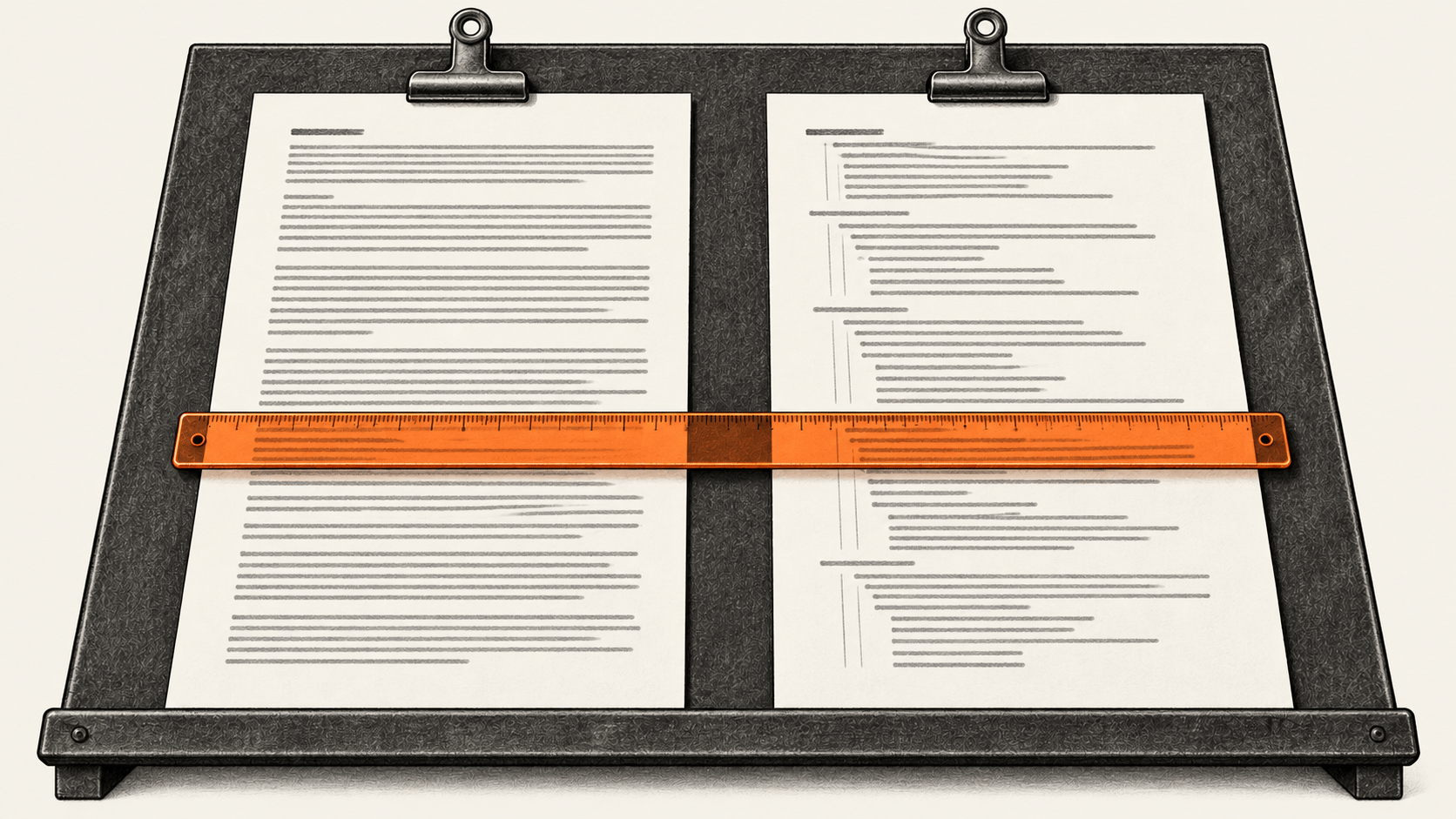
Build a source-grounded Claude Code brief with three fresh specialists, sealed handoffs and owner-reviewed rule trials. Includes the complete copyable workflow.
Explore BIG CHANGE reporting on AI Models & Tools: what changed, how it works and why it matters.
Build a source-grounded Claude Code brief with three fresh specialists, sealed handoffs and owner-reviewed rule trials. Includes the complete copyable workflow.
Send one bounded Notepad request from an eligible Claude Dispatch account, then inspect the exact local result and recover safely if the route or outcome differs.
Create one approved brand.md, point two distinct Claude Code skills to it, then check a rule change against four fresh task runs.
Prepare an authorized request, verify its captured words, and review the agent's result.
Use current GSD Core commands to carry an owned software milestone from requirements and phase plans through fresh-context execution, handoff, project tests and human acceptance.
Map one agent product’s runtime and data paths, orchestration and oversight, and interface contract against your own mandatory requirements with a copyable decision worksheet.
Map your owned procedure into a Claude Code skill with a Mermaid flowchart, check every branch in fresh sessions, and compare exact instruction tokens if API access permits.
Export a finished Claude Code conversation, check the evidence, review a bounded Learnings.md change, and test one lesson in a fresh session.
Set up one Claude Code TextEdit check on Mac: enter a fixed line through the visible interface and compare the document with the session’s actions.
Set up Claude Code’s official iMessage channel on a Mac, send one self-message about an existing project file, and verify the same-thread reply against the file.
Record and verify your own vocal in Suno Voices, select it for a song, then compare the generated singer with your source recording while checking access, credits and rights.
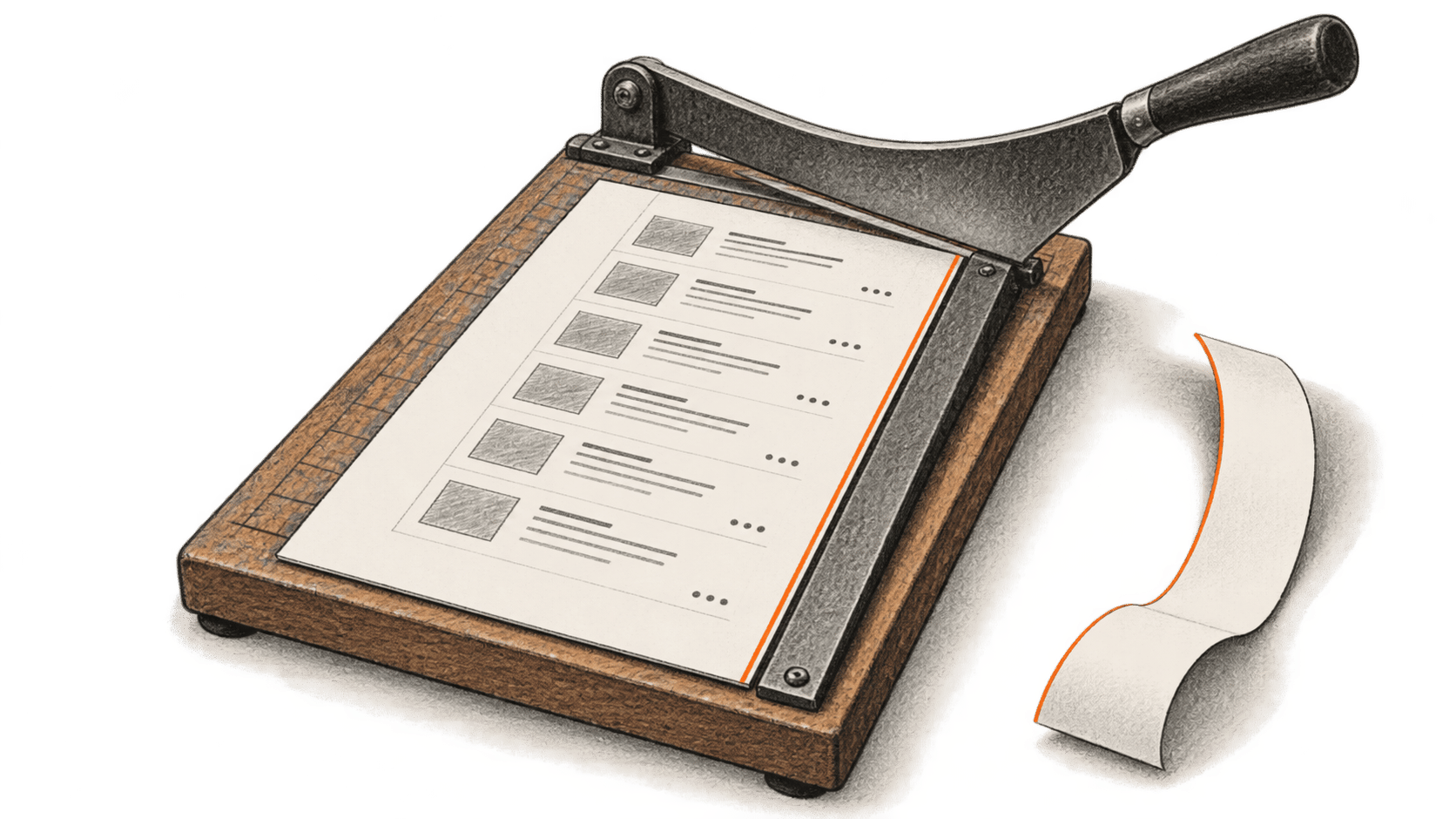
Compare six local controls on three permitted HTML listing pages, count serialized input with a pinned tokenizer, and check every extracted card against an independent reference.
Use an owned Python Agents SDK trace and pre-run requirement to investigate six failure patterns, identify the first proven divergence, and verify a bounded repair.
Build a manual coding-agent skill that collects dated HTML cards with a SQLite cursor, bounded parallel fetches and ordered commits. Copy the complete Python script and skill, then check the JSON result and resume behavior.
Build a local Gemini 3.1 Flash Live voice session that sends combined-desktop frames, checks spoken answers against the screen and stops capture.
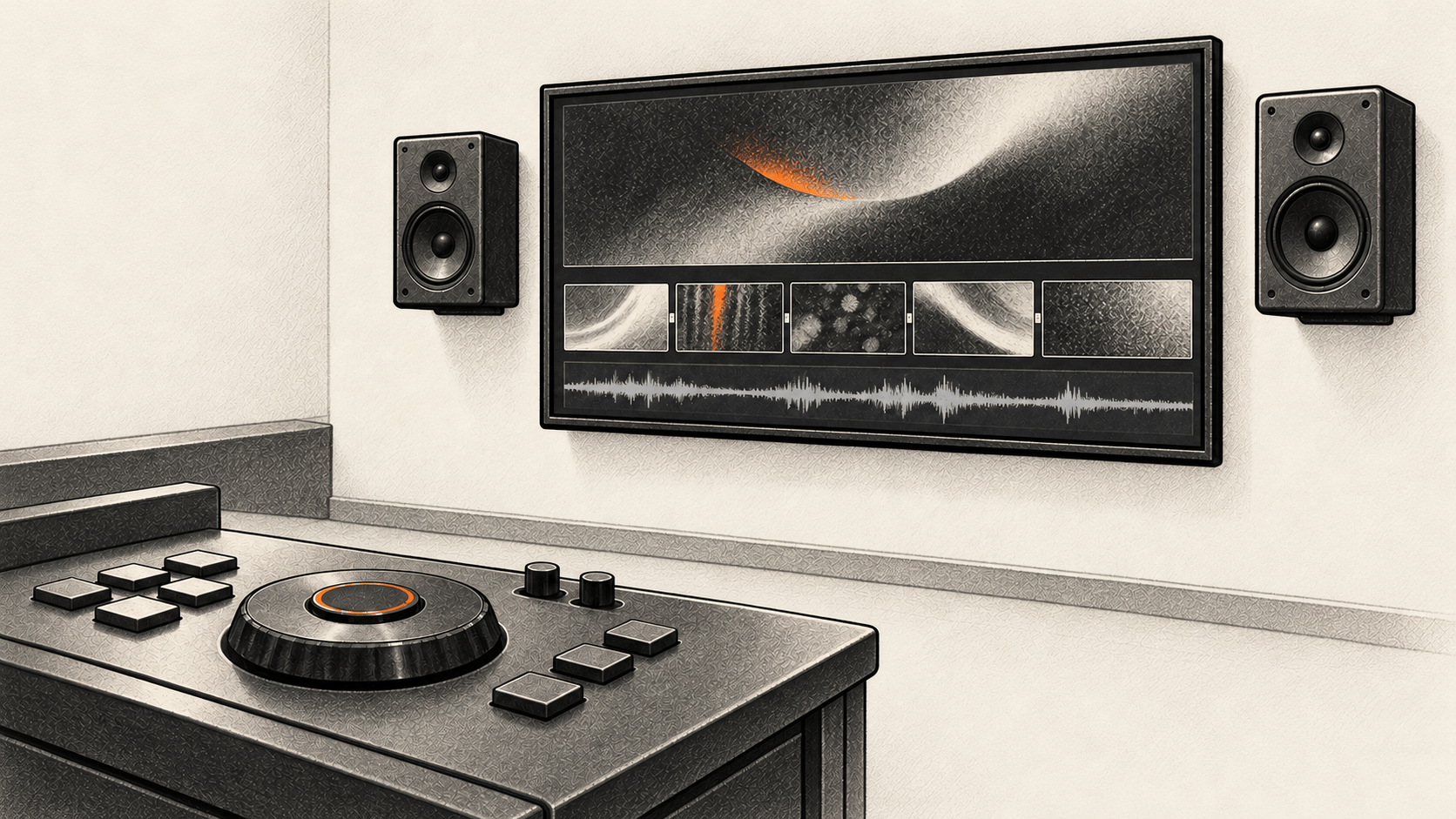
Plan a multi-shot AI film in Claude, make Nano Banana Pro and Seedance 2.0 shots in Luma, test their actual files in Resolve, and check the finished film's full cost.
Build a complete Claude Code project manual from verified repository facts, review its exact saved version, and check it in a new session.
Use Gemini's Pro and Full music controls to prompt an original structured song, then listen to and reopen the downloaded MP3 before a human rights decision.