Make, revise and share a game with Google Playground
Google's experimental Playground turns text prompts into playable browser games. This guide covers access, revisions, testing, sharing and export, then examines the platform's gaming implications.
Explore BIG CHANGE reporting on AI Models & Tools: what changed, how it works and why it matters.
Google's experimental Playground turns text prompts into playable browser games. This guide covers access, revisions, testing, sharing and export, then examines the platform's gaming implications.
Newly linked teen test accounts received no parental alerts during scripted crisis conversations, the Youth AI Safety Institute reports. OpenAI disputes the test timing.
Arcmira's n8n workflow returns up to three timestamped transcript passages. Editors still need to check the source, speaker, cut and reuse rights.
Claude for Google Workspace is in public beta for paid plans. This documentation-based guide covers editing an open Google file, approval controls, setup and limits.
OpenAI's collection contains 722 manuscripts in 372 families. A close look at one Lean proof configuration shows how to inspect versions, scope and checking requirements.
Continues From unit distances to Navier-Stokes: AI mathematics reaches a new phase
Google's EmbeddingGemma 2 brings text, image, video and audio embeddings into one local retrieval model. This documentation-based guide maps the setup and evaluation decisions.
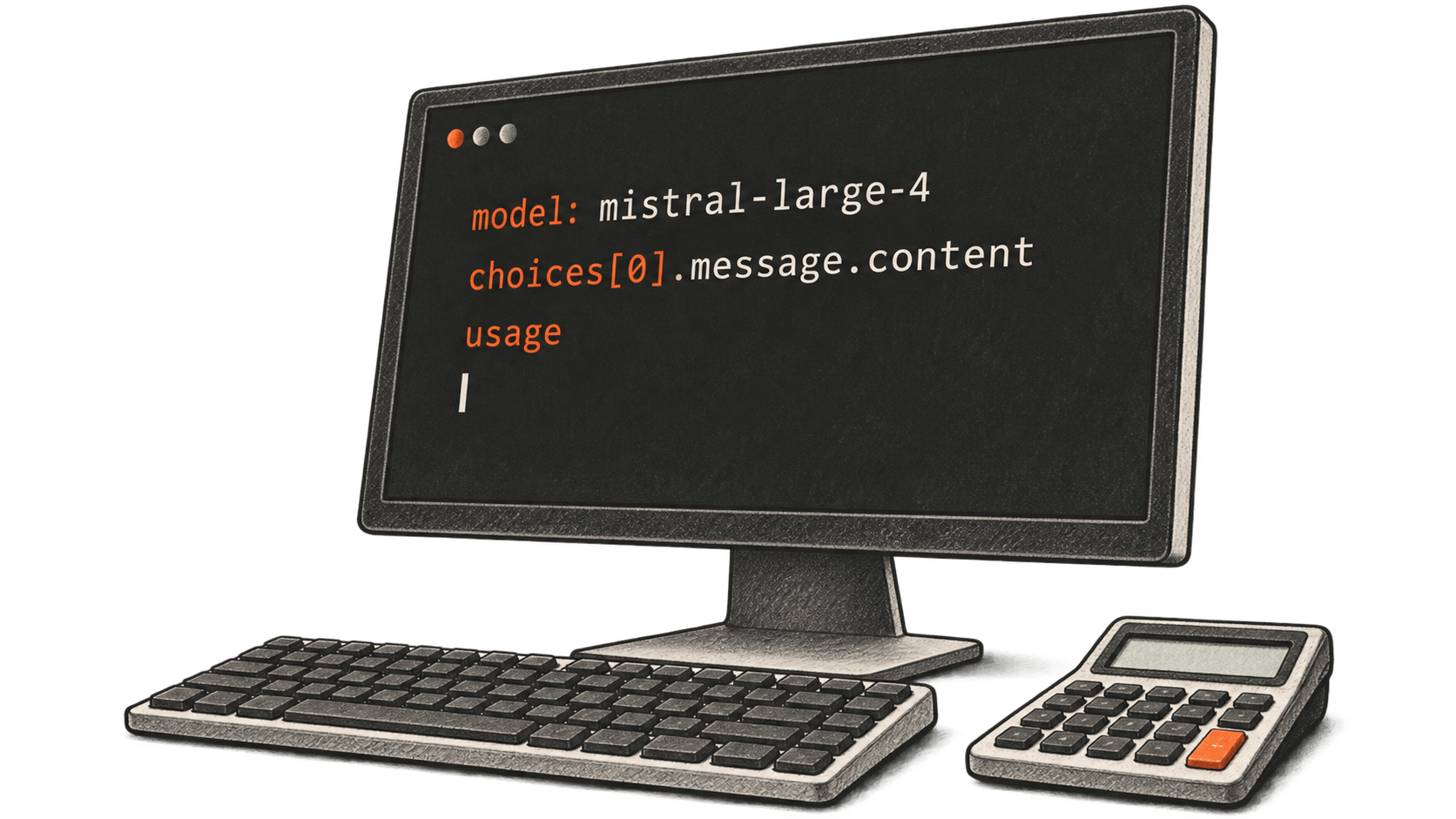
How to call Mistral Large 4 in Public Preview, read its response and calculate a sample token charge from official rates.
Runway's Eleven v4 speech API accepts scripts up to 2,500 characters. This documentation-based guide explains the request, task result, account setup and October 12 price change.
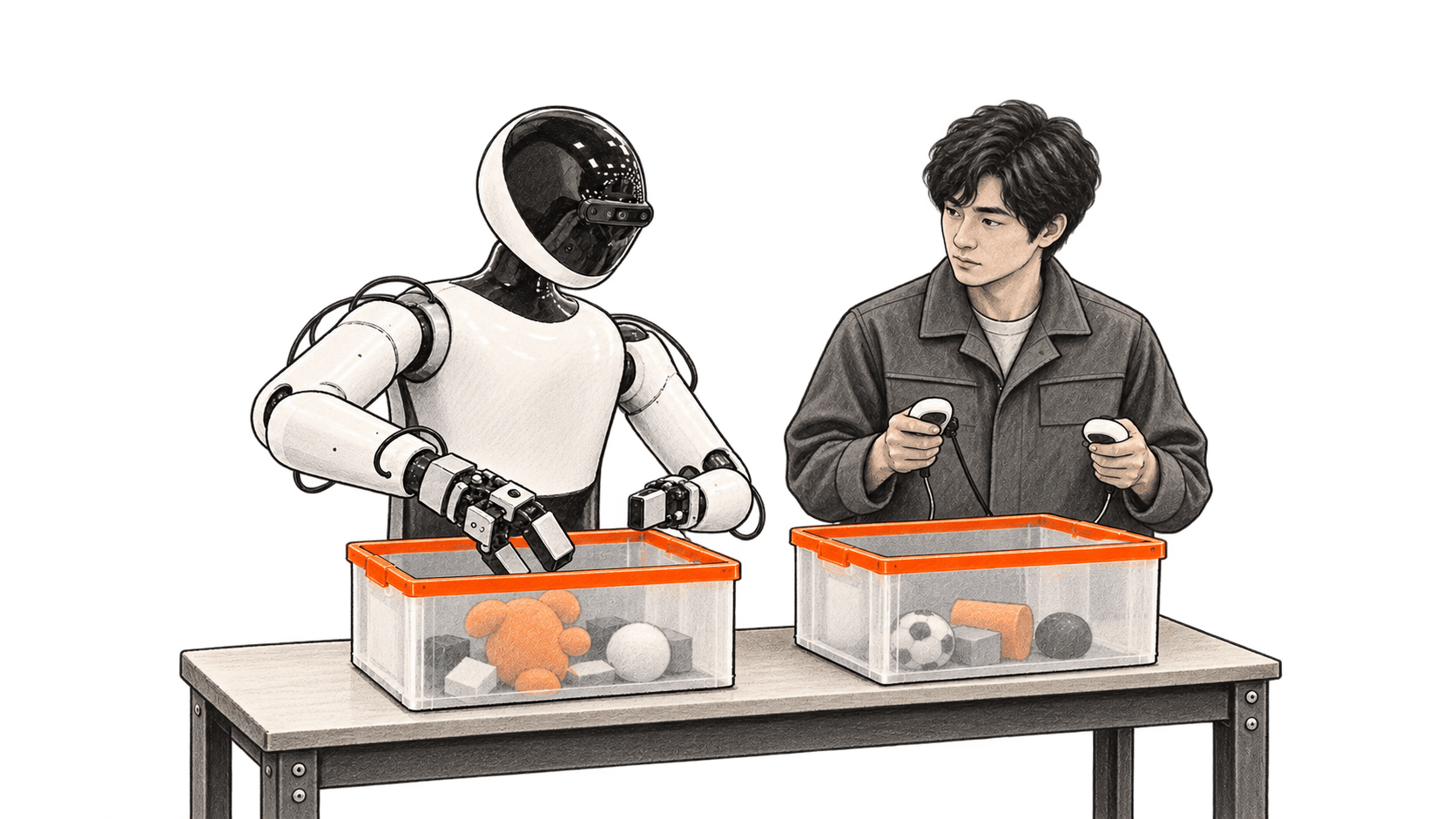
J-HRTI opened a humanoid data facility with 35 robots in August. Japan’s separate ¥387.3 billion FY2026 model program funds research, with no documented grant to the facility.
Google's October 2026 Gemini Apps notice lists Flash-Lite for personal users without a plan, Flash too for AI Plus, and Pro for AI Pro and Ultra after each account's change takes effect.
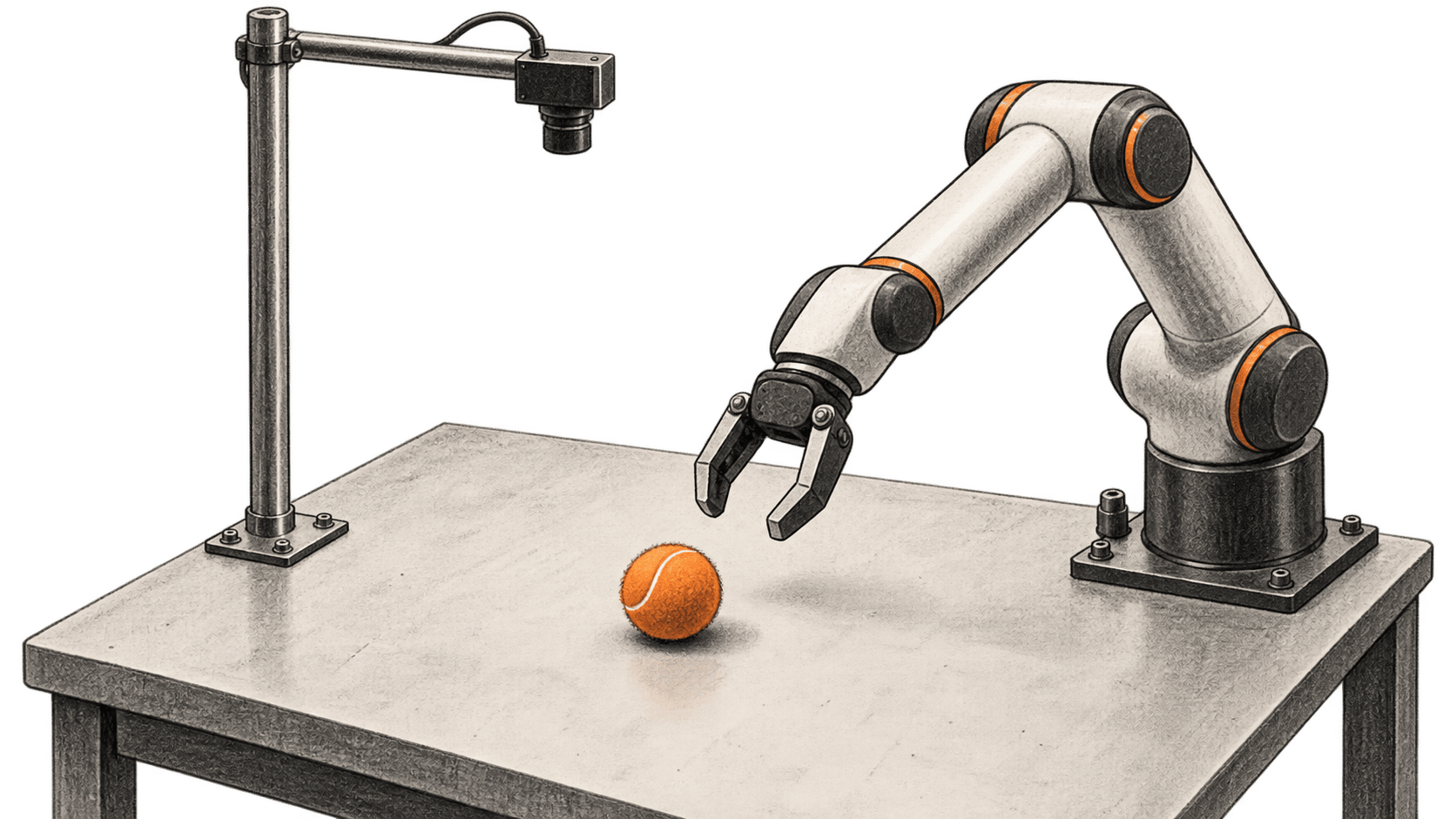
Runway says Praxis-1 applies video pretraining to robot control. Its placement-error comparison offers a limited signal while public weights and fuller evaluation details remain pending.
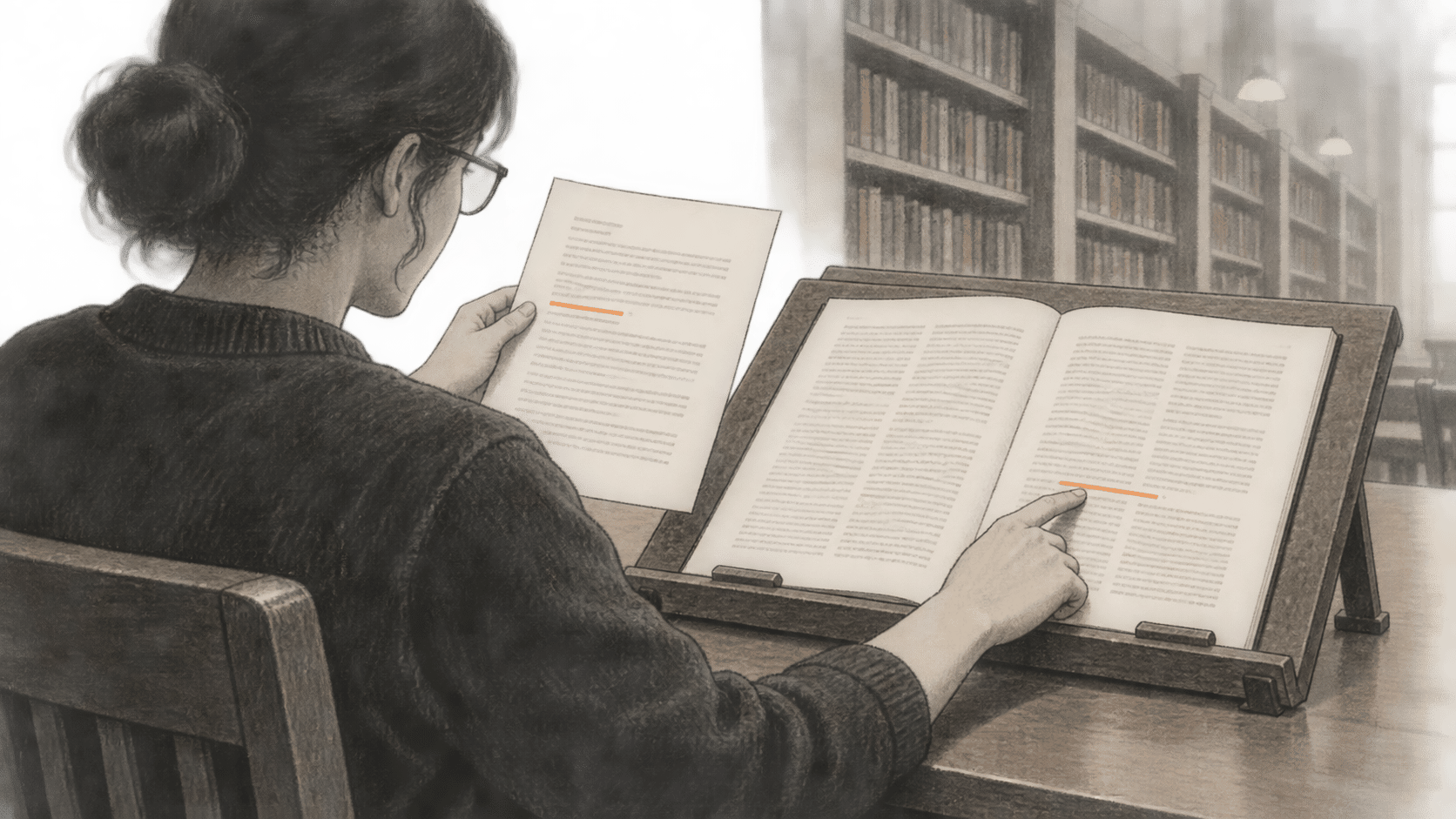
Ai2's open AstaBrief model writes cited reports from a research question and retrieved excerpts. Here is the documented workflow and how to check its claims.
Use FLUX 3 Image layout boxes and reference images for composition or targeted edits. A documentation-based guide to coordinates, retrieval, prices and limits.
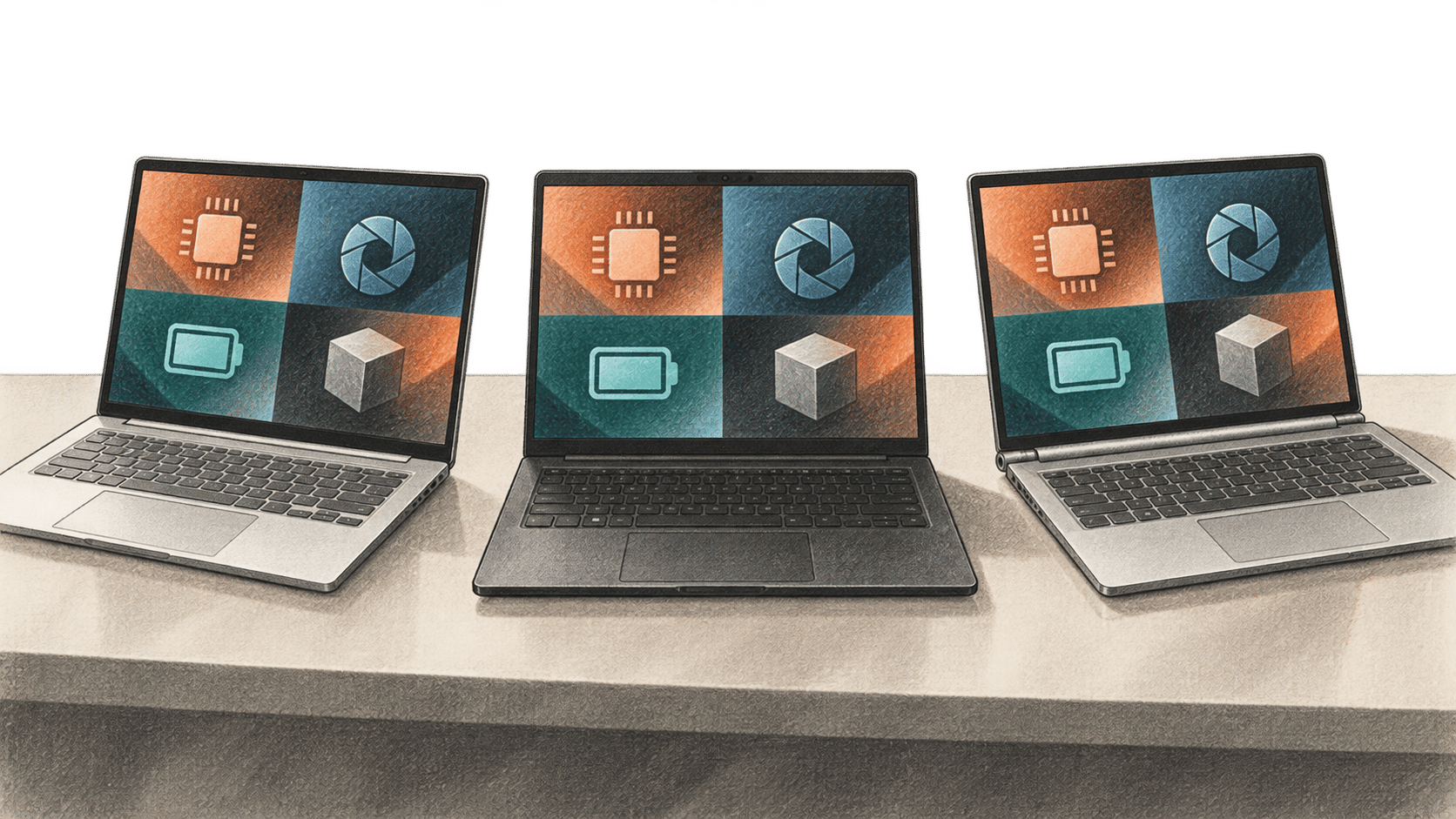
A Qualcomm-commissioned Signal65 report compares three retail 14-inch laptops. The Snapdragon system leads selected CPU and AI tests; the Intel laptop wins graphics and sustained Office runtime.
Microsoft's new streaming transcription model returns provisional and final text as audio arrives. Its preview API also leaves turn detection and finalization to the client.
Google's Guided Vision can describe what an Android camera sees. Follow the documented steps to enable it and ask about a small label, with its safety limits in view.
In Tavus-run one-minute calls, 26 of 54 people believed Griffin-Lite was a person. The study, NVIDIA benchmark and limited preview answer different questions.
Create or duplicate a Shopify theme in Canvas, review it while unpublished and check early-access requirements, publishing controls and launch limits.