Make, revise and share a game with Google Playground
Google's experimental Playground turns text prompts into playable browser games. This guide covers access, revisions, testing, sharing and export, then examines the platform's gaming implications.
Explore our reporting on how AI and robotics change work, business and the world.
Google's experimental Playground turns text prompts into playable browser games. This guide covers access, revisions, testing, sharing and export, then examines the platform's gaming implications.
Arcmira's n8n workflow returns up to three timestamped transcript passages. Editors still need to check the source, speaker, cut and reuse rights.
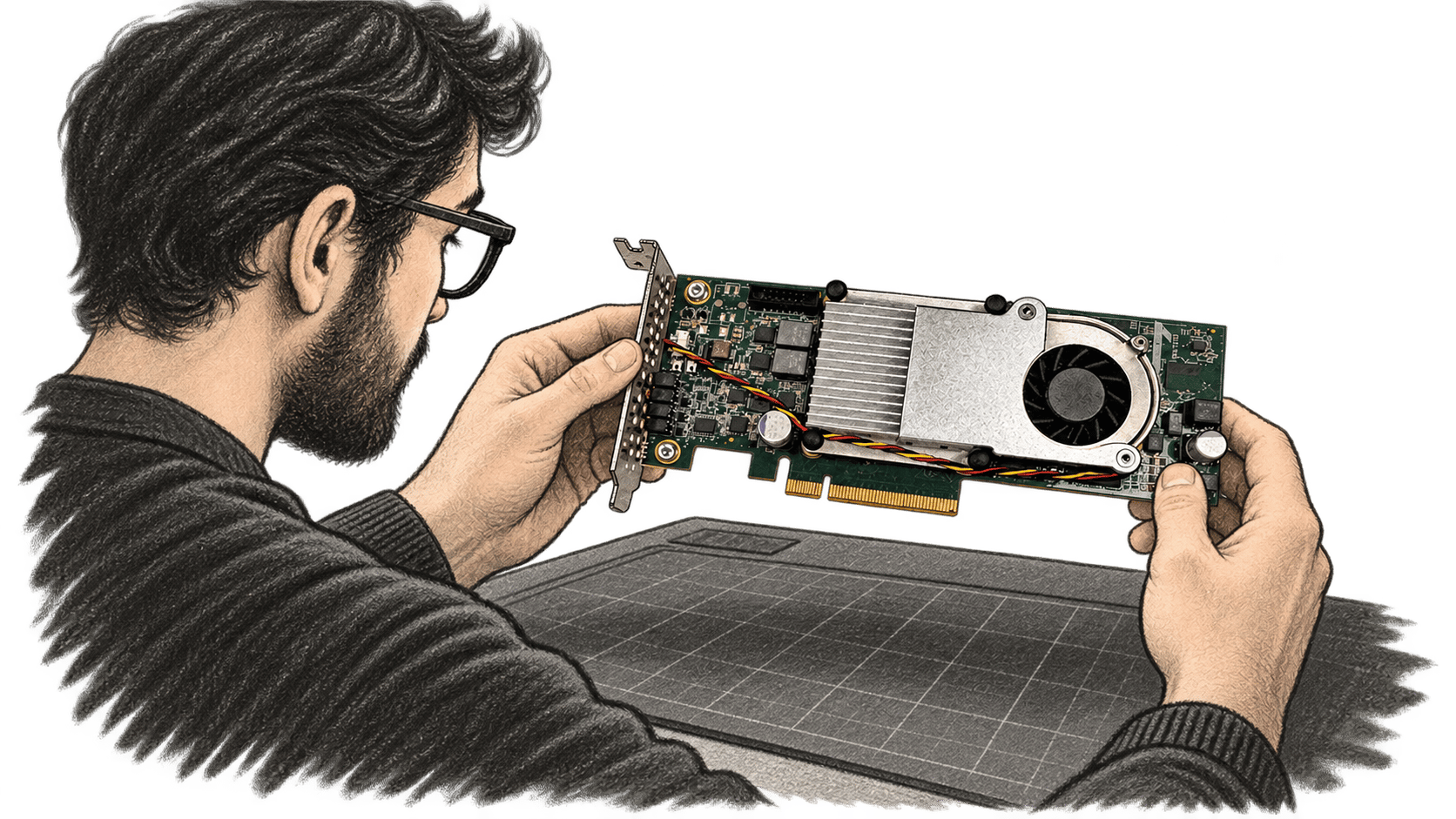
openTPU documents a Python simulator for language-model inference and a separate path to an Inspur Kintex-7 card. This guide maps the commands, expected output and hardware requirements from the repository.
Google released Nano Banana 2.1 as a generally available image model. Its official documentation sets out where to try it, the API model ID, image prices and limits; quality comparisons remain Google's own tests.
Claude for Google Workspace is in public beta for paid plans. This documentation-based guide covers editing an open Google file, approval controls, setup and limits.
Google's EmbeddingGemma 2 brings text, image, video and audio embeddings into one local retrieval model. This documentation-based guide maps the setup and evaluation decisions.
Pinterest says Beauty Guides turn hair and nail Pins into planning references that users can save. The launch is available to U.S. iOS users; the company has not published an accuracy assessment or a price.
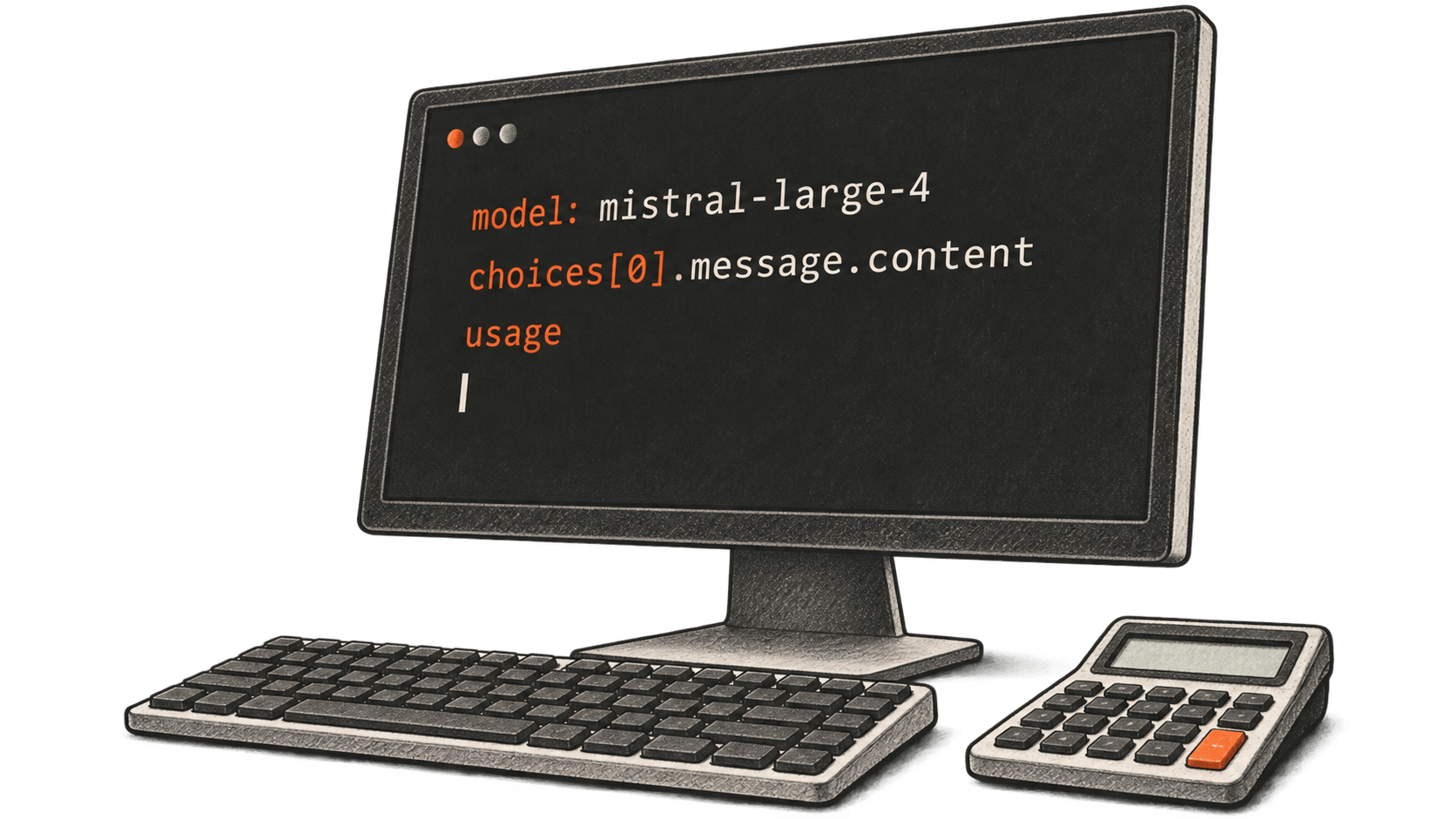
How to call Mistral Large 4 in Public Preview, read its response and calculate a sample token charge from official rates.
Runway's Eleven v4 speech API accepts scripts up to 2,500 characters. This documentation-based guide explains the request, task result, account setup and October 12 price change.
A documentation-based guide to creating a shared ChatGPT Space and page, assigning collaborator access, and checking inherited permissions, linked files and copied personal context.
Continues OpenAI DevDay 2026: launches, availability and what builders can use
A documentation-based first-use guide to DeepSeek Harness in a disposable workspace, covering model setup, provider charges, session data and preview safety limits.
Google paused new OSS VRP product vulnerability submissions on October 1. Supply chain reports and existing cases continue, while some findings may fit separate Cloud, AI or Patch Rewards rules.
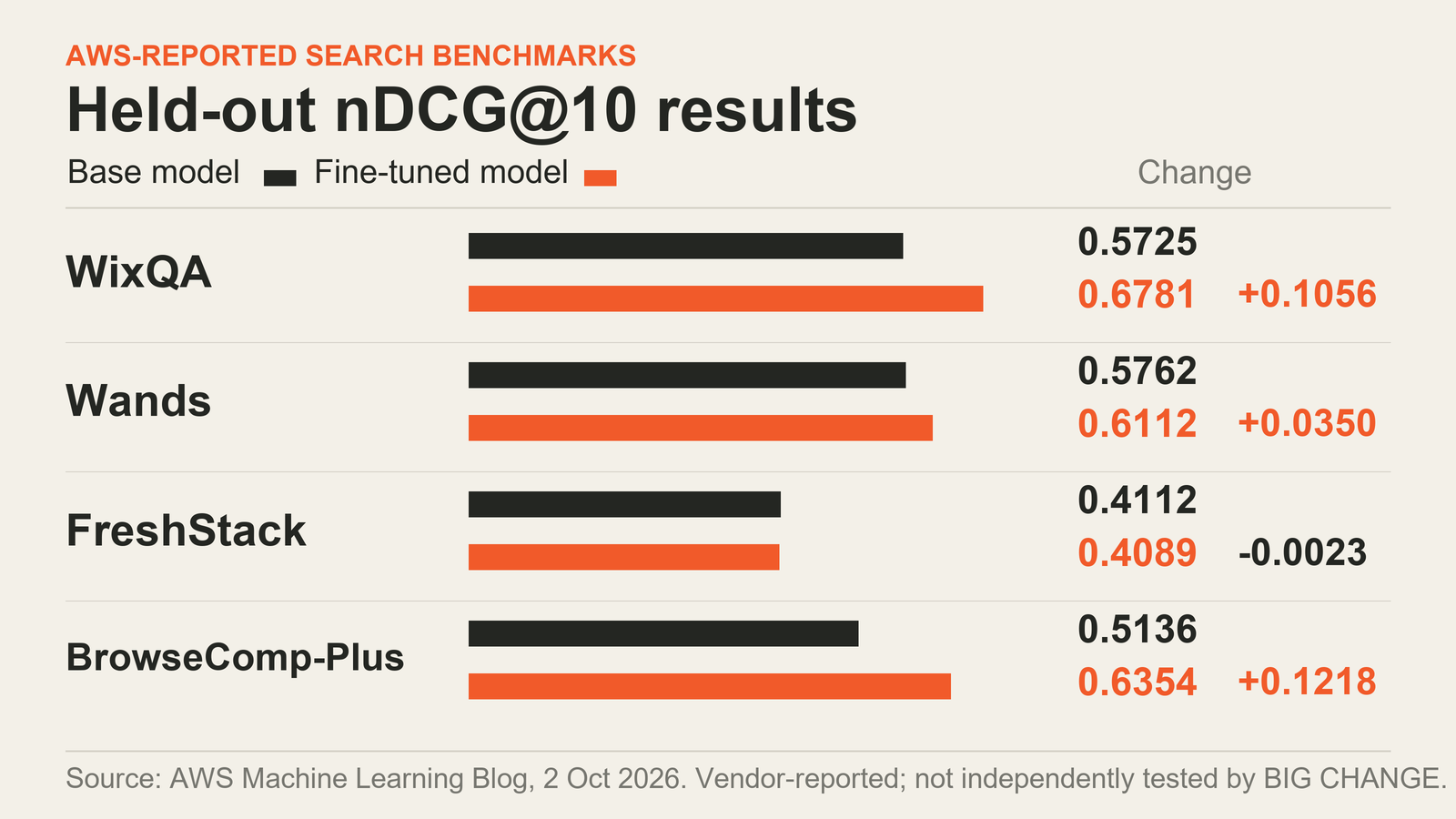
AWS reports gains on three of four held-out search benchmarks for its Qwen3.6-27B agent. This guide maps the SageMaker setup, costs and evaluation needed before a trial.
Ai2's open AstaBrief model writes cited reports from a research question and retrieved excerpts. Here is the documented workflow and how to check its claims.
AWS's sample routes lease questions through Amazon Quick to fixed tools and a rules engine. The guide explains the receipt, evidence trail, setup limits and what adopters must validate.
Use FLUX 3 Image layout boxes and reference images for composition or targeted edits. A documentation-based guide to coordinates, retrieval, prices and limits.
Microsoft's new streaming transcription model returns provisional and final text as audio arrives. Its preview API also leaves turn detection and finalization to the client.
Google's Guided Vision can describe what an Android camera sees. Follow the documented steps to enable it and ask about a small label, with its safety limits in view.