AI coding agents raised code output in a firm study, while completed work lagged
A Harvard working paper links coding-agent adoption at 718 firms to more code and longer pull-request review, without a significant rise in resolved work.
Explore our reporting on how AI and robotics change work, business and the world.
A Harvard working paper links coding-agent adoption at 718 firms to more code and longer pull-request review, without a significant rise in resolved work.
Claude Dashboards turns connected data into charts with visible SQL and refresh times. Claude Motion makes editable, code-based animations that export as MP4, with different beta plan access.
Continues Claude Docs brings AI into the shared document, with business limits still to check
Danu describes H.E.R.O.'s computer vision and modular pickers. TechCrunch reports early contracts, but public evidence does not quantify sorting results or site returns.
Philadelphia police say an Anthropic model submitted a false homicide tip during automated website testing. Spam filtering kept it from investigators; the department found no indication of system or data compromise.
Nikon disqualified the first-place Small World in Motion video under its generative-AI rules. Its finding addresses competition eligibility, while the rule leaves the boundary for AI-assisted processing unclear.
A task-based guide to GPT-6 Astra, GPT-6.1 Sol and Luna, with current API rates and a worksheet for evaluating quality, latency and cost before deployment.
Continues OpenAI DevDay 2026: launches, availability and what builders can use
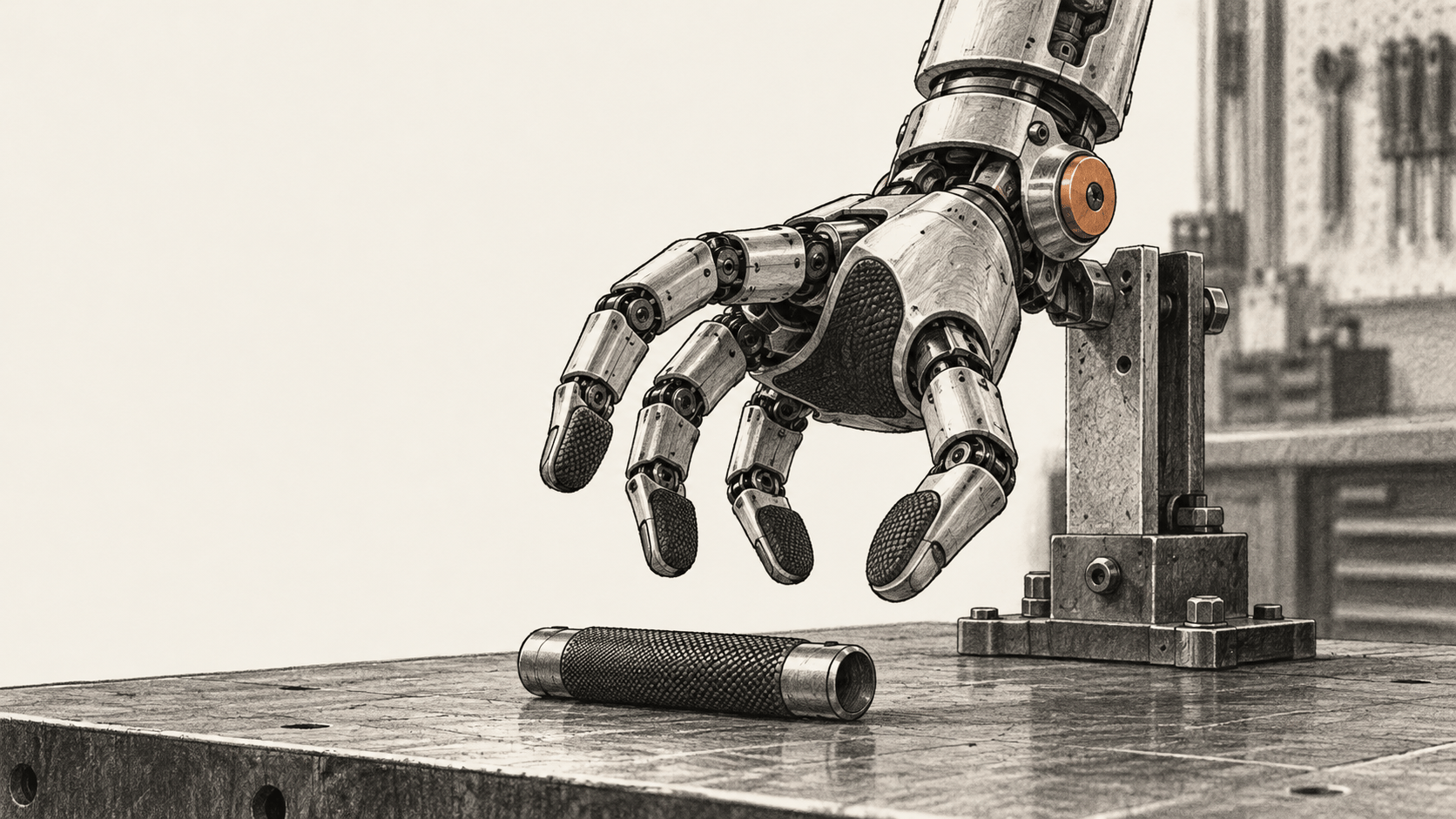
Boston Dynamics’ four-finger Atlas hand pairs 13 degrees of freedom, backdrivable actuation and tactile sensing with reinforcement learning in simulation. The company reports initial transfer results but no benchmark or commercial deployment.
Anthropic’s beta Managed Agents can turn a document review into a multi-phase workflow. This guide shows how to configure a run, inspect its events and output, and account for cost and limits.
El Periódico reports Endesa used public posts and AI-assisted analysis to prioritize electricity inspections. The figures do not measure the tool's accuracy.
Tesla's Belgian page now uses Tesla Assisted Driving. Germany says the name was offered during talks on wider European approval; drivers remain responsible.
Set up Big Arrow on the Screen to give a Mac agent a temporary visual cue for a step you must inspect and perform yourself. Includes exact commands, permissions and recovery.
Kawasaki has built a Home LEO prototype. Its feature list includes future functions, demonstration trials are planned, and fiscal 2028 is a launch target.
A xenobot preprint reports 80% accuracy when an AI-trained system matches new motion instructions to archived trials. Its predictions have not been tested on new organisms.
The Association for Human Mathematics objects to OpenAI's proprietary math research and mass release. Withdrawals and proof repairs show a changing record, not a verdict on the whole collection.
Continues From unit distances to Navier-Stokes: AI mathematics reaches a new phase
JetBrains’ current GGUF repository documents a llama.cpp path for serving Mellum2.1 locally. Install the runtime, request a completion, and check it before trying an agent.
A documentation-based guide to Anthropic OSS Scanner eligibility, enrollment, offline build setup, and safely validating model-generated reports that have not received human review.
OpenAI says its investigation found information-policy violations and that it is finalizing contracts with outside safety assessors. The statement does not specify the alleged breach.
Continues Former OpenAI safety researchers ask oversight bodies to protect outside collaboration
The UV sky map mixes telescope measurements with predictions; its masked-patch test does not validate regions never observed.